
Six compressors. Up to three at once.
Build a compression chain from six distinct characters, with up to three stages working together. Start with Auto or shape each stage yourself, then fine-tune the overall feel with simple Grip, Feel and Colour controls.
VST3 · AU · AAX · macOS & Windows
- ✓ Instant Download
- ✓ Secure Checkout
- ✓ License Key by Email
- ✓ Free Updates
 WM Serial Comp V6
Every Control, At a Glance
Hover any point on the interface to see exactly what it does.
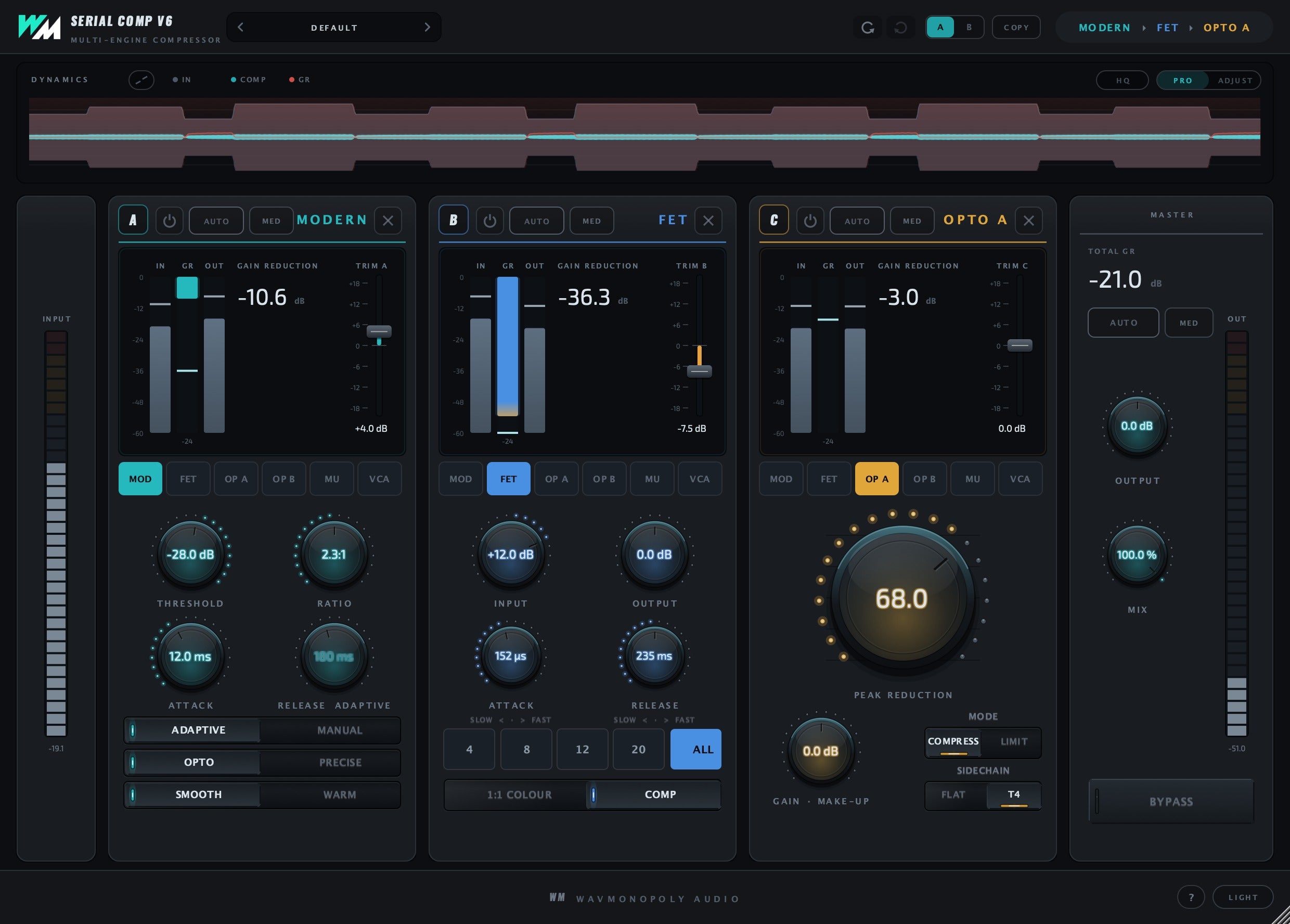
Preset bay
Browse compression chains and starting points.
A/B and Copy
Compare two setups and copy settings.
Signal path
See the order and compressor character of the stages in your chain.
Dynamics display
Watch the compression respond to the audio.
HQ
Choose higher-quality oversampling; higher settings add processing latency.
Pro and Adjust
Switch between detailed controls and simple Grip, Feel and Colour adjustments.
Stage auto and depth
Let Auto suggest stage settings and choose the compression depth.
Stage metering
Monitor the selected stage’s levels and gain reduction.
Trim
Balance the level between stages.
Engine keys
Choose the compressor character for this stage.
FET ratios
Choose a FET ratio, including All for a more aggressive sound.
Peak Reduction
Set the amount of optical compression.
Total gain reduction
See the combined gain reduction across the chain.
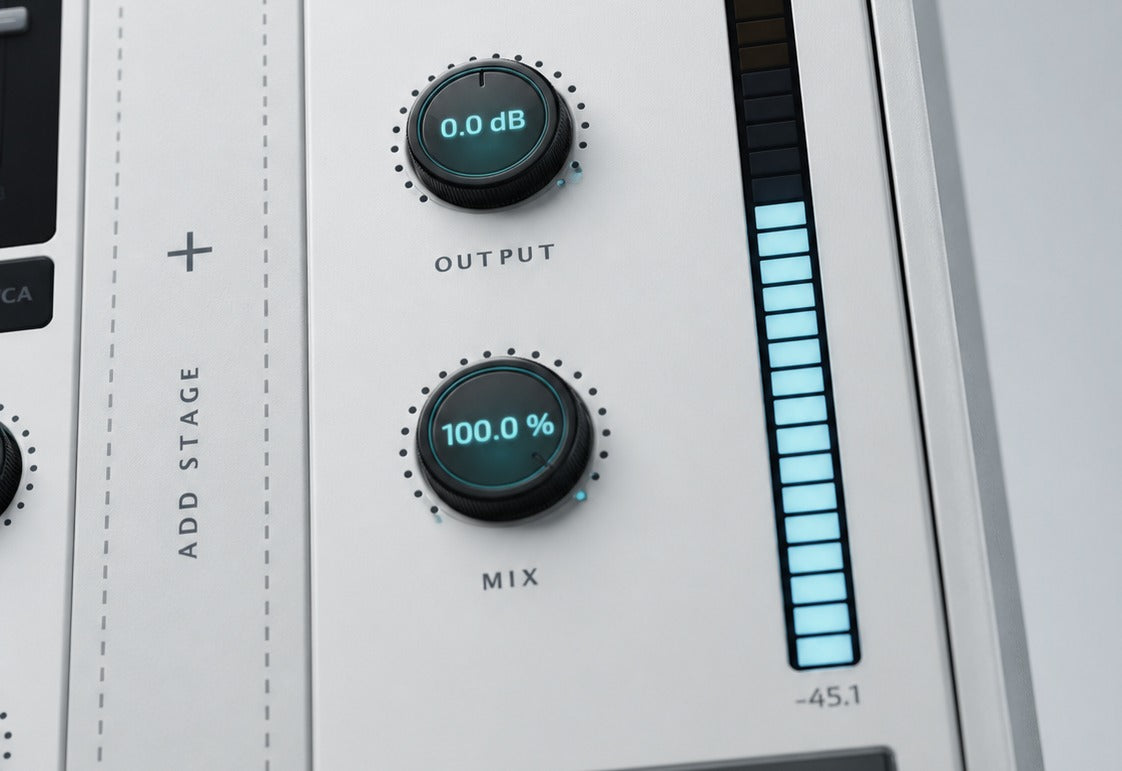
Mix
Blend the full compression chain with the original audio.
Bypass
Compare the chain with the unprocessed signal.
Input and output meters
Check the levels entering and leaving the plugin.
Discover WM Serial Comp V6
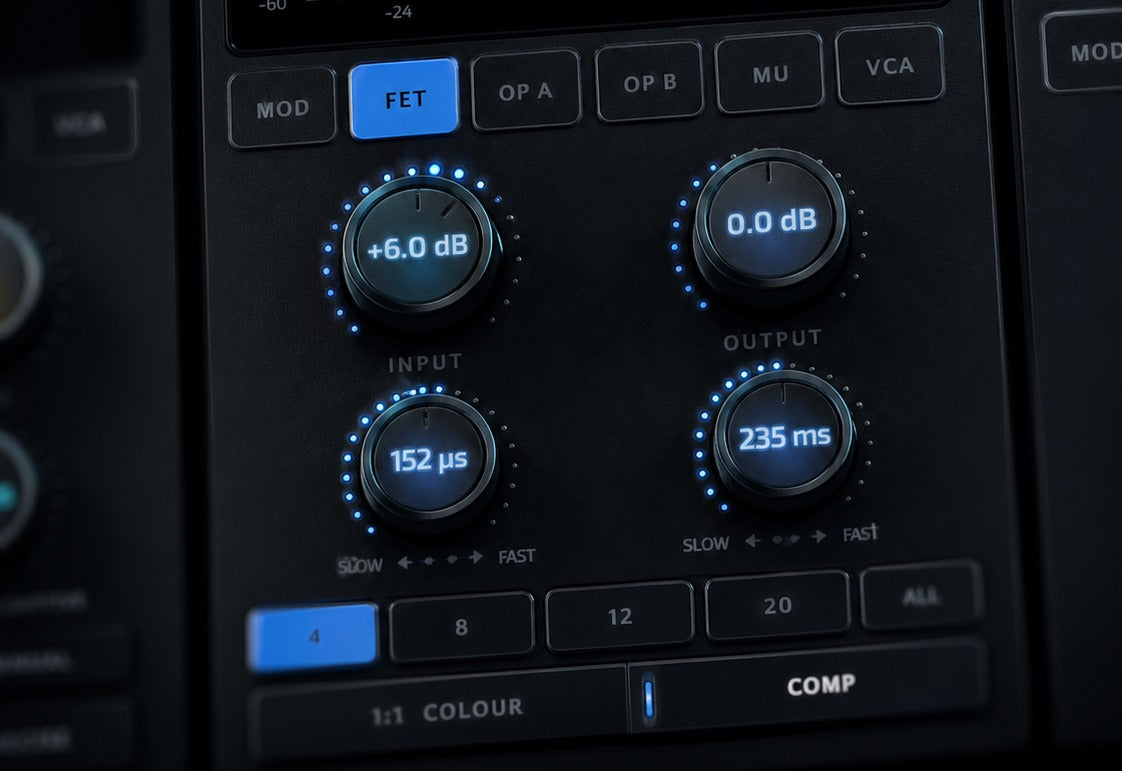
Build your compression chain
- Choose from six compressor characters.
- Combine up to three stages in series.
- Balance and compare each stage as you work.
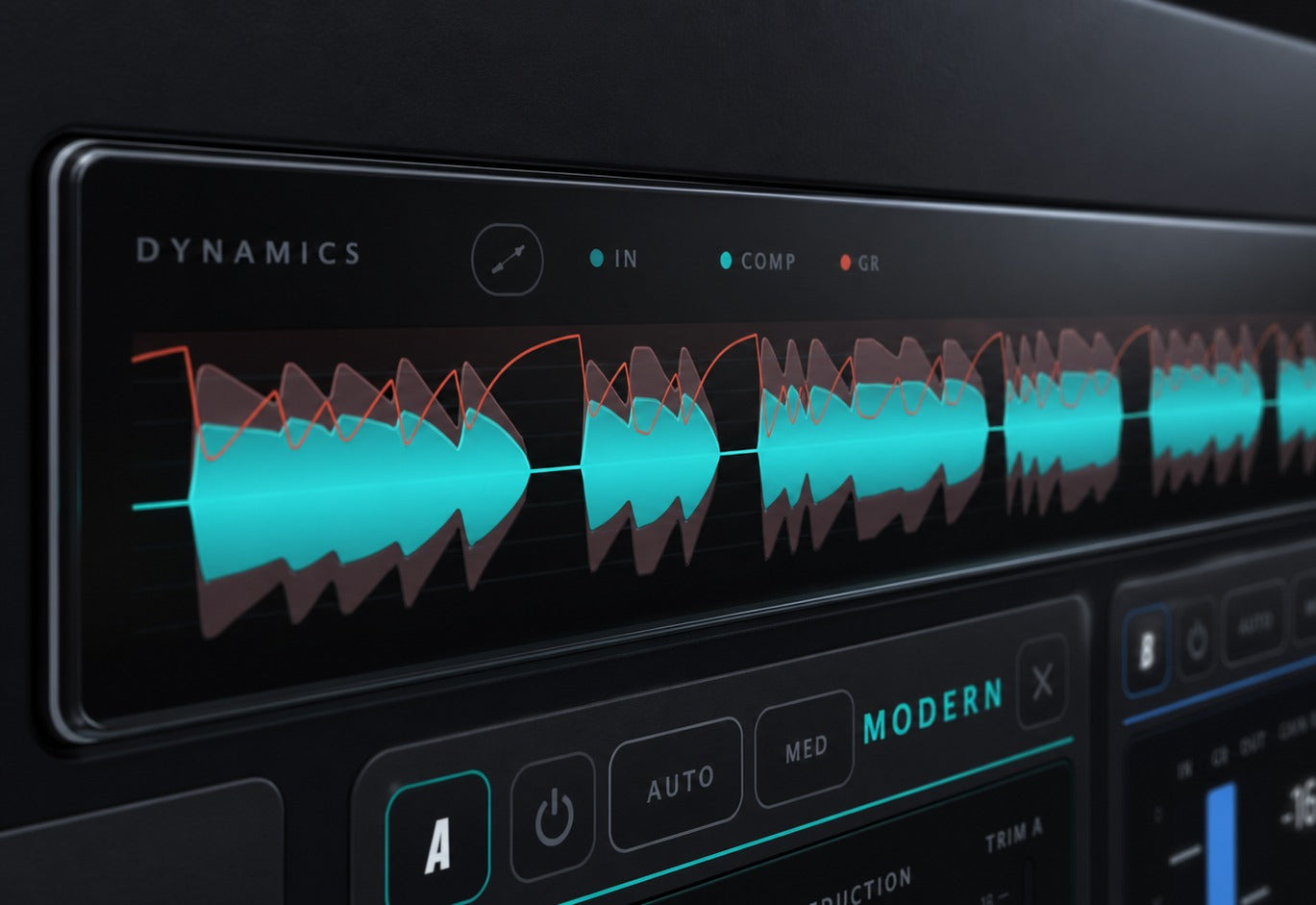
Start with Auto
- Let the plugin listen and suggest settings.
- Choose a style and compression depth.
- Refine the result with the stage controls.
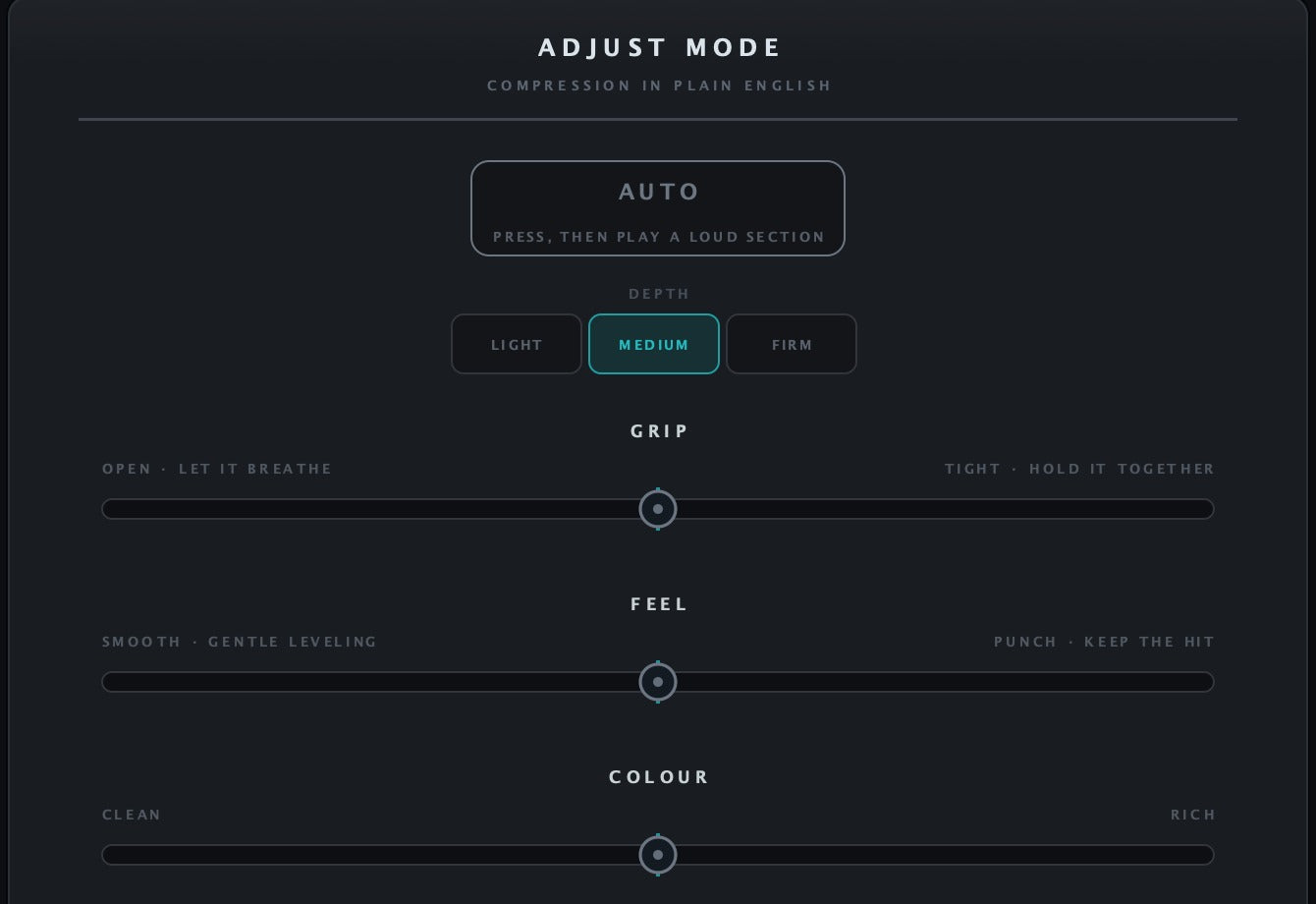
Adjust by feel
- Use Grip to shape the hold on the sound.
- Explore Feel and Colour for broader character changes.
- Switch to Pro for detailed control.
Keep the session moving
- Browse presets or compare setups with A/B.
- Watch stage meters and total gain reduction.
- Blend the chain with the original using Mix.
Built for Every Studio

Get WM Serial Comp V6
One purchase. Lifetime license. Free updates forever.