
It listens first, then cuts
Make precise fixes or broad tonal moves with six flexible EQ bands. Add dynamics where frequencies need control only some of the time, shape the stereo image selectively, or use Auto EQ for an editable starting point.
VST3 · AU · AAX · macOS & Windows
- ✓ Instant Download
- ✓ Secure Checkout
- ✓ License Key by Email
- ✓ Free Updates
 Scalpel EQ
Every Control, At a Glance
Hover any point on the interface to see exactly what it does.
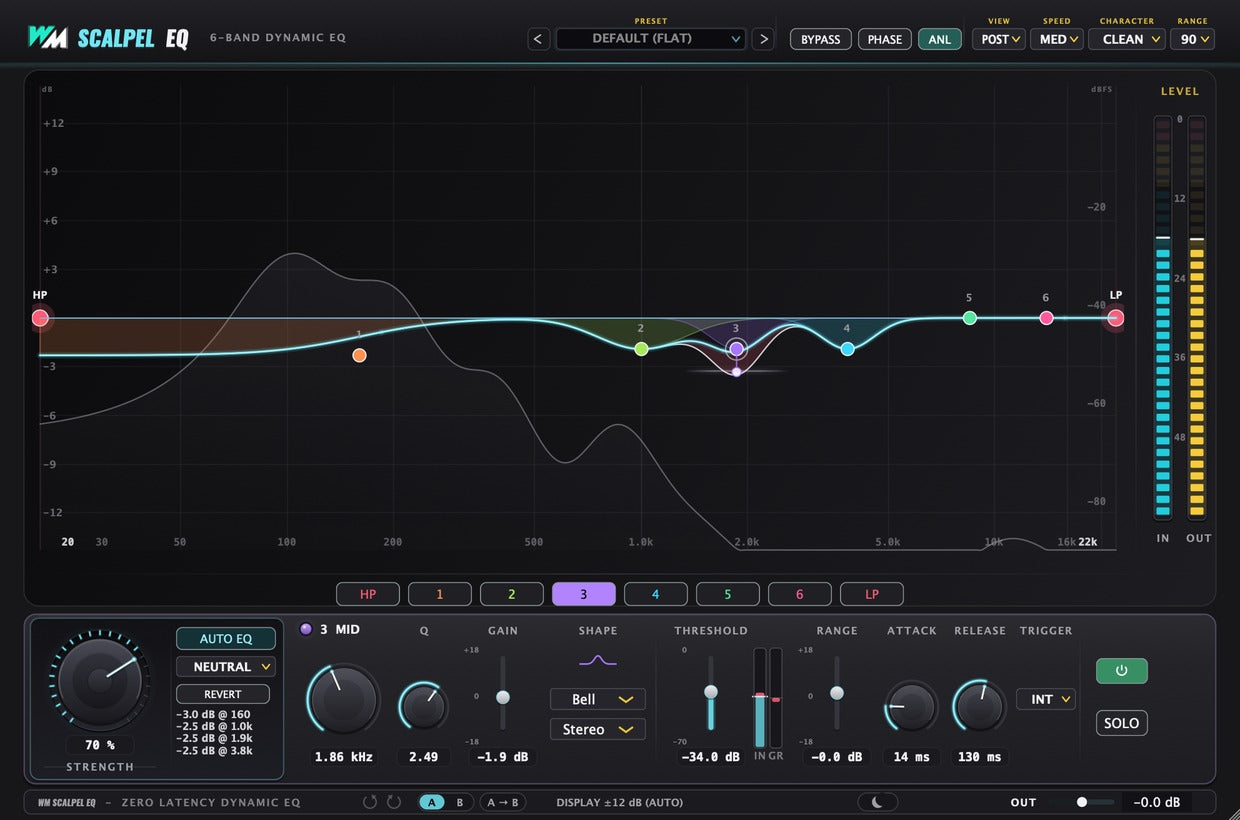
Presets
Browse EQ starting points for different sources.
Analyzer
Watch the frequency balance as you make changes.
Character
Choose Clean, Subtle, Tube or Vintage tone.
High-Pass Filter
Remove unwanted low frequencies.
Band Nodes
Drag a band to shape its frequency and gain.
Low-Pass Filter
Soften or remove unwanted high frequencies.
Band Tabs
Select the band you want to edit.
Auto EQ
Analyse the audio for an editable EQ starting point.
Strength
Adjust how much of the Auto EQ suggestion is applied.
Frequency & Q
Set the band’s frequency and how narrowly it works.
Gain
Boost or cut the selected band.
Shape
Choose the band’s filter shape.
Placement
Apply the band to stereo, mid, side, left or right.
Threshold
Set when the band’s dynamic processing responds.
Dynamic Range
Set how far the band can boost or cut dynamically.
Attack & Release
Control how quickly the dynamic EQ reacts and recovers.
Trigger
Choose internal audio or an external sidechain to trigger the band.
Discover Scalpel EQ

Put each band to work
- Place six bands across the frequency range.
- Choose from eight filter shapes.
- Shape stereo, mid, side, left or right independently.
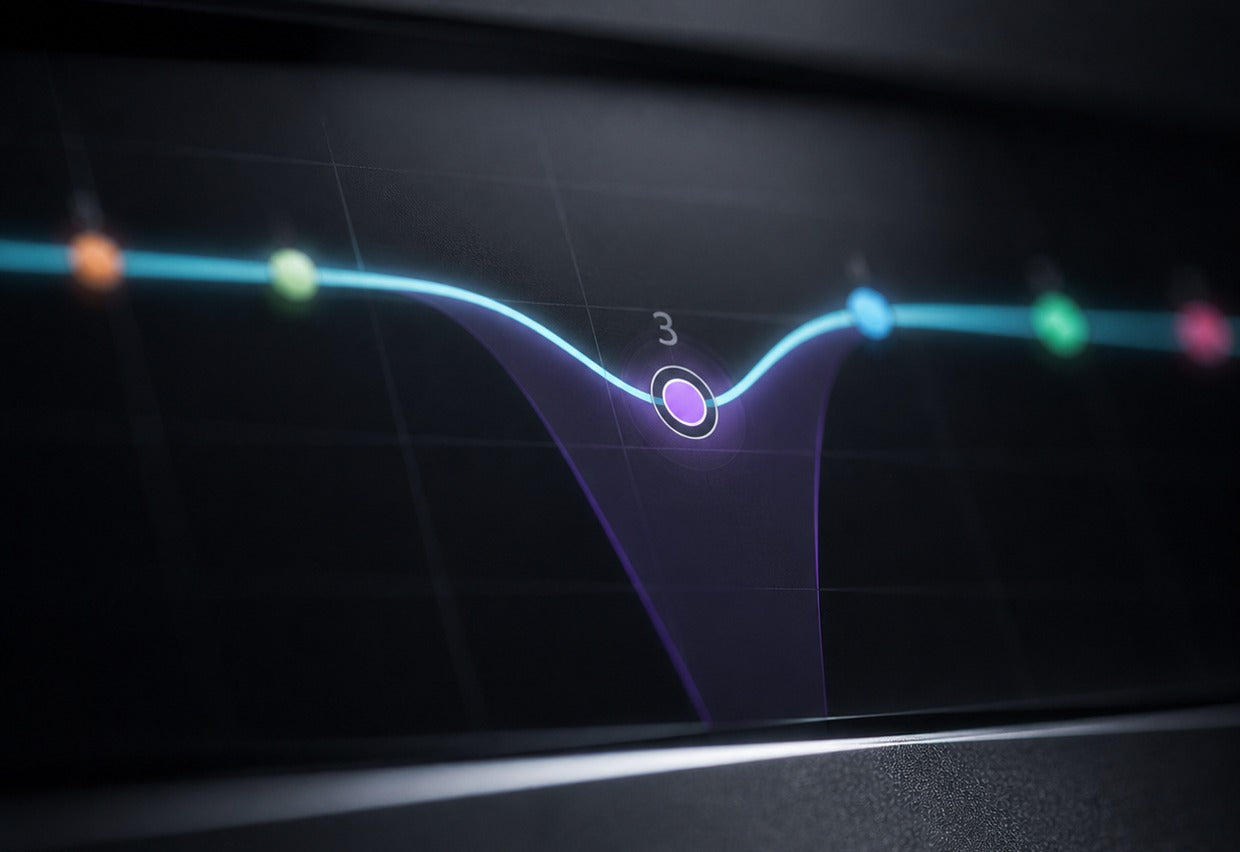
Control changing problems
- Add dynamic movement to individual bands.
- Set the threshold and maximum gain change.
- Trigger processing from the source or an external sidechain.
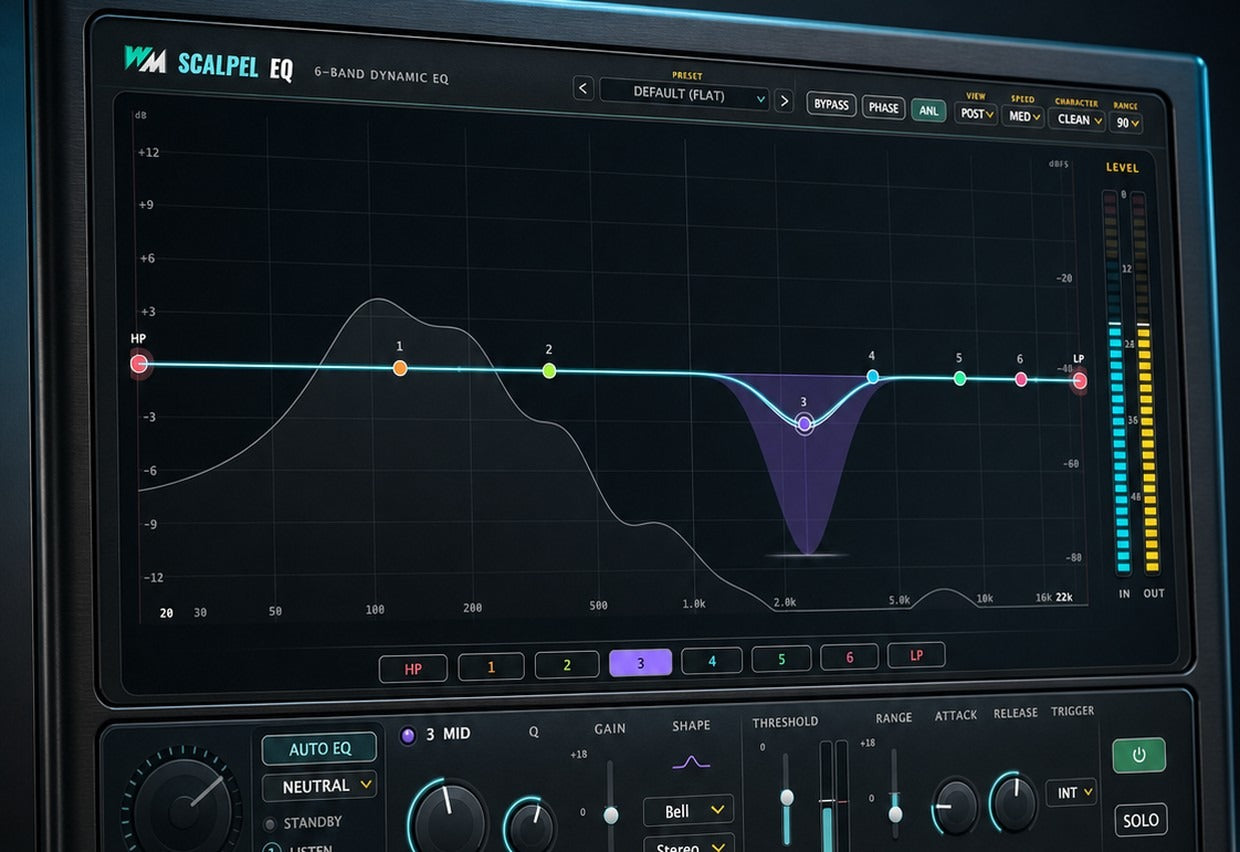
Get to the sound faster
- Use Auto EQ as an editable starting point.
- Adjust the strength or refine each band.
- Choose a tonal character and check the live analyzer.
Built for Every Studio

Get Scalpel EQ
One purchase. Lifetime license. Free updates forever.