
Snapped when you want it, human when you don't
Shape vocals from natural correction to a bold, tuned sound. Choose your key and scale, then explore Modern or Vintage tuning character. Keep expression intact, or reshape pitch and formants in HQ mode.
VST3 · AU · AAX · macOS & Windows
- ✓ Instant Download
- ✓ Secure Checkout
- ✓ License Key by Email
- ✓ Free Updates
 Magnitune
Every Control, At a Glance
Hover any point on the interface to see exactly what it does.
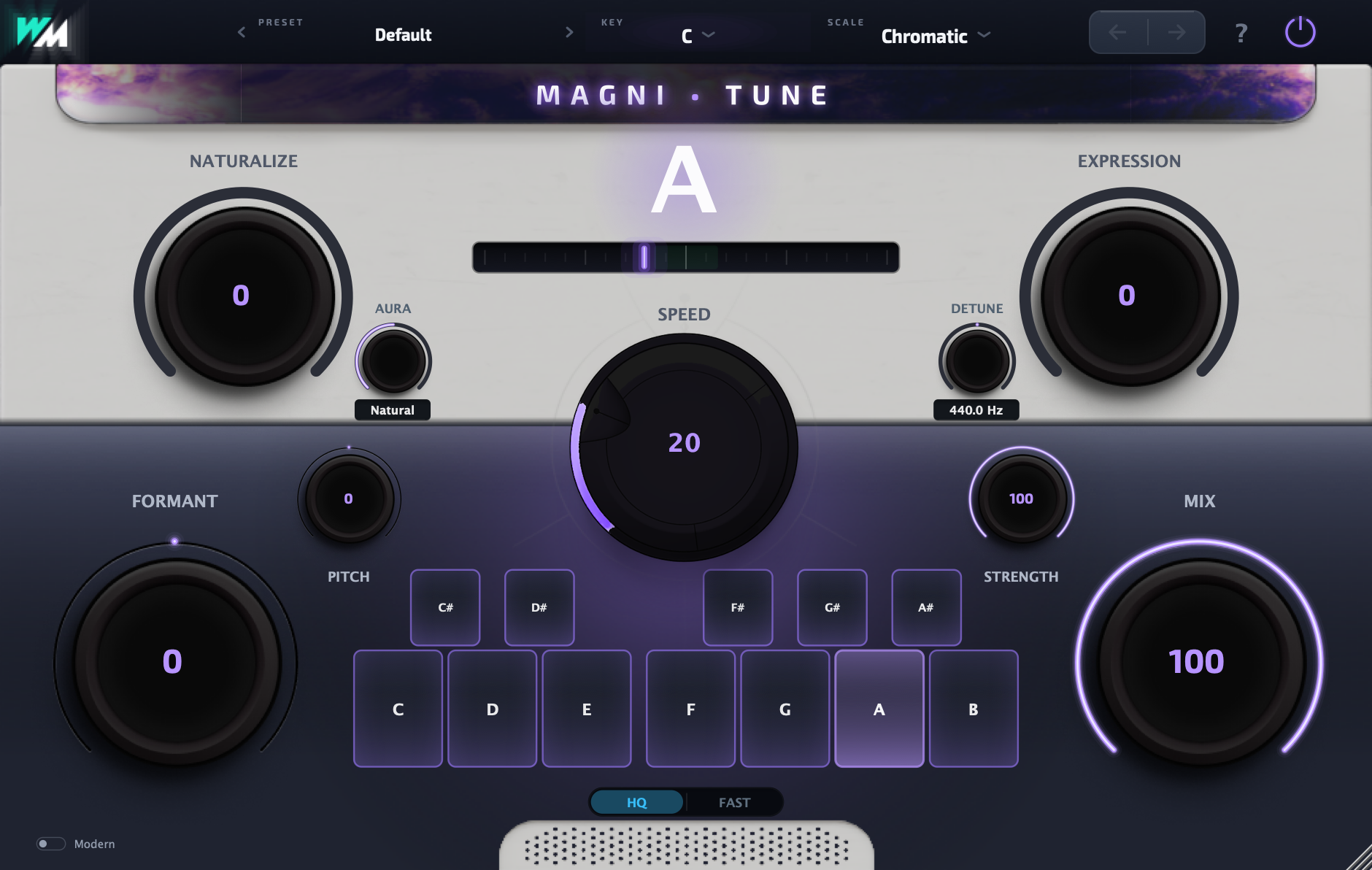
NATURALIZE
Keep vibrato and natural movement on held notes.
EXPRESSION
Let scoops, slides and expressive transitions come through while keeping landed notes in tune.
SPEED
Move from instant, hard tuning to slower, gentler correction.
AURA
Choose Hard, Natural or Smooth to set the feel of the tuning.
STRENGTH
Set how strongly the voice moves toward the target note.
Note & Cents Meter
See the detected note and how close it is to pitch.
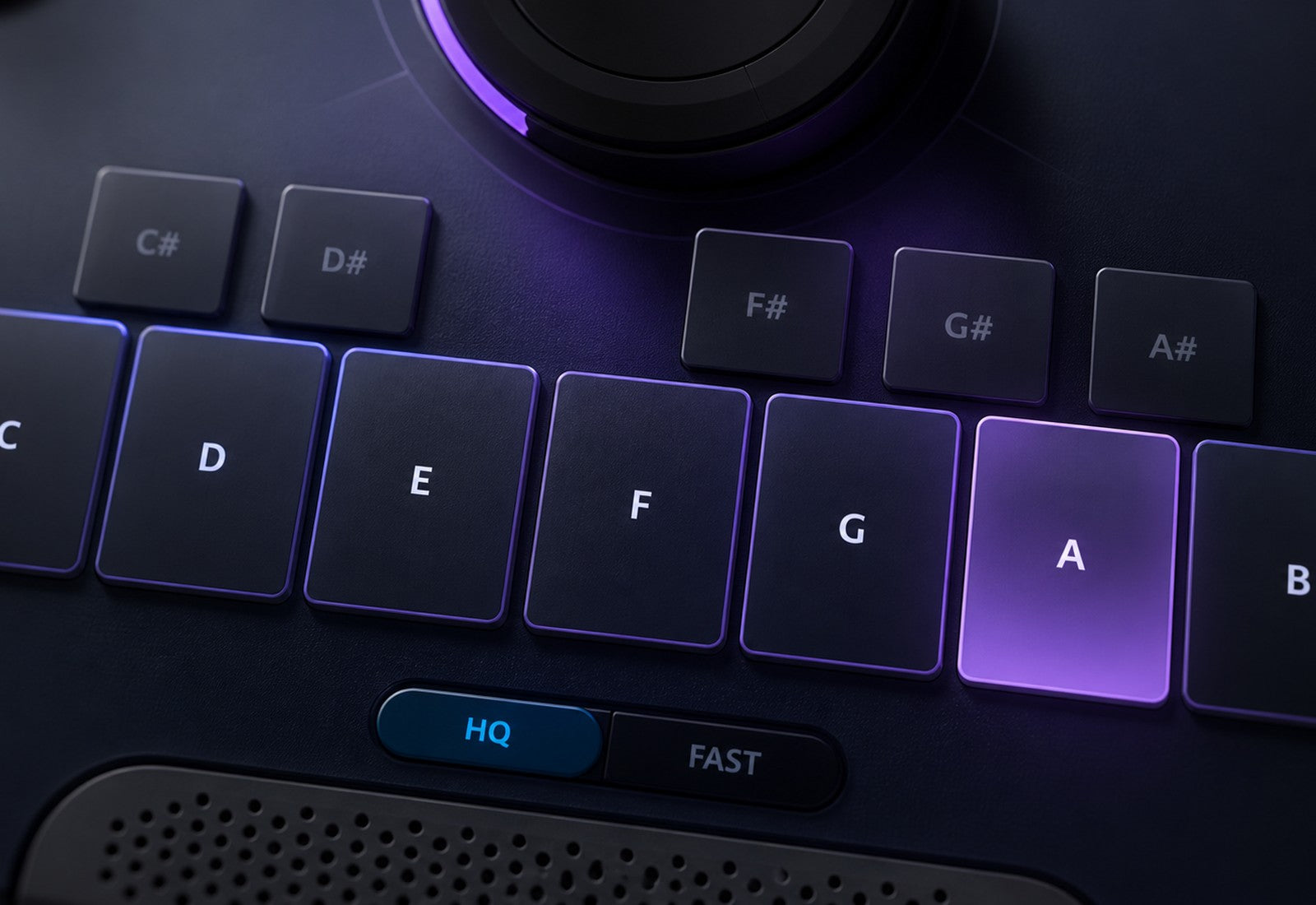
Scale Keys
Choose which notes the voice can tune to.
FORMANT
Change the voice’s character without changing its pitch; available in HQ mode.
PITCH
Transpose the voice up or down; available in HQ mode.
DETUNE
Match the tuning reference of your track.
MIX
Blend the original vocal with the tuned sound.
HQ / FAST
Choose full-quality processing or low-latency tracking; switch modes with playback stopped.
MODERN / VINTAGE
Choose Modern tuning or add subtle held-note movement with Vintage at fast speeds and full Strength.
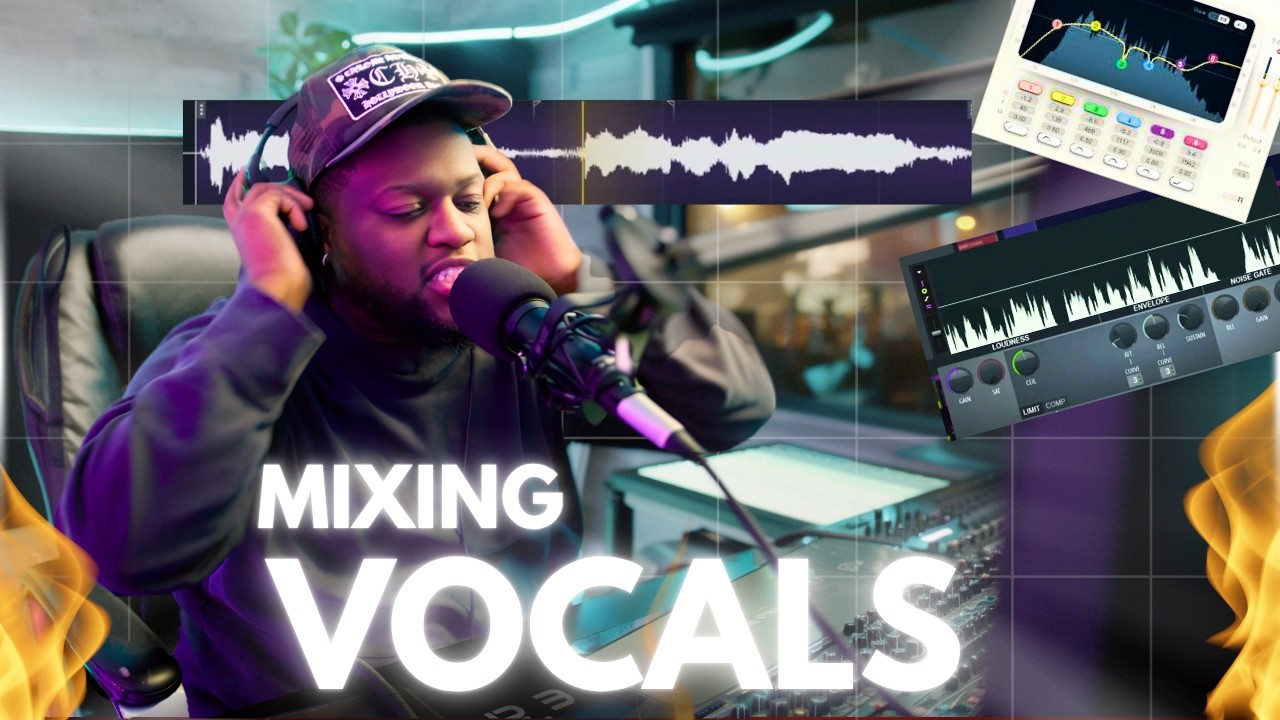
Watch the Demo
 Watch Full Demo
Discover Magnitune
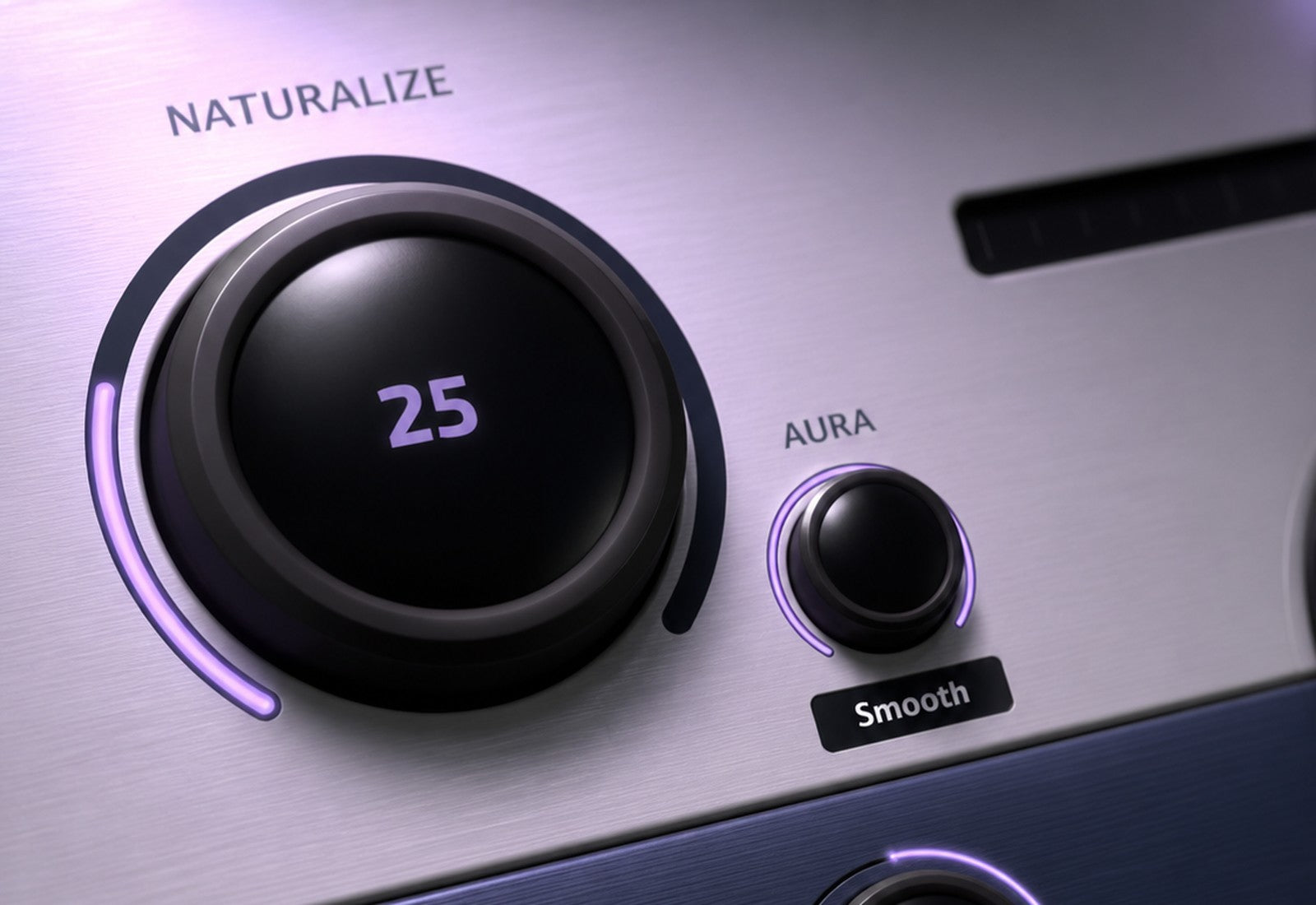
Choose your tuning character
- Switch between Modern and Vintage tuning.
- Keep held notes expressive with Naturalize.
- Let slides and scoops breathe with Expression.
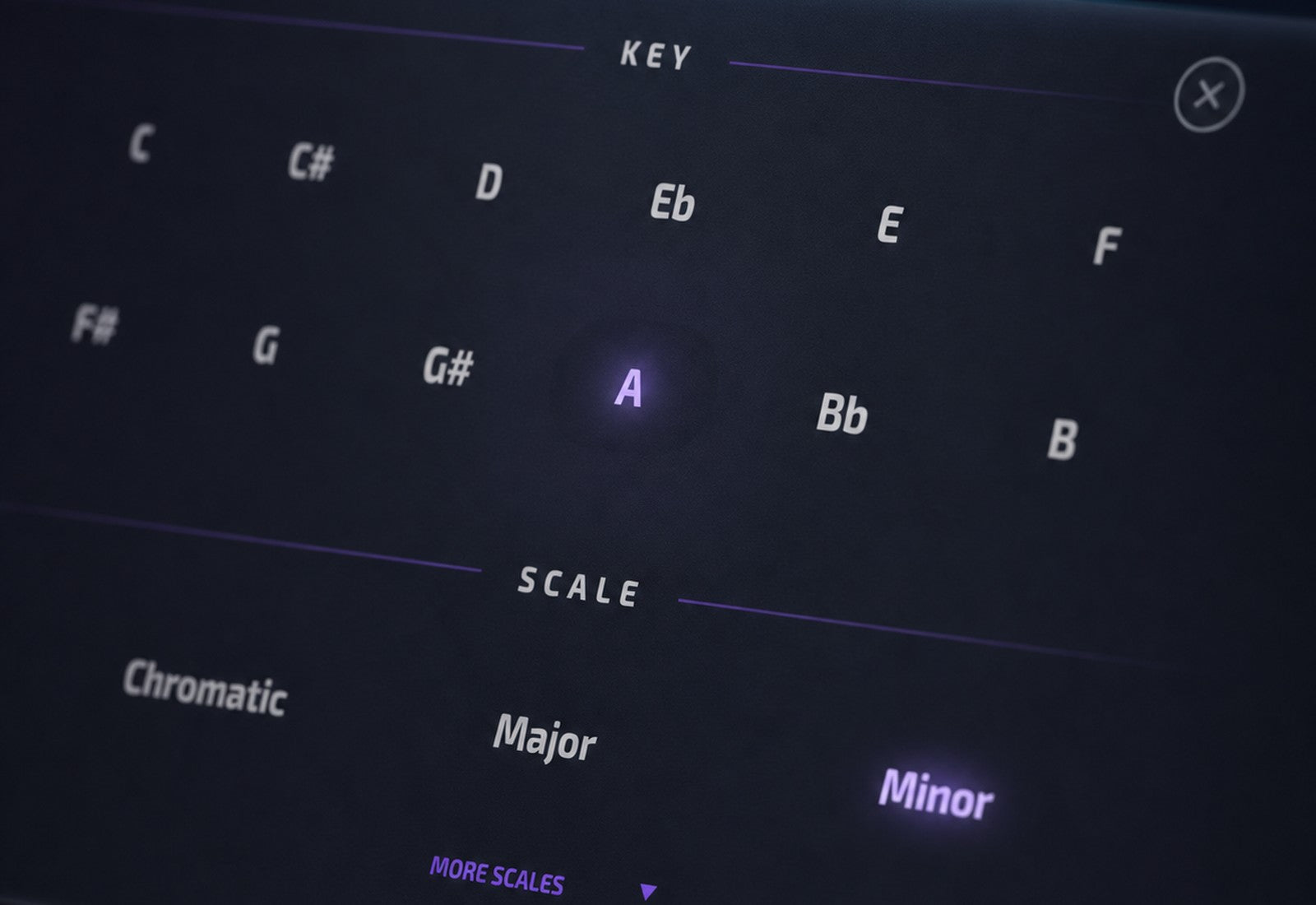
Choose your notes
- Set the key and scale for your song.
- Enable or disable individual target notes.
- Match tracks that use a different tuning reference.
See what you hear
- Follow the live note and pitch display.
- Check how the vocal meets the target note.
- Resize the interface to suit your session.
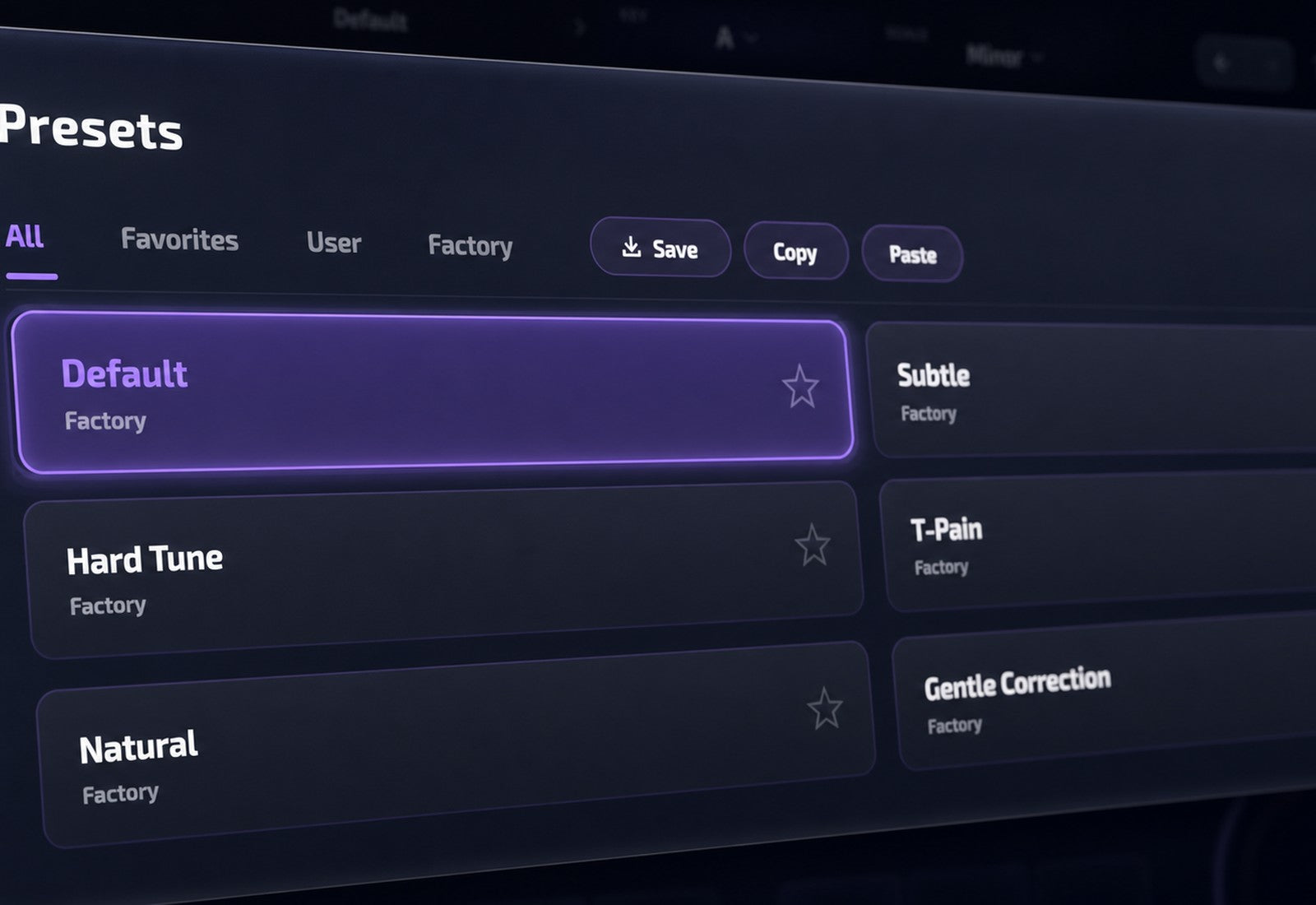
Make it your sound
- Explore presets and compare settings with A/B.
- Reshape pitch and formants in HQ mode.
- Blend in the original or track in Fast mode.
Built for Every Studio


Get Magnitune
One purchase. Lifetime license. Free updates forever.