
Tame resonance without dulling the mix
Tame boom, boxiness and harshness with focused control over the lows, mids and highs. Tamer helps vocals and mixes settle into place, with quick controls up front and extra shaping tools when you need them.
VST3 · AU · AAX · macOS & Windows
- ✓ Instant Download
- ✓ Secure Checkout
- ✓ License Key by Email
- ✓ Free Updates
 Tamer
TamerEvery Control, At a Glance
Hover any point on the interface to see exactly what it does.
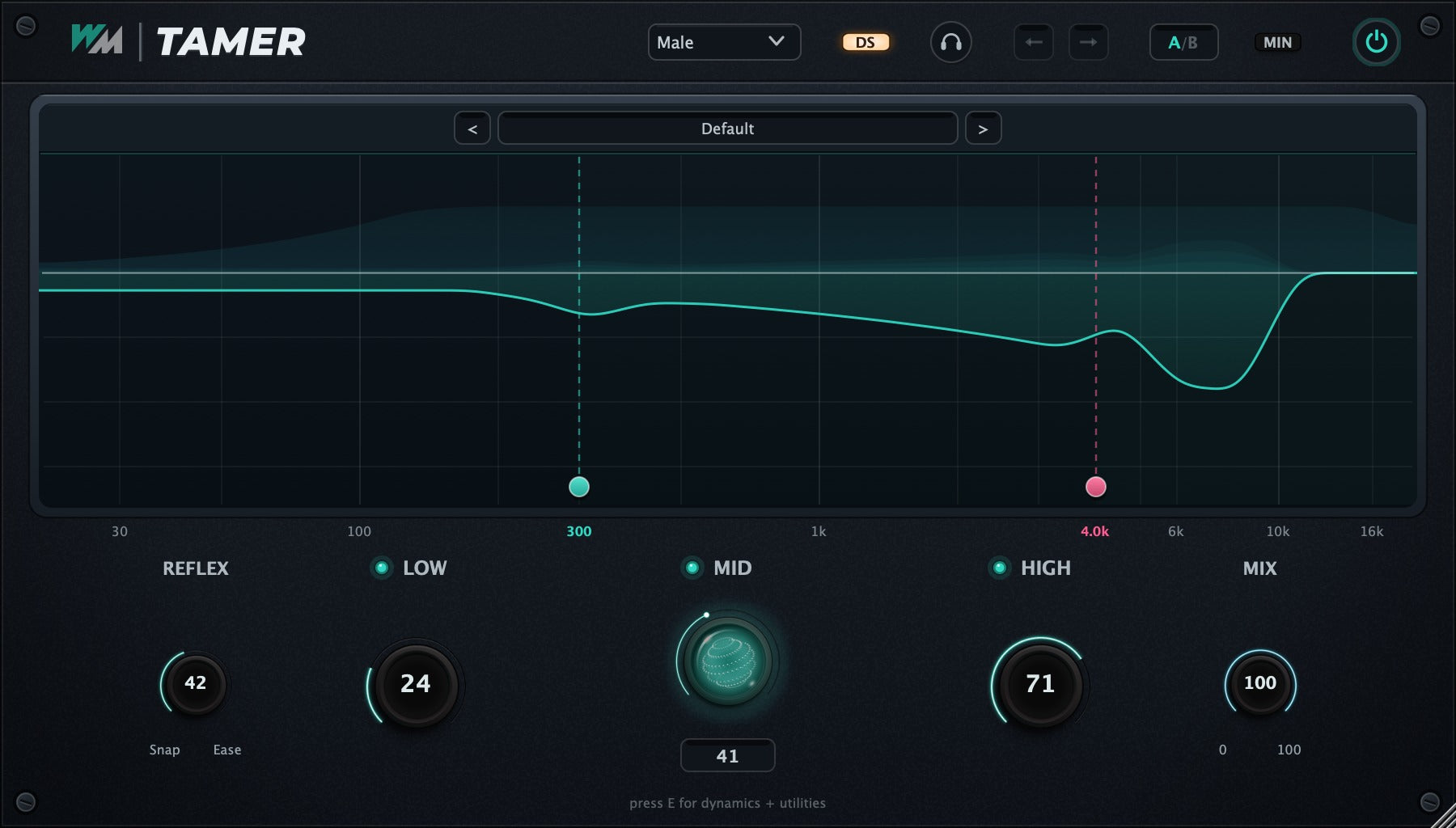
Source Type
Choose Male, Female or Master to suit the source.
High Mode (DS / AIR)
Choose de-essing or air-focused treatment for the high band.
Delta / Listen
Hear the sound being removed.
Preset Browser
Browse starting points for different sources and styles.
EXP / MIN
Expand the extra controls or return to the compact view.
Mid Limits
Set the frequency area covered by the mid band.
Reflex
Adjust how quickly the taming responds.
Low
Control excess weight and boom.
Mid
Reduce boxiness and midrange buildup.
High
Tame harshness in the high frequencies.
Mix
Blend the processed and original sound.
Discover Tamer
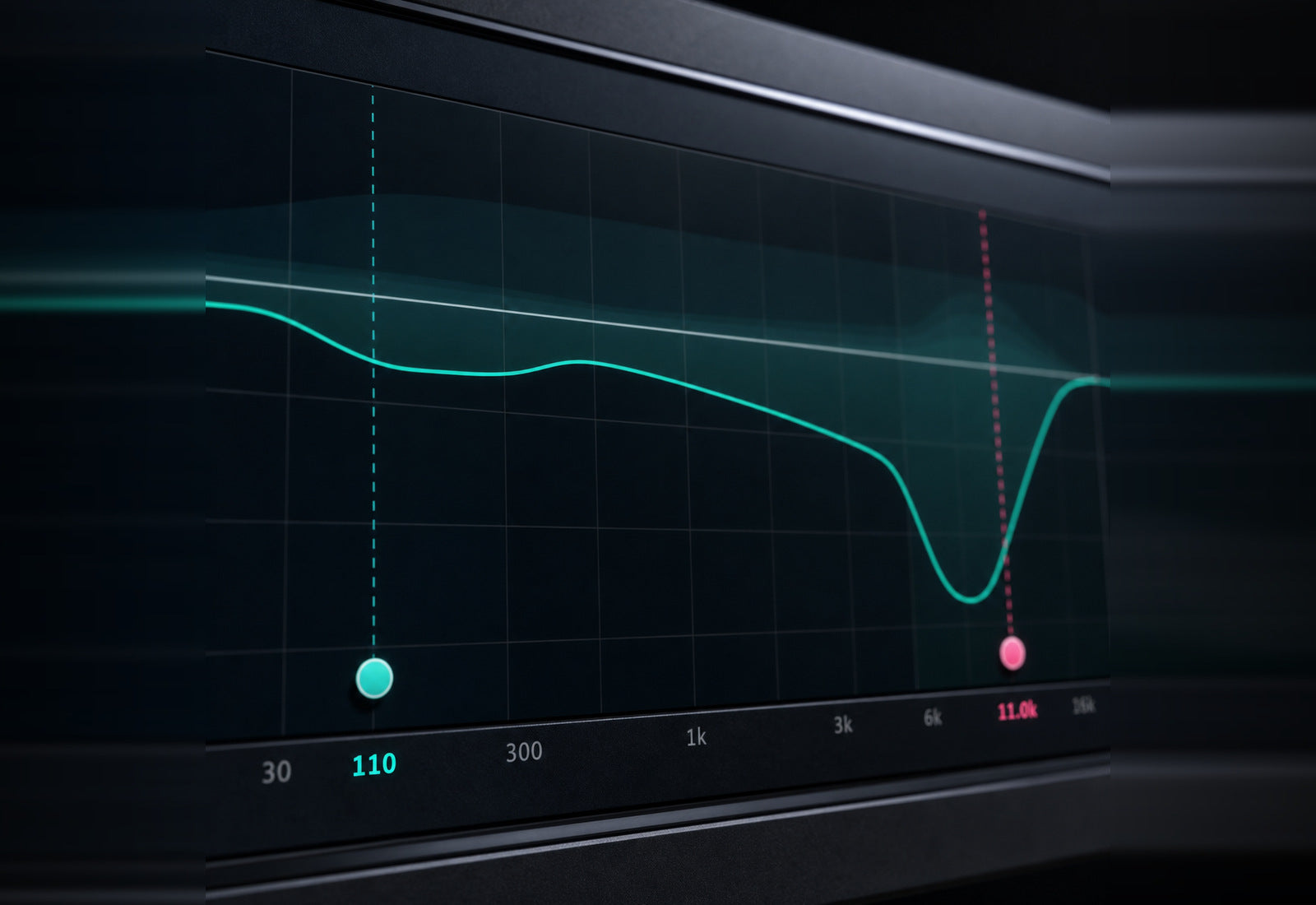
Tame the trouble spots
- Control lows, mids and highs independently.
- Choose a source mode for vocals or a full mix.
- Focus the mid band on the area that needs attention.
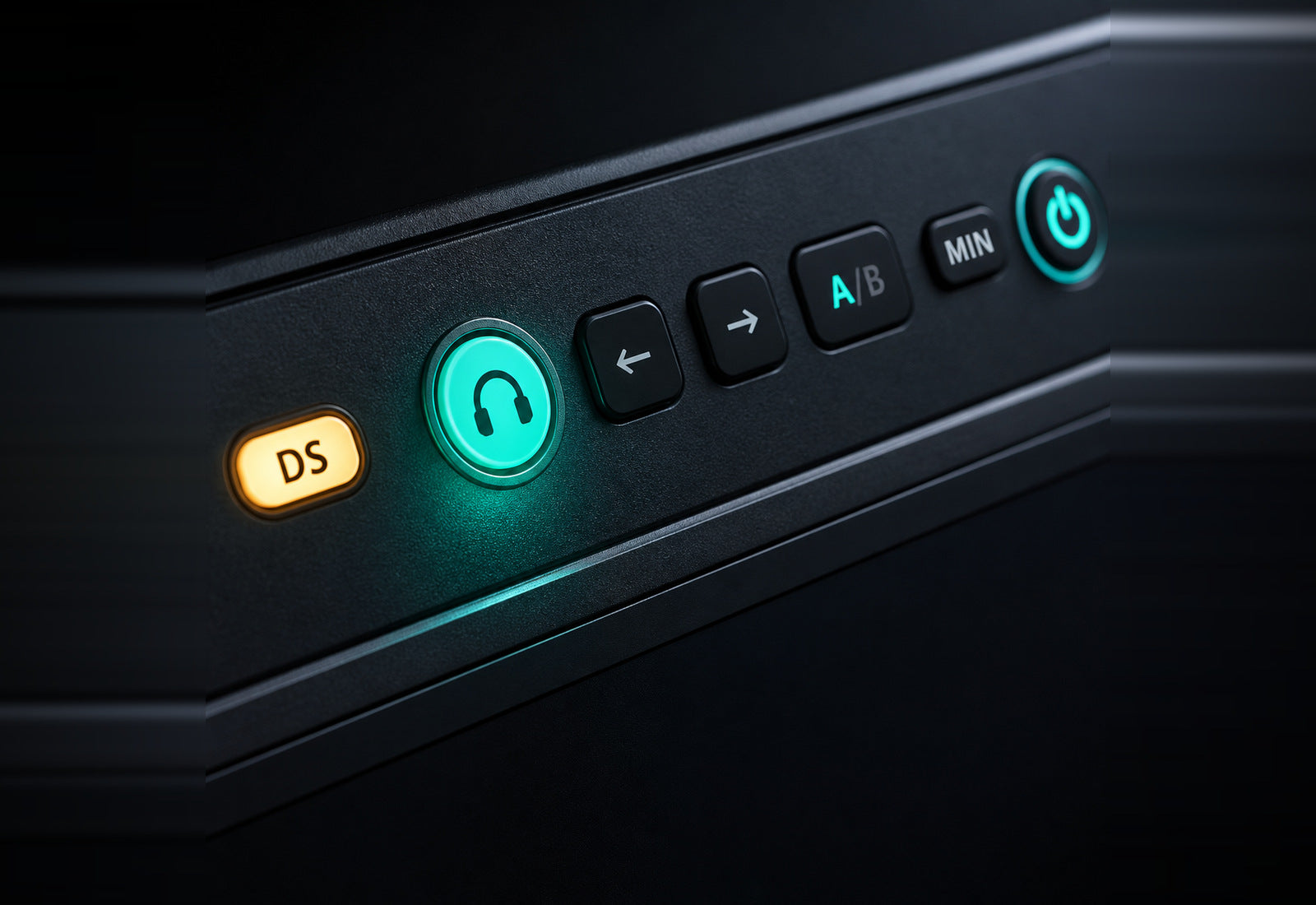
Hear the difference
- Listen to the sound being removed.
- Adjust the amount while checking the original.
- Blend back the dry signal with Mix.
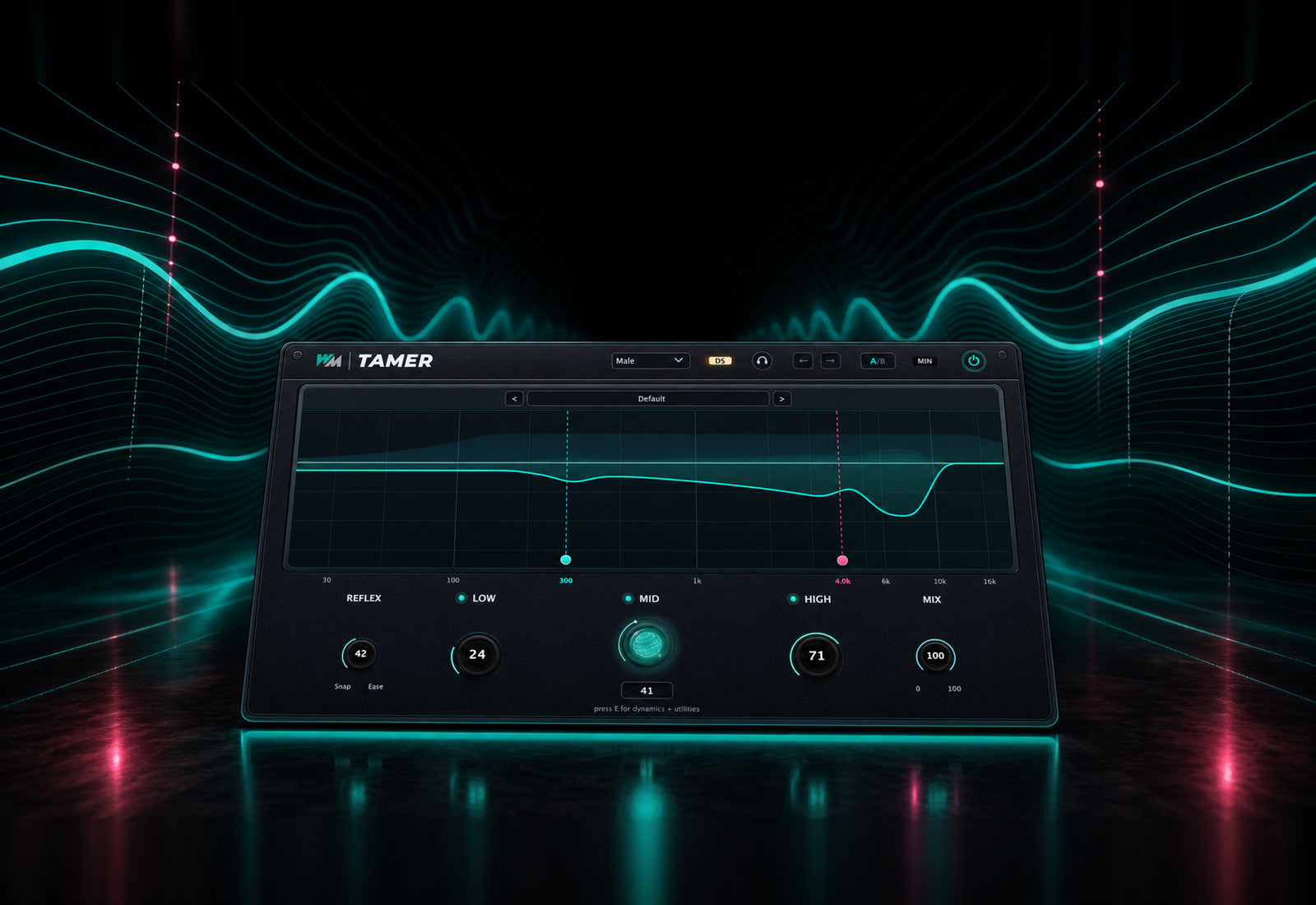
Find your balance quickly
- Shape the sound with three band controls.
- Adjust the response with Reflex.
- Start from a preset and refine by ear.
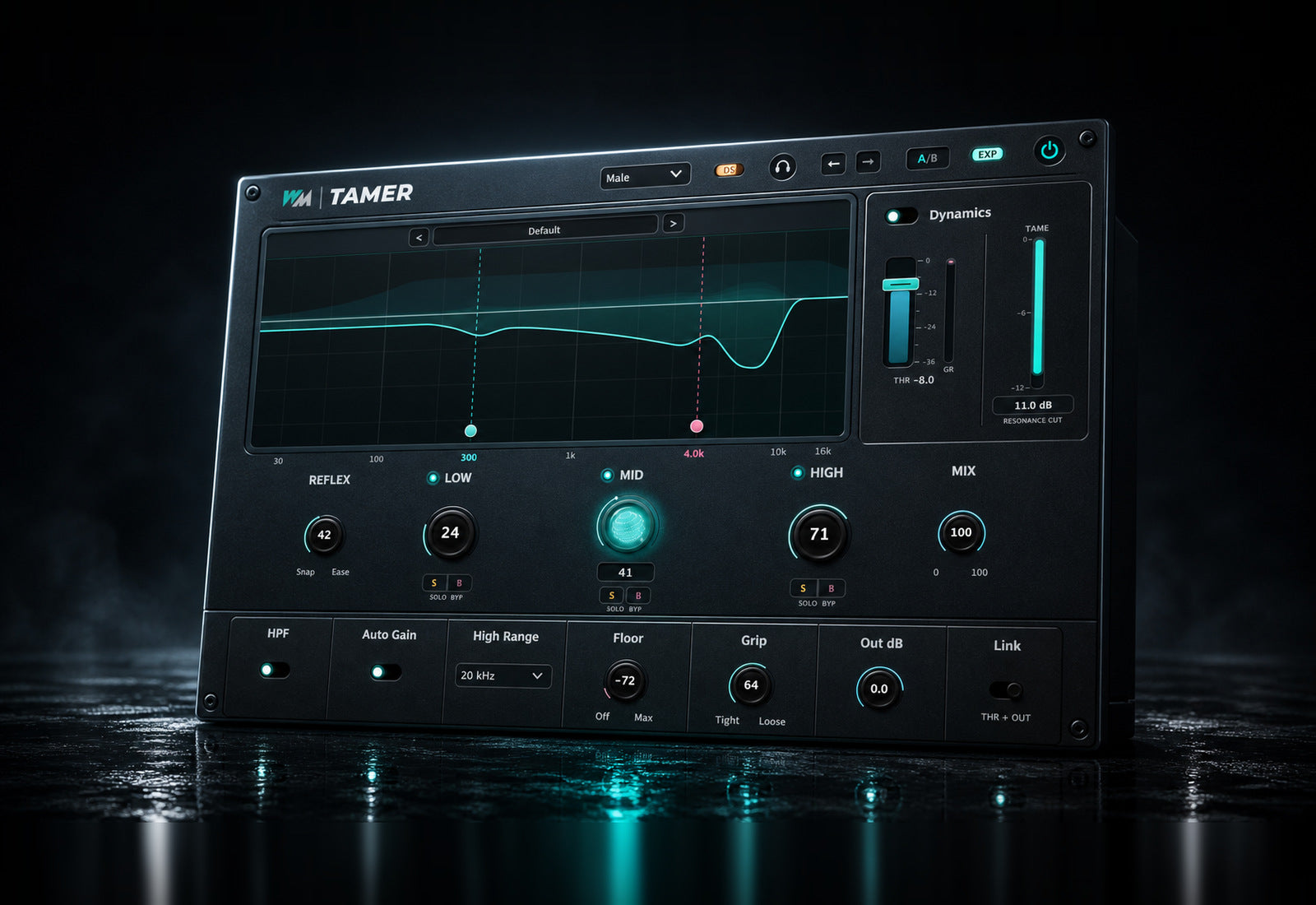
Go further when needed
- Expand the interface for extra dynamics and utility controls.
- Refine the grip and high-frequency range.
- Set a floor to leave quiet passages alone.
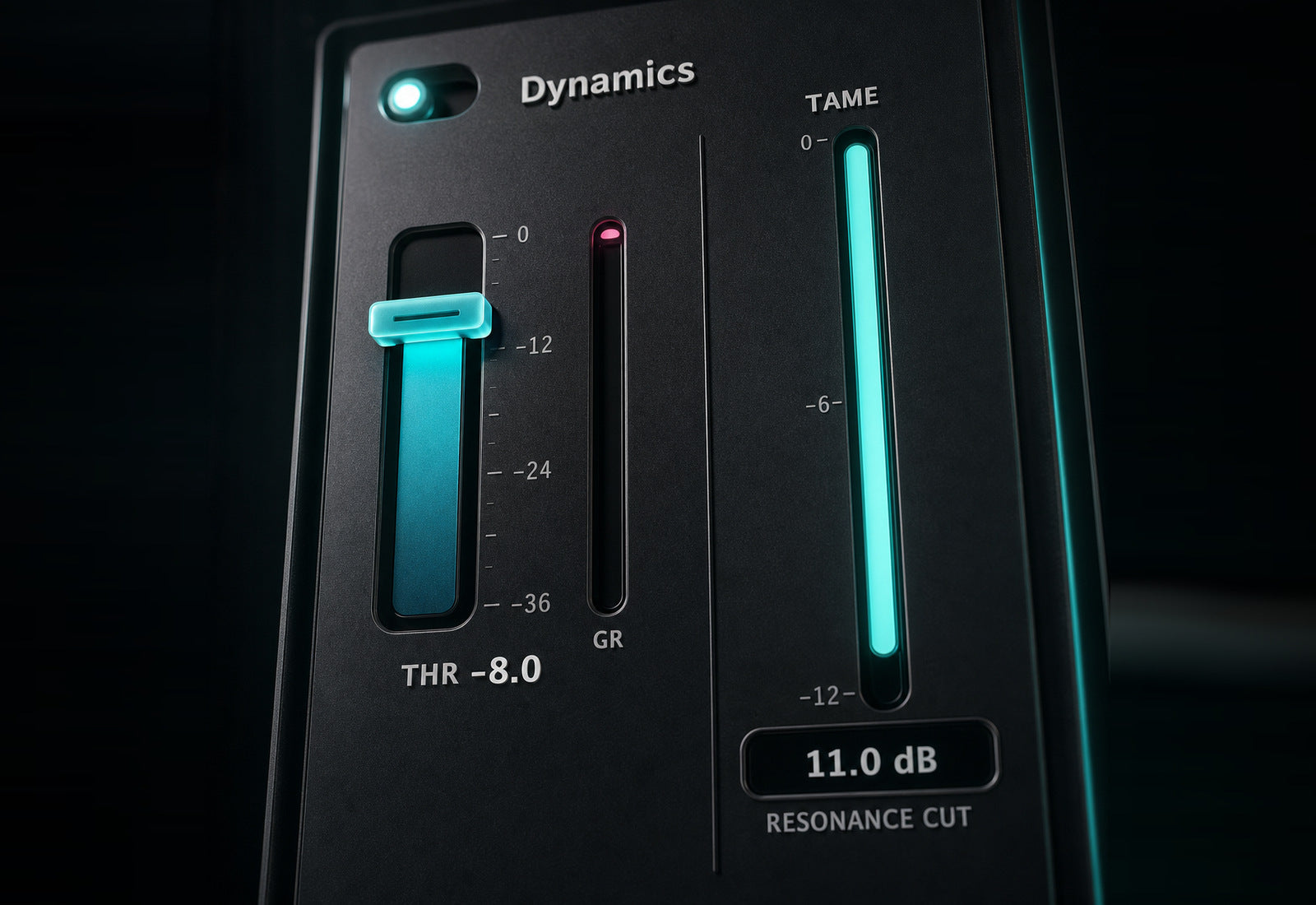
Finish the dynamics
- Add broadband dynamics to finish the sound.
- Watch gain reduction and resonance removal on separate meters.
- Use Auto Gain to compensate for level lost during processing.
Built for Every Studio

Get Tamer
One purchase. Lifetime license. Free updates forever.