
Bus glue that sets its own gain stage
Bring drums, groups and full mixes together with bus compression that is quick to shape. Let Auto suggest a starting point, then refine the punch, glue and colour with familiar controls and a parallel mix.
VST3 · AU · AAX · macOS & Windows
- ✓ Instant Download
- ✓ Secure Checkout
- ✓ License Key by Email
- ✓ Free Updates
 WM Bus Compressor
Every Control, At a Glance
Hover any point on the interface to see exactly what it does.
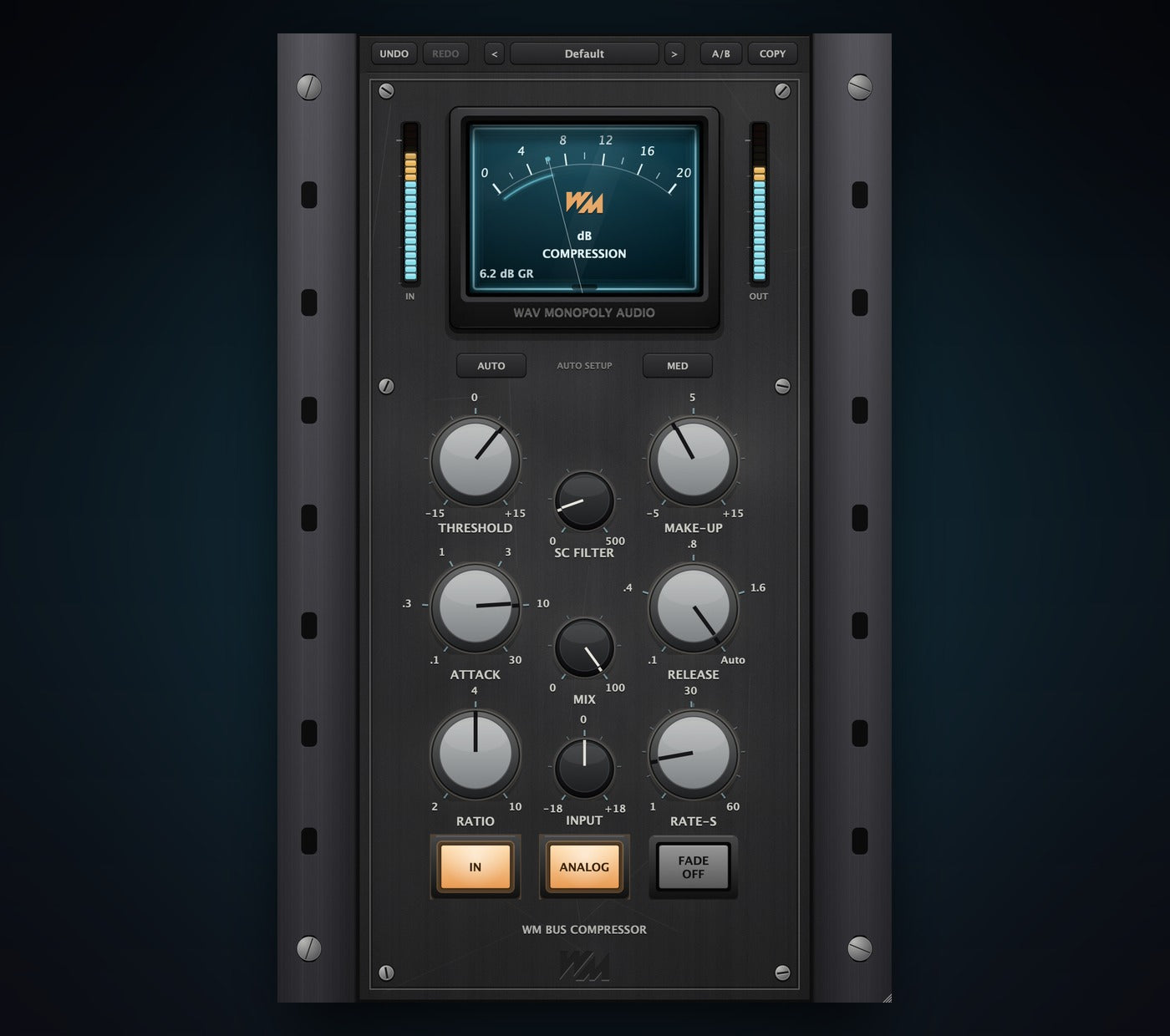
Preset plate
Browse compression starting points.
A/B and COPY
Compare two setups and copy settings.
Gain reduction meter
See how much compression is being applied.
IN ladder
Monitor the incoming signal level.
OUT ladder
Monitor the outgoing signal level.
AUTO
Analyse the audio and suggest compression and gain settings.
Glue depth
Choose Light, Medium or Deep glue for Auto.
THRESHOLD
Set when compression begins.
SC FILTER
Reduce low-frequency influence on the compressor.
MAKE-UP
Restore level after compression.
ATTACK
Control how quickly compression catches the signal.
MIX
Blend compressed and original audio.
RELEASE
Set how quickly compression lets go.
RATIO
Choose the strength of compression above the threshold.
INPUT
Set the level entering the processor.
RATE-S
Set the fade duration.
IN
Enable or bypass the processed signal path.
ANALOG
Add analog-style colour.
FADE
Fade the output down or bring it back.
Discover WM Bus Compressor

Find your starting point
- Let Auto suggest compression and gain settings.
- Choose how much glue you want.
- Refine the result with the manual controls.

Shape the punch and glue
- Choose the attack, release and ratio.
- Keep bass from dominating with the sidechain filter.
- Blend the compressed signal with the original.
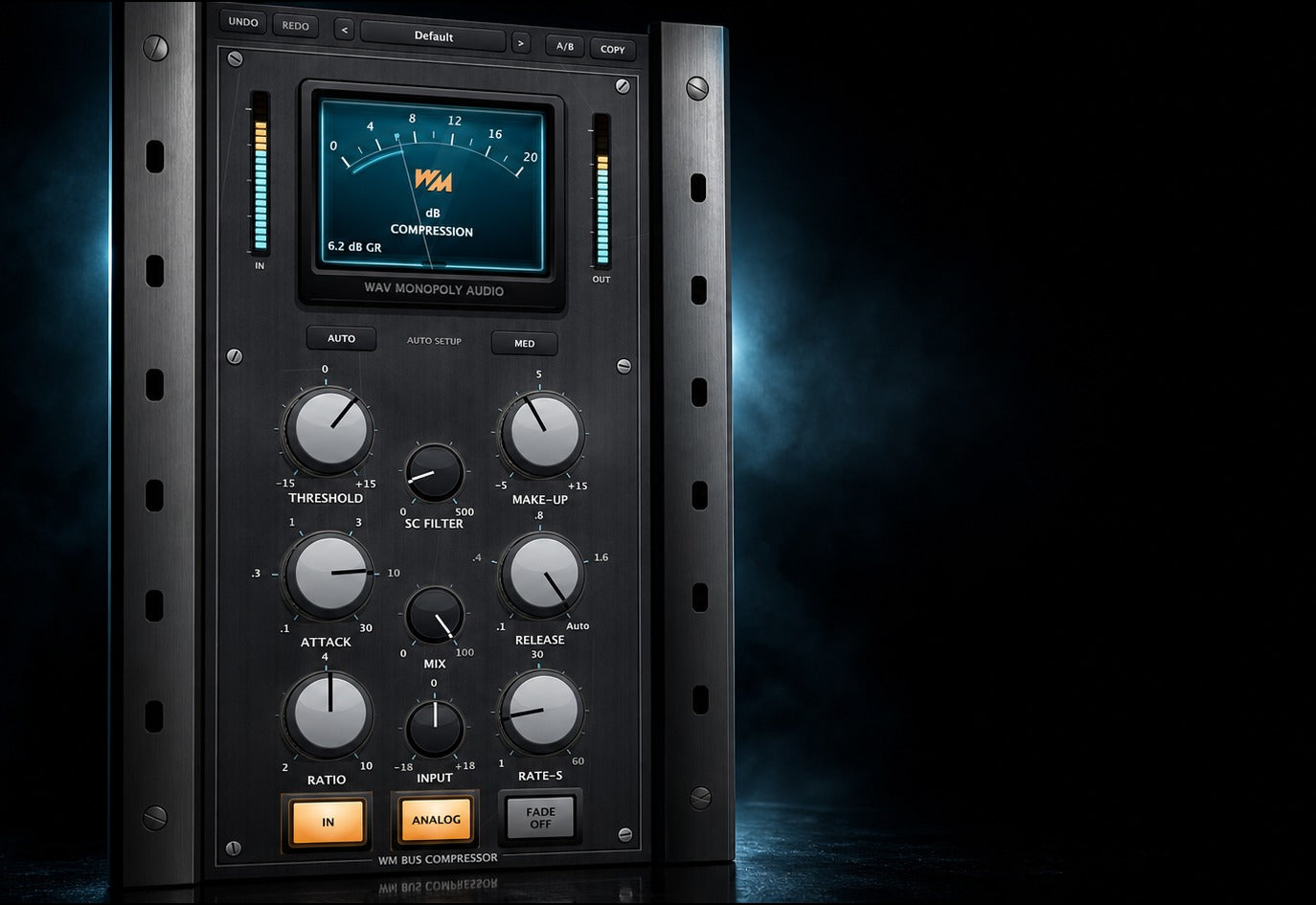
Finish in one place
- Add analog-style colour.
- Compare settings with A/B and watch the meters.
- Create a fade with its own duration control.
Built for Every Studio

Get WM Bus Compressor
One purchase. Lifetime license. Free updates forever.