
Motion on the grid, image intact
Put vocals, instruments and effects in motion across the stereo field. Choose a smooth sweep, rhythmic steps, random movement or an audio-triggered pattern, then shape the range and feel to suit your track.
VST3 · AU · AAX · macOS & Windows
- ✓ Instant Download
- ✓ Secure Checkout
- ✓ License Key by Email
- ✓ Free Updates
 MotionPan
Every Control, At a Glance
Hover any point on the interface to see exactly what it does.
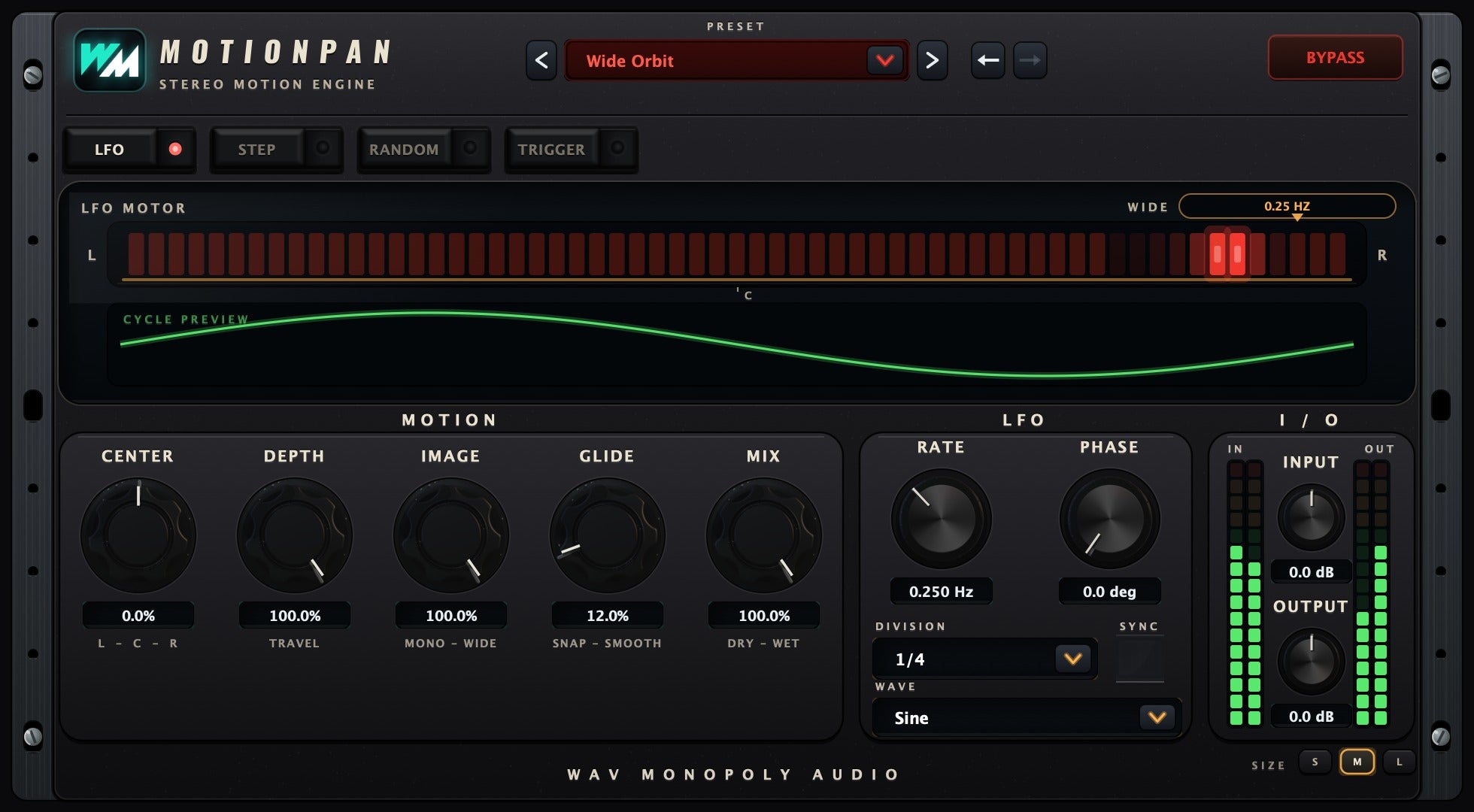
Preset bay
Browse motion presets or load your saved patterns.
Engine tabs
Choose LFO, Step, Random or Trigger movement.
Motion display
See the pan movement or edit the active pattern.
CENTER
Set the centre point of the movement.
DEPTH
Set how far the sound travels.
IMAGE
Adjust how much width a stereo source keeps as it moves; mono sources are unaffected.
GLIDE
Smooth the transitions between pan positions.
MIX
Blend the moving effect with the original sound.
RATE
Set the speed of free-running movement.
DIVISION
Choose a tempo-synced rhythmic division.
INPUT / OUTPUT
Balance the levels before and after processing.
Discover MotionPan
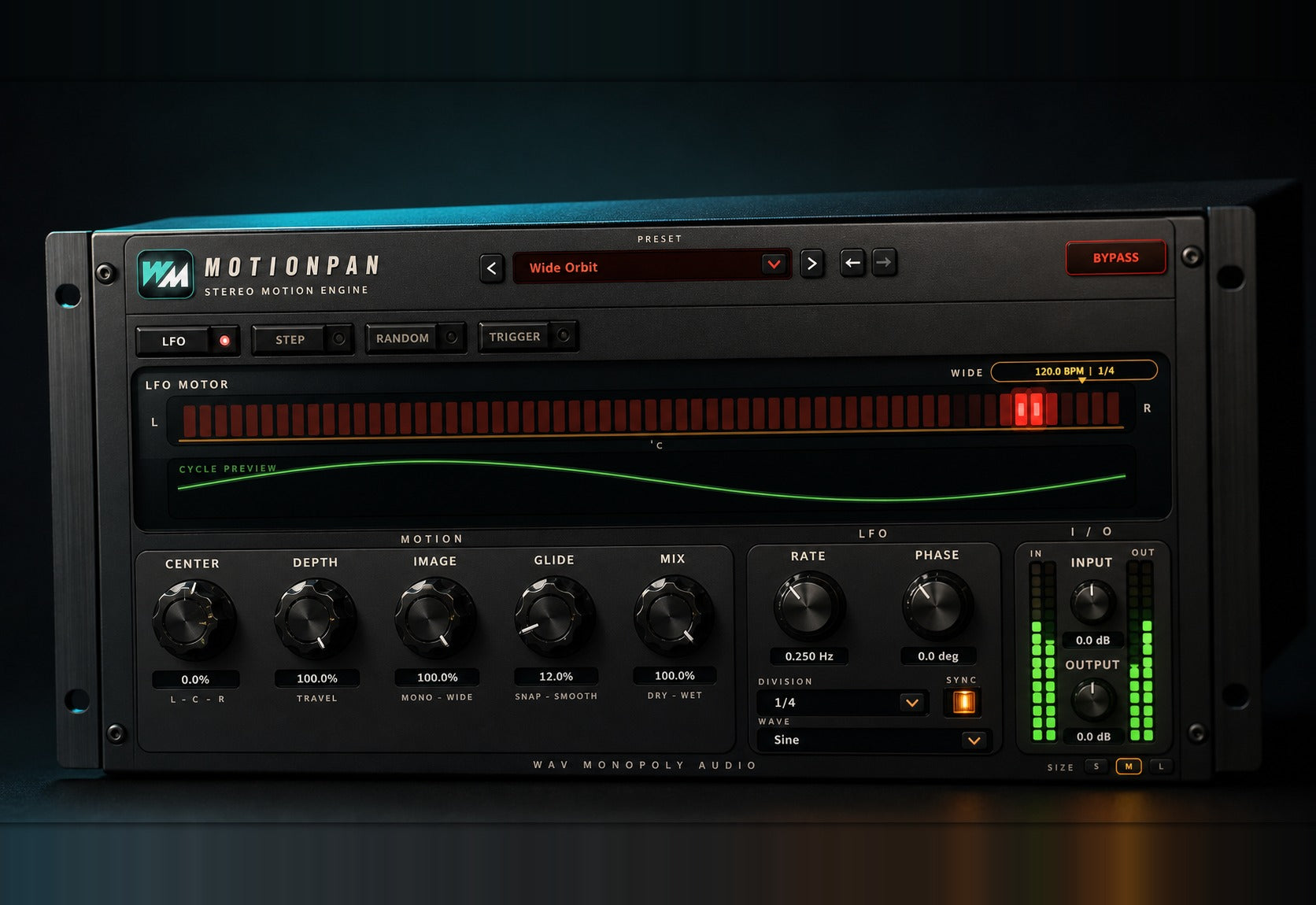
Four ways to move
- Create smooth sweeps with LFO.
- Draw rhythmic patterns with Step.
- Try repeatable Random motion or audio-responsive Trigger movement.
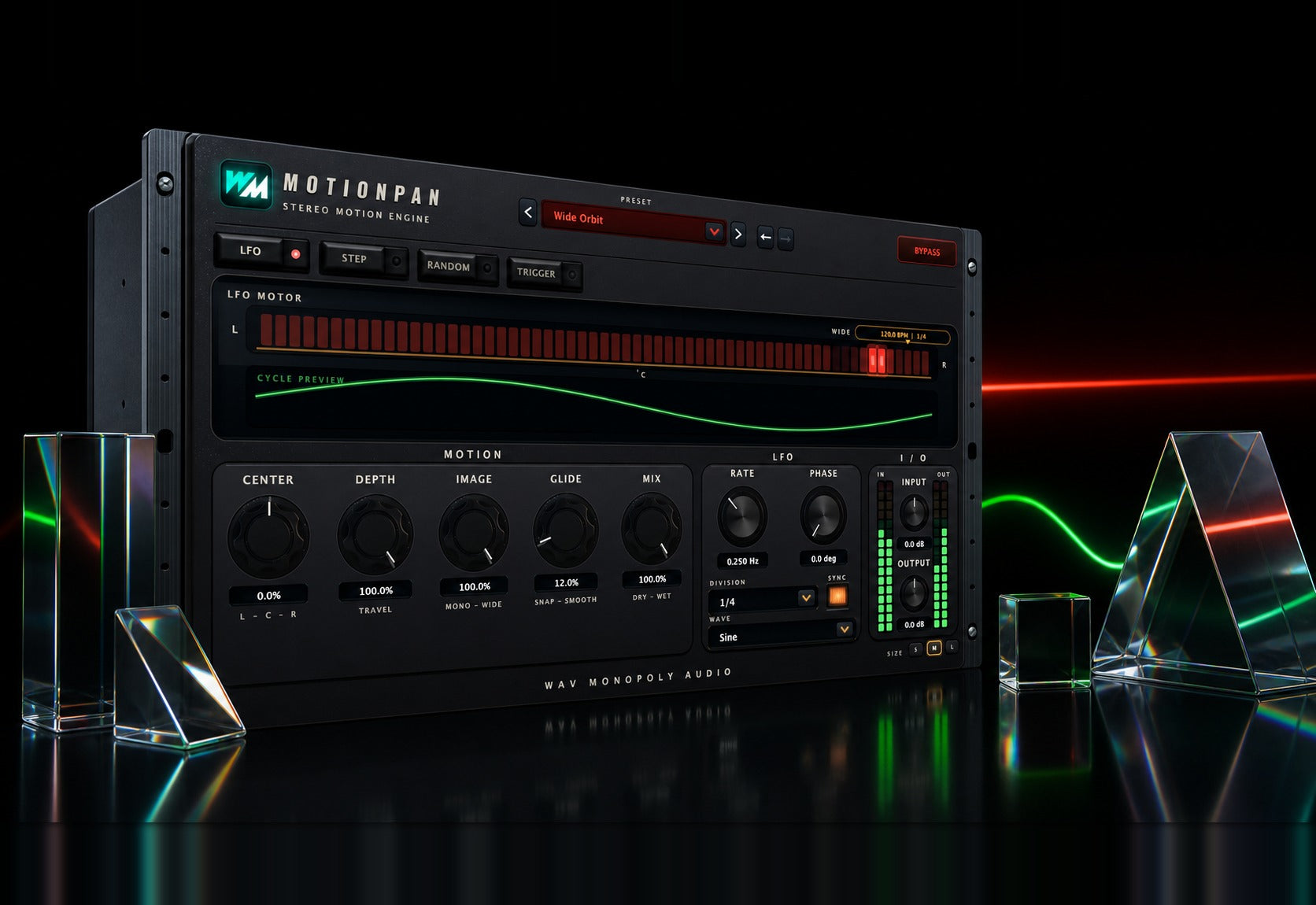
Shape the space
- Set the centre and travel distance.
- Adjust the stereo image as it moves.
- Smooth transitions with Glide.
Move with the track
- Sync movement to the session tempo or run freely.
- Blend the effect with the original.
- Start with a preset and refine the pattern.
Built for Every Studio

Get MotionPan
One purchase. Lifetime license. Free updates forever.