
The beat gets out of the vocal's way by itself
Make space for a vocal over a finished beat. Track Fit helps balance the backing track, shape its width and restore punch. Connect a vocal sidechain for a responsive pocket, or work without one for a steady tonal adjustment.
VST3 · AU · AAX · macOS & Windows
- ✓ Instant Download
- ✓ Secure Checkout
- ✓ License Key by Email
- ✓ Free Updates
 Track Fit
Every Control, At a Glance
Hover any point on the interface to see exactly what it does.
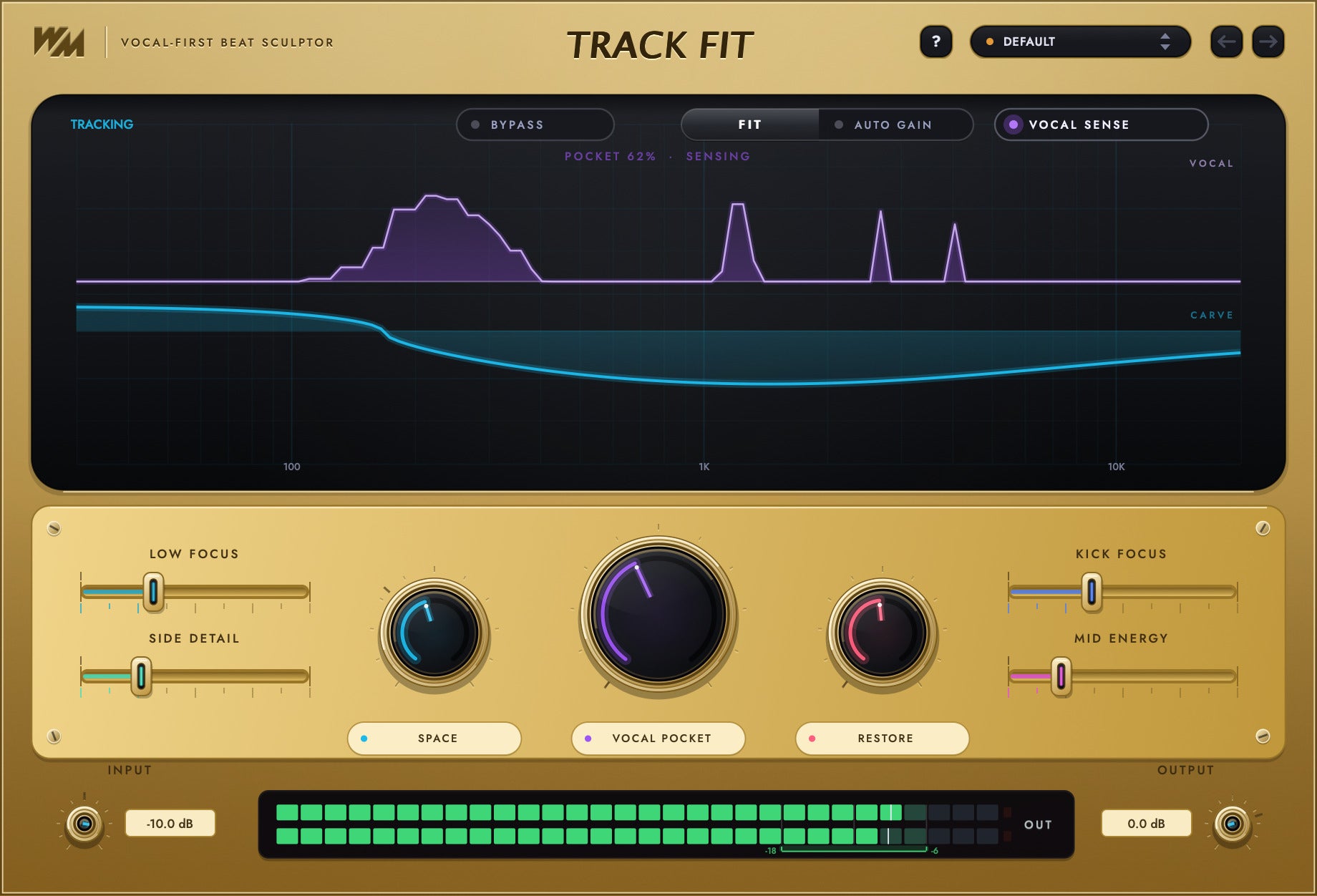
Preset bay
Browse starting points for fitting a beat around a vocal.
BYPASS
Bypass the processing while keeping input and output trims active.
FIT
Play a busy section to get suggested balance and pocket settings.
AUTO GAIN
Let FIT adjust gain as part of its setup.
VOCAL SENSE
Use the optional vocal sidechain to make the pocket follow the voice.
Vocal trace
See the incoming vocal activity.
Carve curve
See where the backing track is being shaped.
LOW FOCUS
Focus the low end of the backing track.
SIDE DETAIL
Adjust detail at the sides of the stereo image.
SPACE
Set the width of the backing track.
VOCAL POCKET
Choose how much room to make for the vocal.
RESTORE
Bring back punch and movement in the beat.
KICK FOCUS
Refine the kick’s impact.
MID ENERGY
Adjust punch and energy in the mids.
INPUT
Set the level entering the plugin.
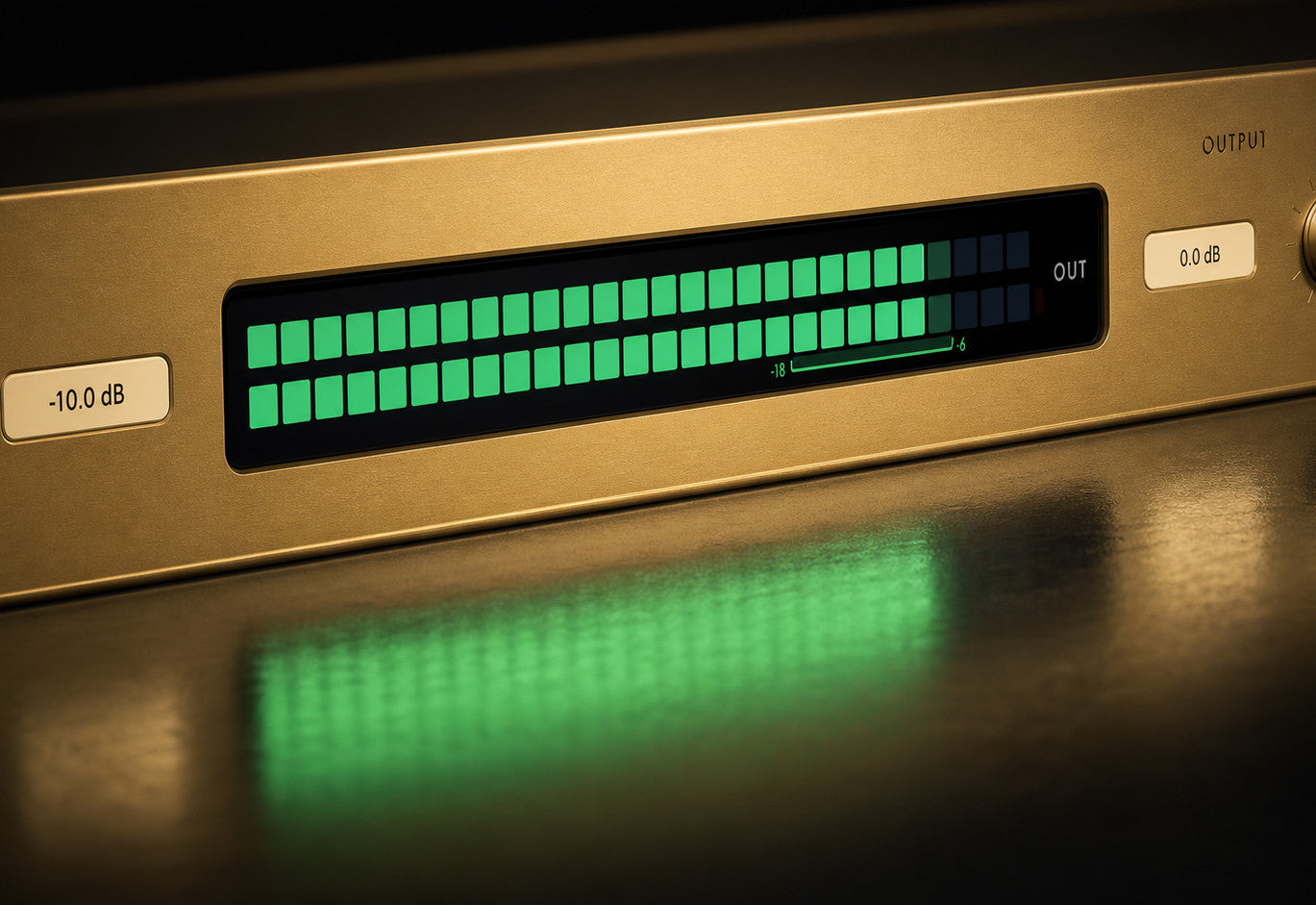
Stage meter
Check the working level against the target zone.
OUTPUT
Set the final output level.
Discover Track Fit
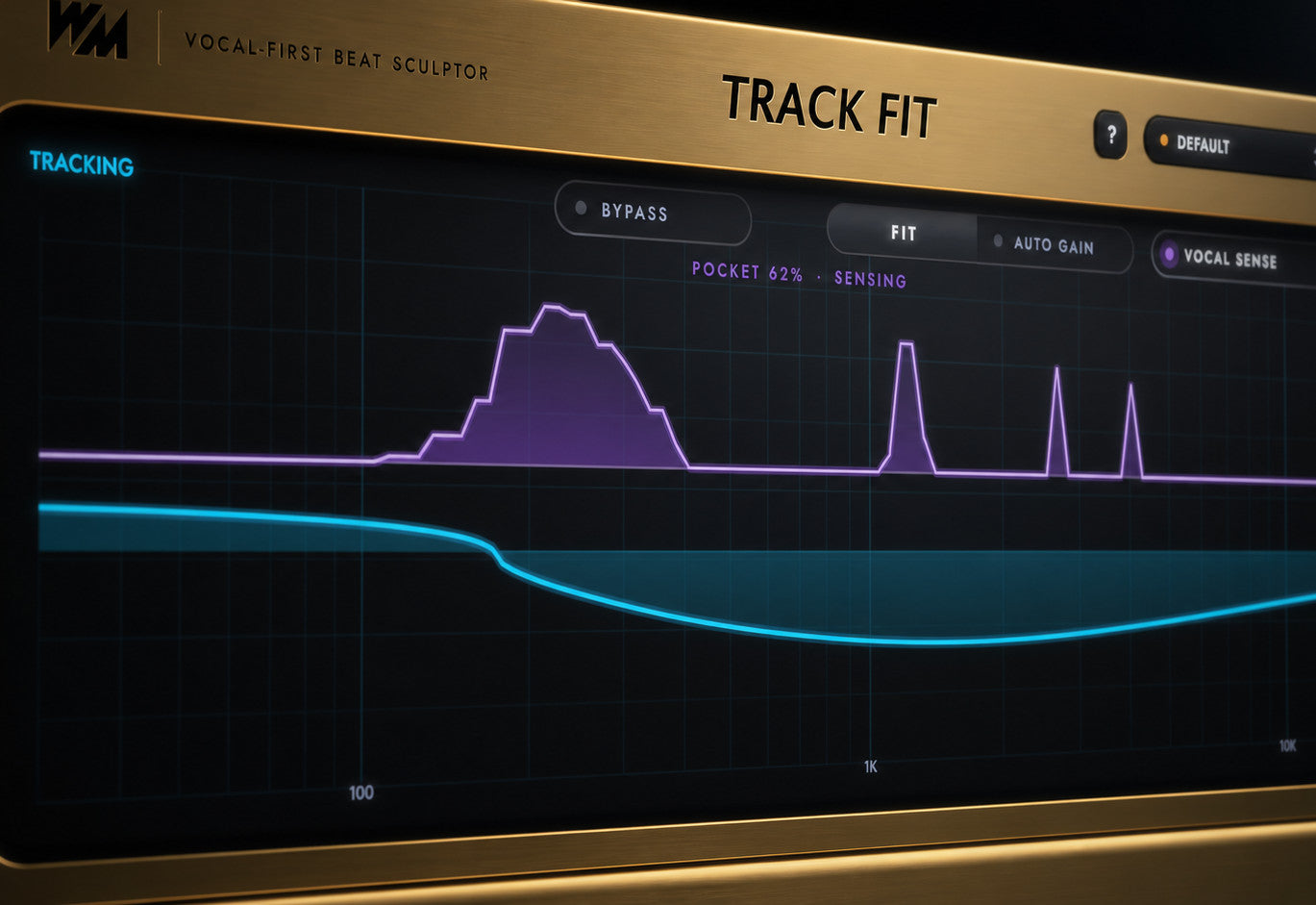
Make room for the voice
- Connect the vocal to the optional sidechain.
- Let the pocket respond while the vocal plays.
- Work without a sidechain for a static tonal adjustment.
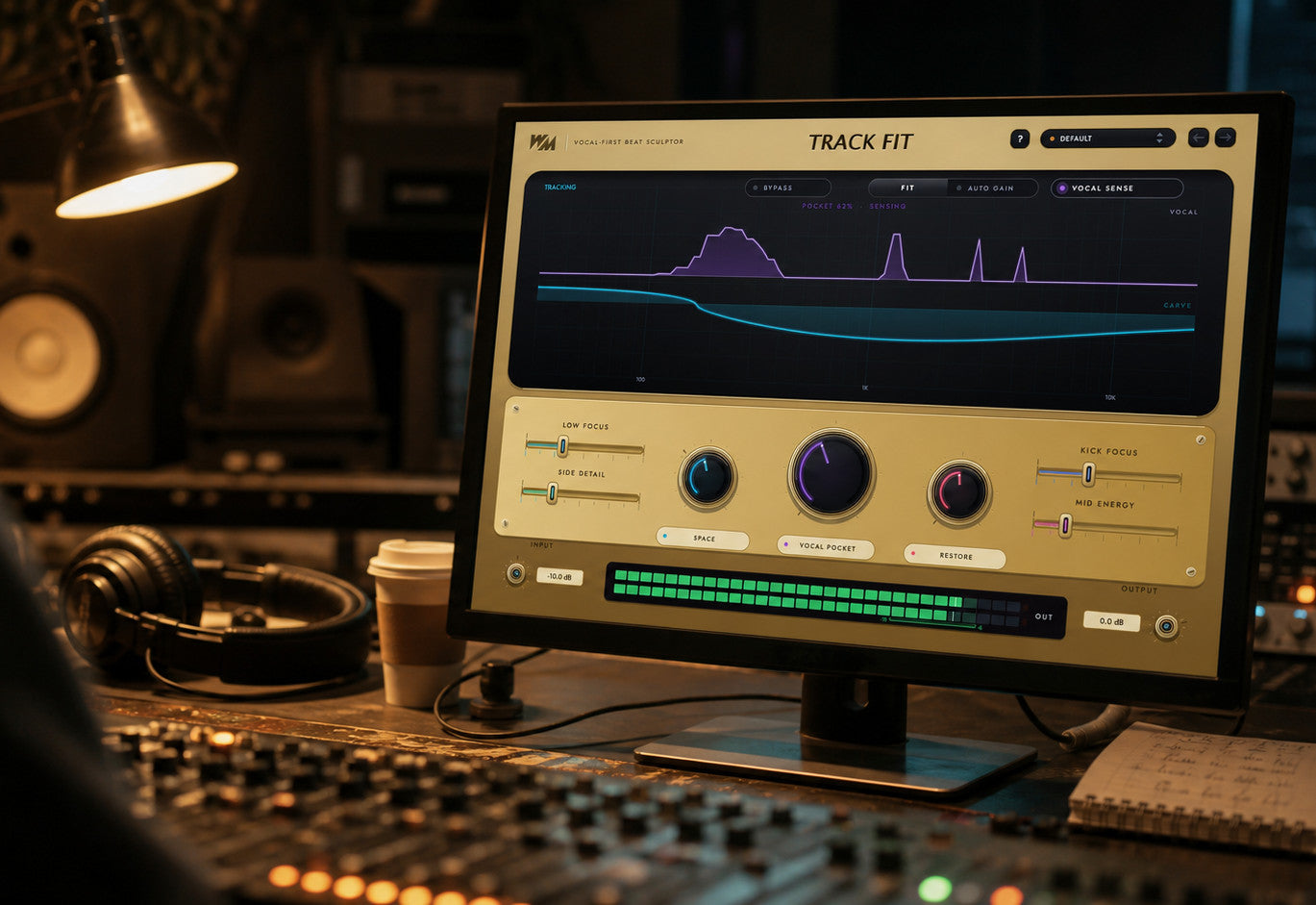
Find a starting point with FIT
- Play a busy section for analysis.
- Get suggested balance and pocket settings.
- Choose whether Auto Gain adjusts the level.
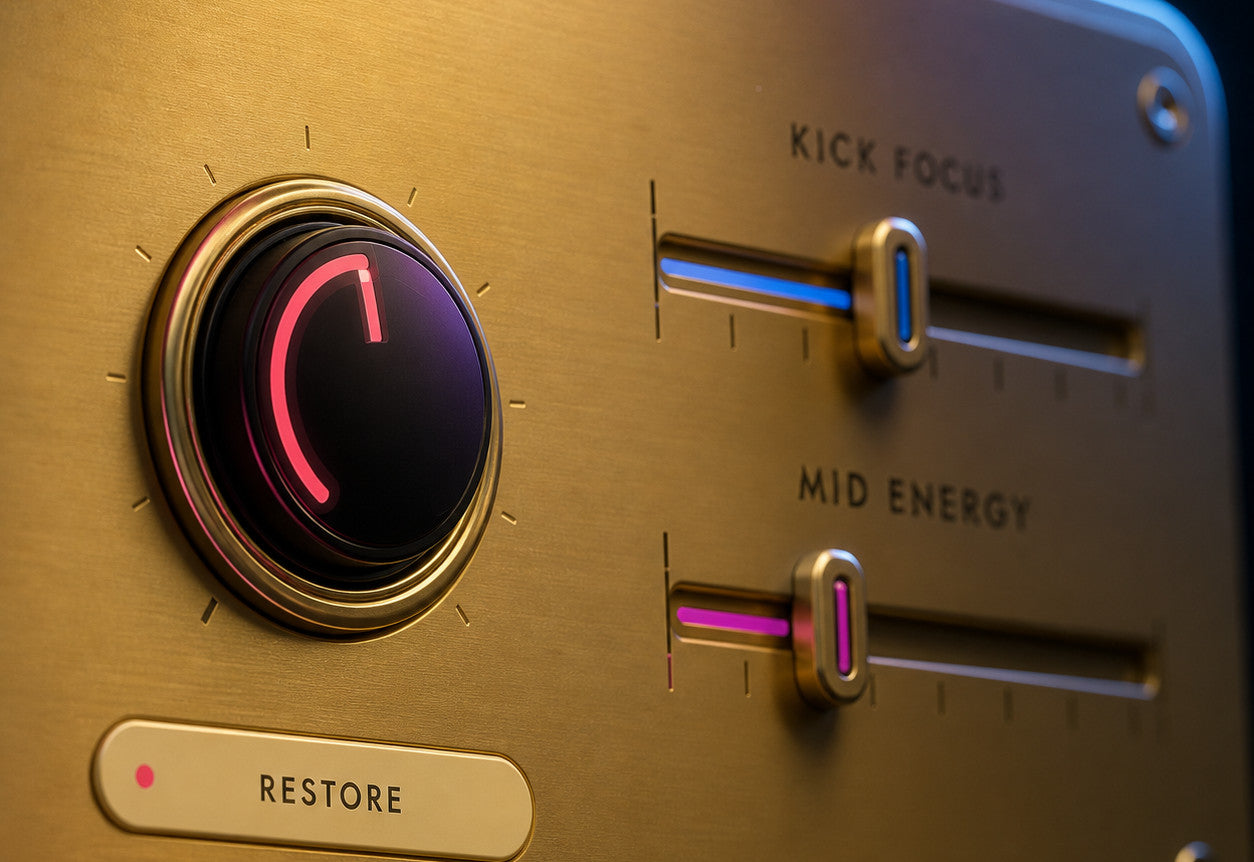
Shape the backing track
- Focus the lows and refine side detail.
- Set the stereo width with Space.
- Adjust punch with Restore, Kick Focus and Mid Energy.
Stay in control
- Watch the vocal trace and carve curve.
- Refine the suggested settings by ear.
- Compare with Bypass; input and output trims stay active.
Built for Every Studio

Get Track Fit
One purchase. Lifetime license. Free updates forever.