
Change the voice, keep the performance
Reshape a vocal’s pitch and character independently. Keep it natural, go deeper or brighter, or turn it into a robotic effect. Add saturation and blend with the original to find anything from a subtle shift to a new voice.
VST3 · AU · AAX · macOS & Windows
- ✓ Instant Download
- ✓ Secure Checkout
- ✓ License Key by Email
- ✓ Free Updates
 Manipulator
Every Control, At a Glance
Hover any point on the interface to see exactly what it does.
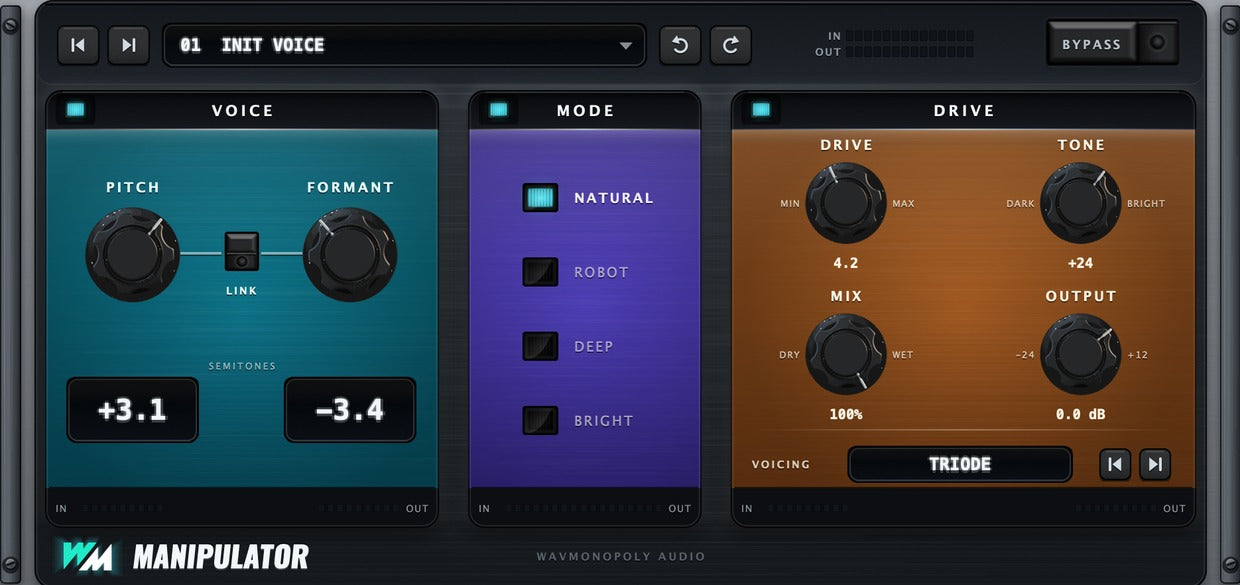
Pitch
Shift the voice up or down in pitch.
Link
Move pitch and formant together while keeping their relative spacing.
Formant
Change the voice’s character independently of pitch.
Semitone Readouts
Read the exact pitch and formant shifts.
Mode
Choose Natural, Robot, Deep or Bright character.
Drive
Add saturation to the voice.
Tone
Make the processed sound darker or brighter.
Mix
Blend the transformed and original voice.
Output
Set the final output level.
Voicing
Choose the saturation character.
Discover Manipulator

Reshape the voice
- Adjust pitch and formant independently.
- Link the controls to move them together.
- Shift subtly or explore a more dramatic transformation.
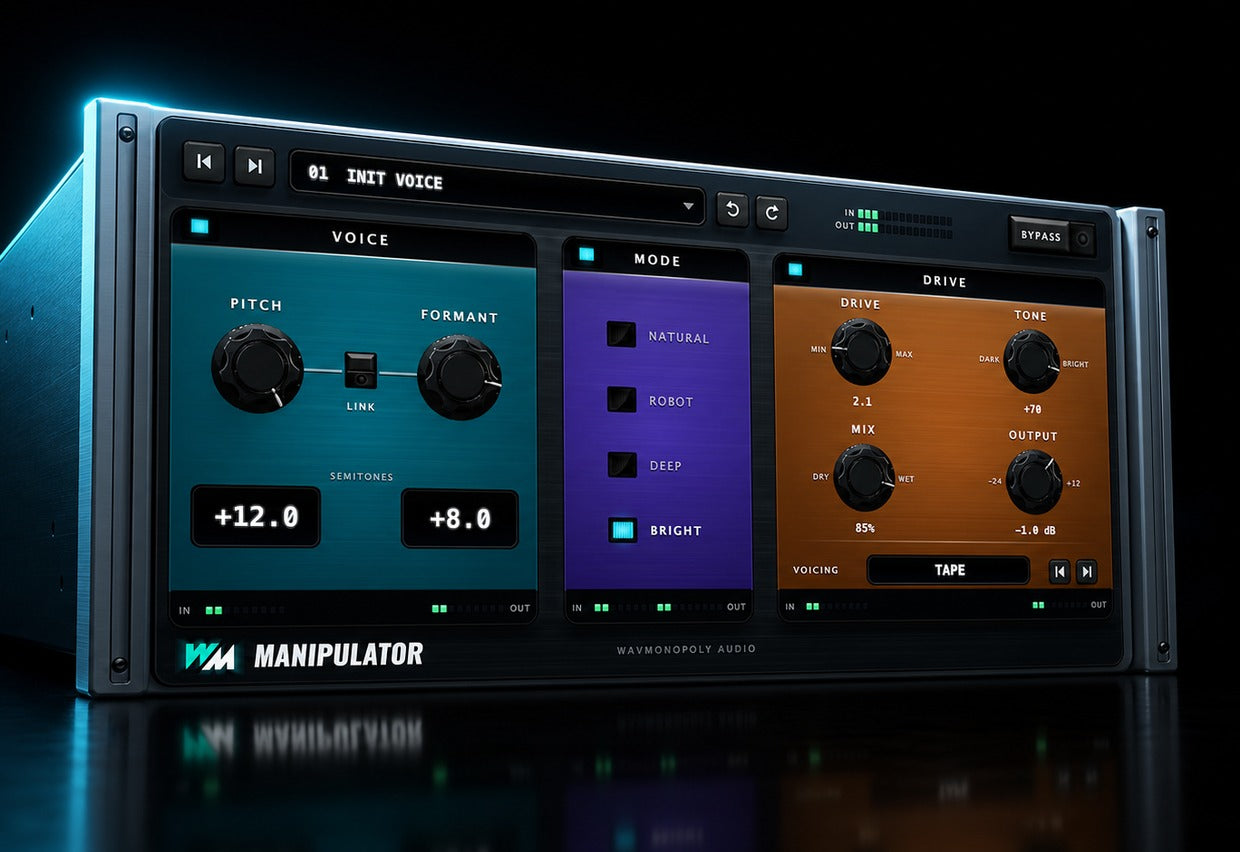
Choose a new character
- Keep the feel natural or try Robot mode.
- Explore Deep and Bright voices.
- Start with a preset and make it your own.
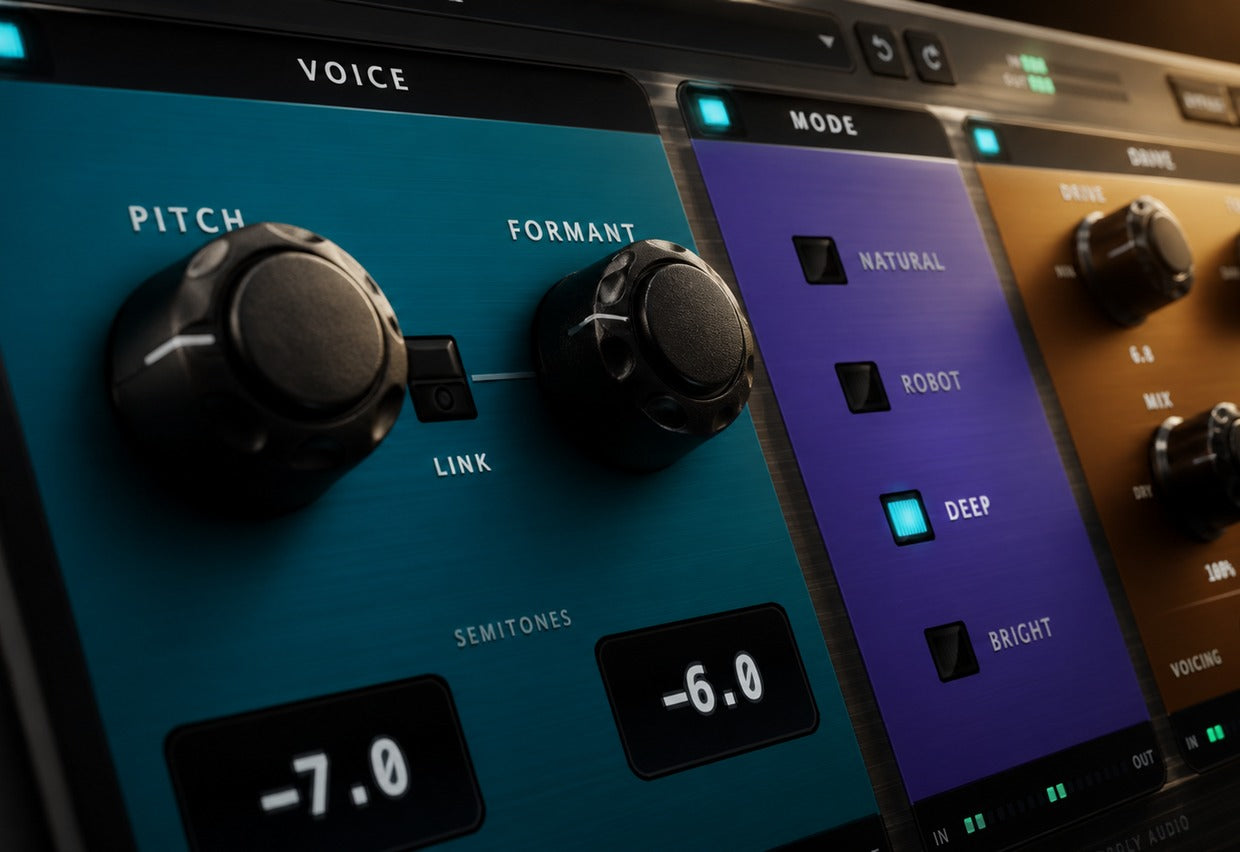
Fit the effect to the track
- Choose a saturation voicing and add Drive.
- Shape the brightness with Tone.
- Blend with the original and balance the output.
Built for Every Studio

Get Manipulator
One purchase. Lifetime license. Free updates forever.