
Compress what's wrong, leave the rest alone
Control dynamics where the mix needs it. Four main bands and two floating bands let you manage weight, punch and harshness separately, with compression or expansion and focused listening tools to help you hear each change.
VST3 · AU · AAX · macOS & Windows
- ✓ Instant Download
- ✓ Secure Checkout
- ✓ License Key by Email
- ✓ Free Updates
 Multiband Comp
Every Control, At a Glance
Hover any point on the interface to see exactly what it does.
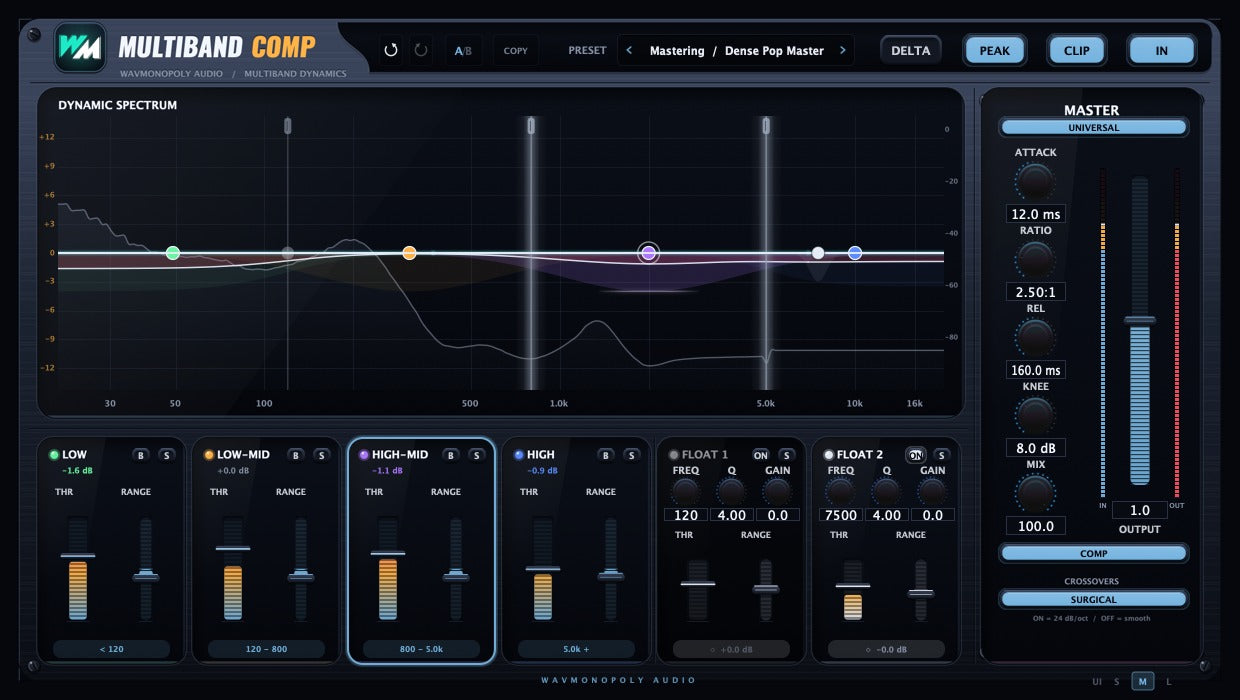
A/B and Copy
Compare two settings and copy settings between instances.
PRESET
Browse presets by source or task.
DELTA
Hear only what the processing changes.
PEAK / RMS
Choose a sharper peak response or smoother RMS detection.
CLIP
Enable the output safety clipper.
Crossover handles
Set where the four main frequency bands divide.
Band nodes
Select a band and adjust its dynamic range.
B and S
Bypass or solo an individual band.
THR
Set the level where the selected band starts responding.
RANGE
Set the amount and direction of the band’s gain change.
Floating bands
Target a specific resonance or harsh frequency with two freely placed bands.
UNIVERSAL
Edit all four main bands together or work on one at a time.
Master dynamics
Shape the response with attack, ratio, release, knee and mix controls.
OUTPUT
Match the final output level.
SURGICAL
Choose tighter band separation or a gentler crossover character.
Discover Multiband Comp
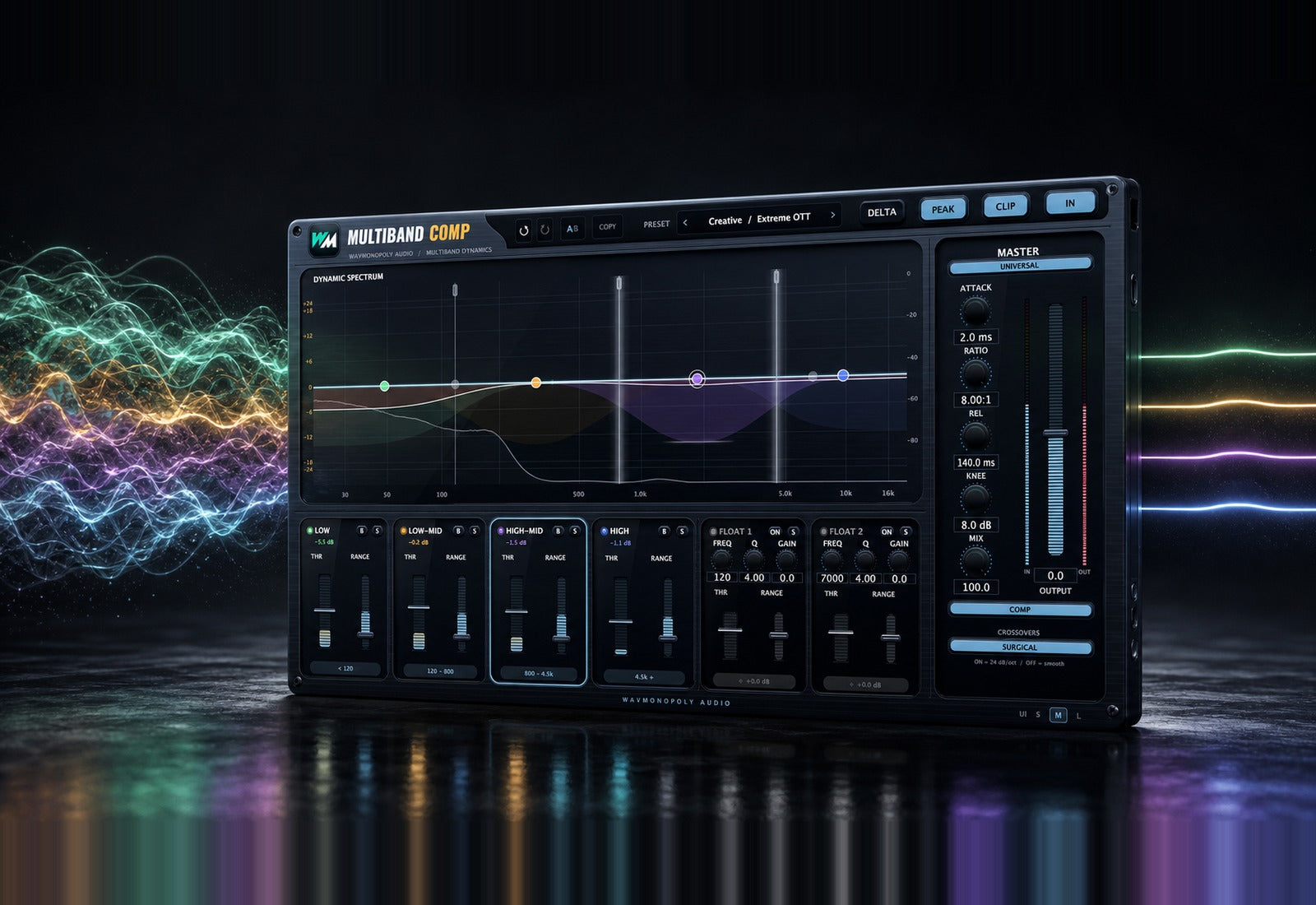
Focus the dynamics
- Shape four main frequency bands independently.
- Place two floating bands on specific problem areas.
- Choose compression or expansion for each band.
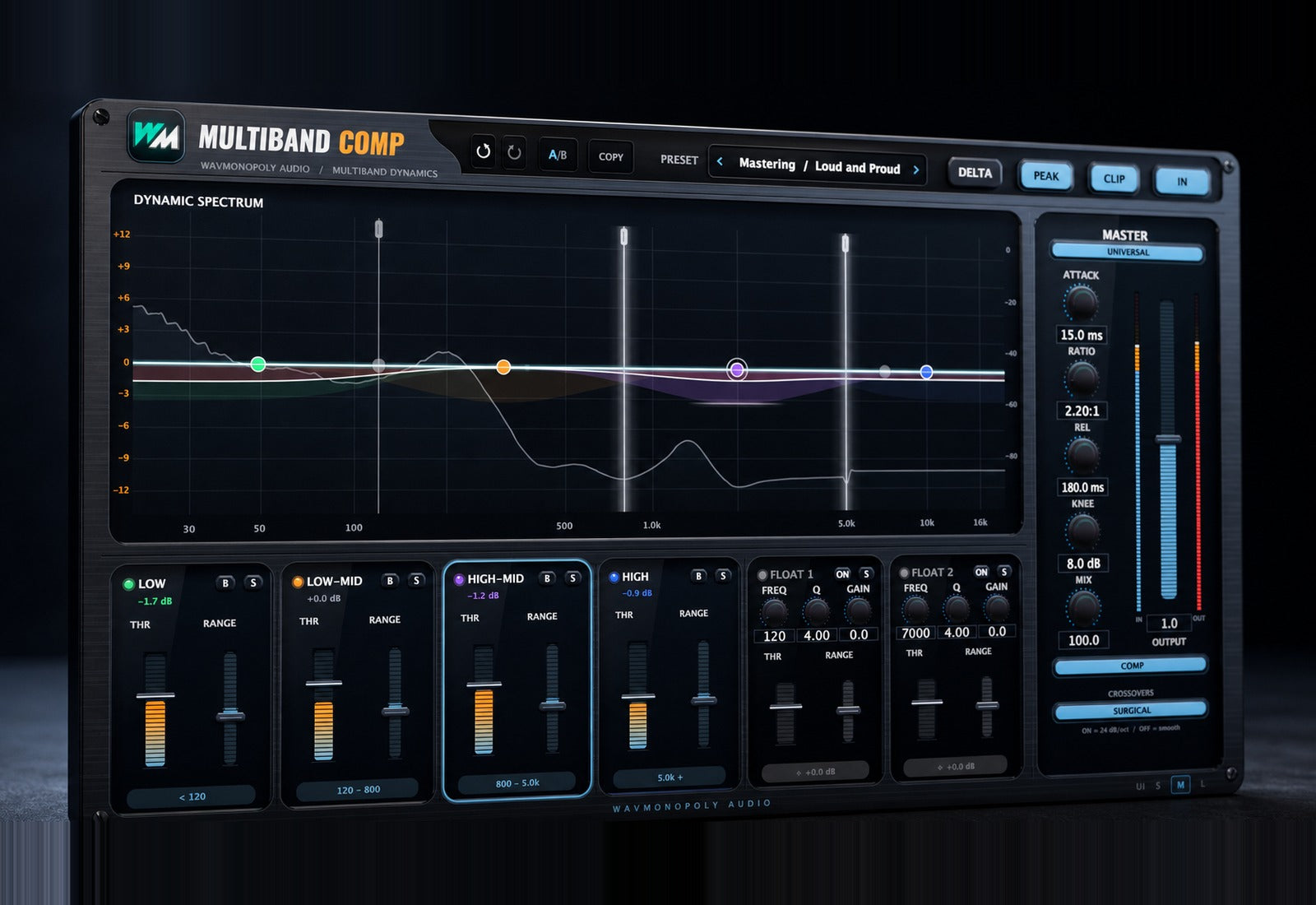
Choose the response
- Switch between Surgical and Smooth crossovers.
- Choose Peak or RMS detection.
- Refine the attack, release and knee for the source.
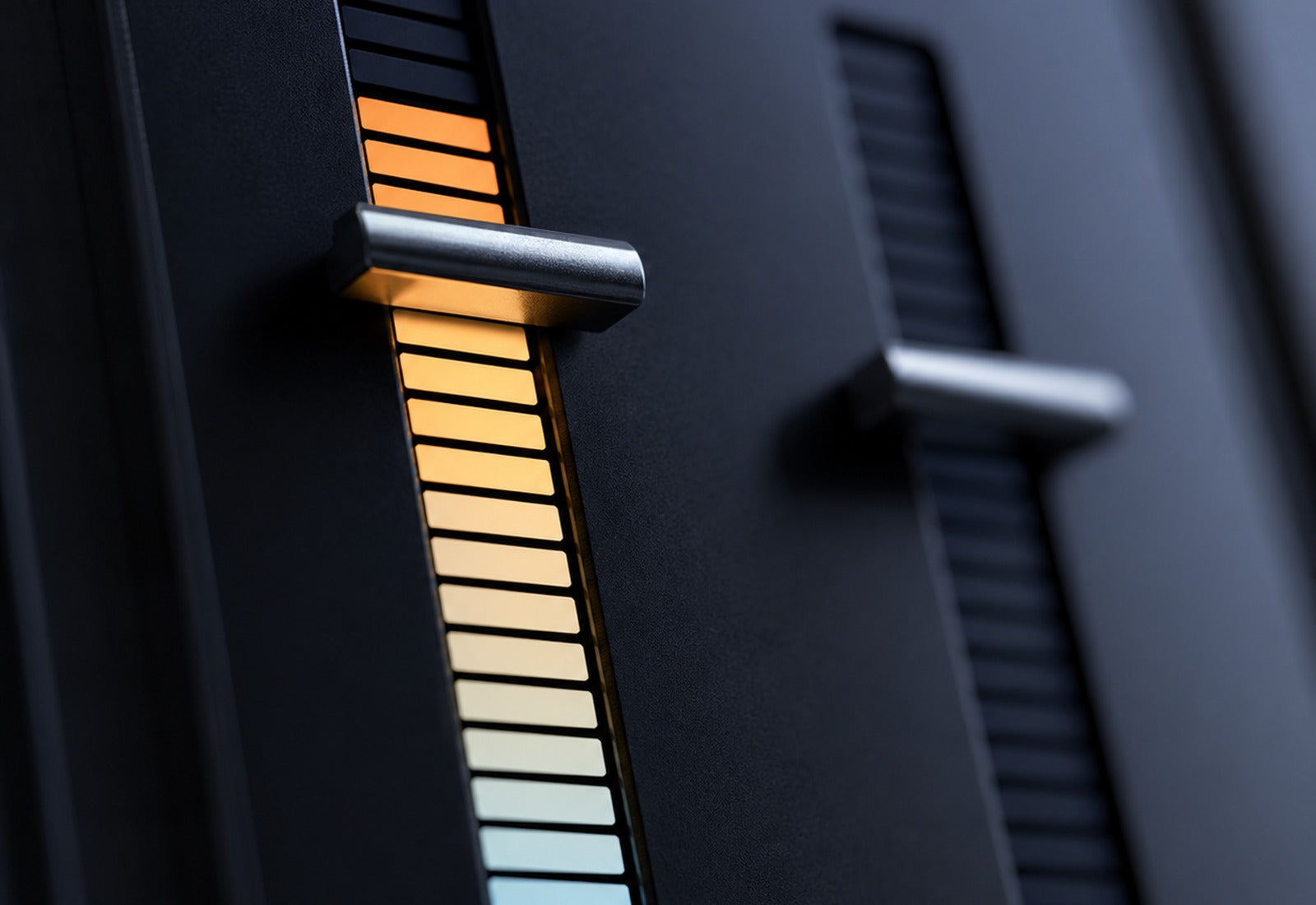
Hear each change
- Solo or bypass a band to check your work.
- Use Delta to hear what the processing changes.
- Compare settings with A/B and browse task-focused presets.
Built for Every Studio

Get Multiband Comp
One purchase. Lifetime license. Free updates forever.