
Download Access.
Choose Mac or Windows below. Open Wav Monopoly Access and sign in with the email you used at checkout.
Wav Monopoly Vocal Suite · MixPilot included
Shape your sound with the Wav Monopoly plugins. Bring the session together with MixPilot. Download and manage it all in Access.
25% off your first month of the Suite.
Applied automatically at checkout. Every plugin and the Complete Bundle are 25% off too.
MixPilot App + Channel included with Suite or Complete Bundle. Not sold separately.
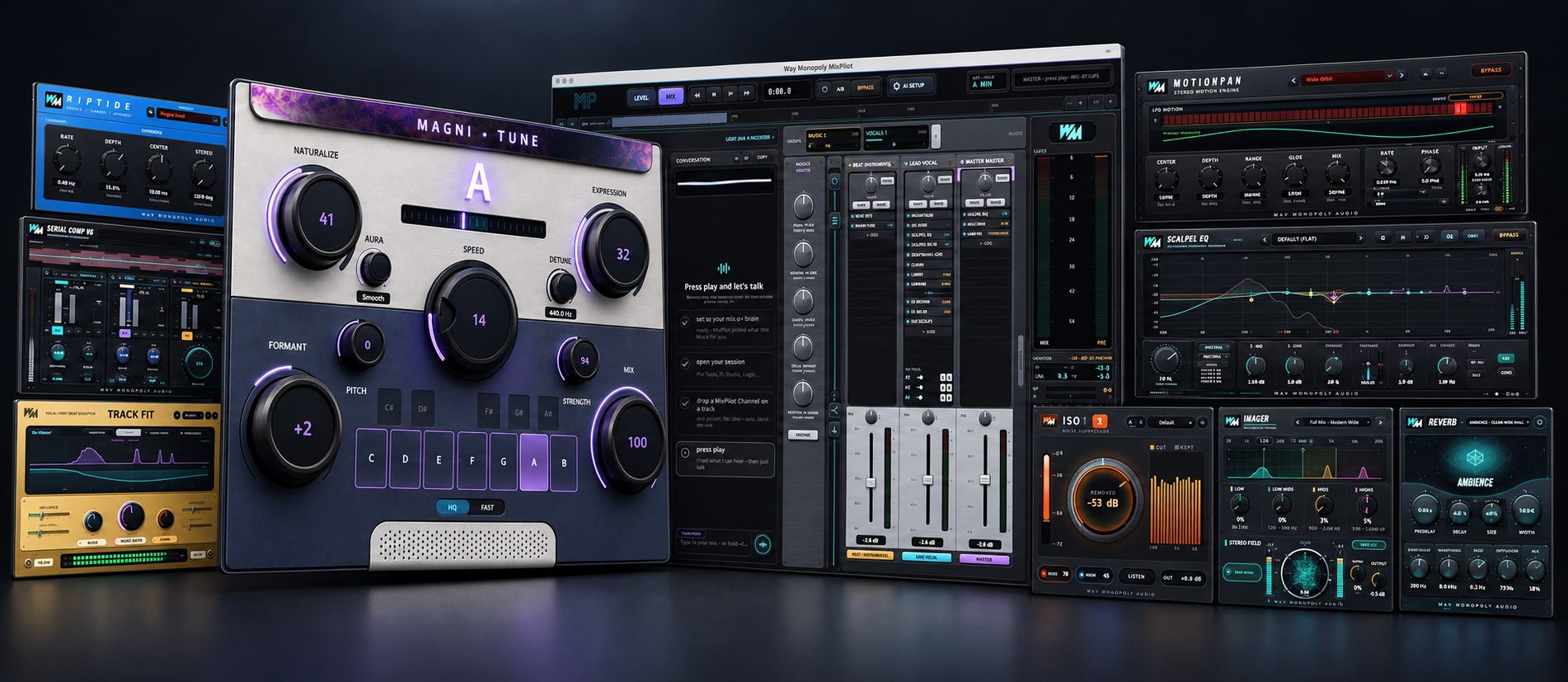
One suite. Every stage of your vocal.
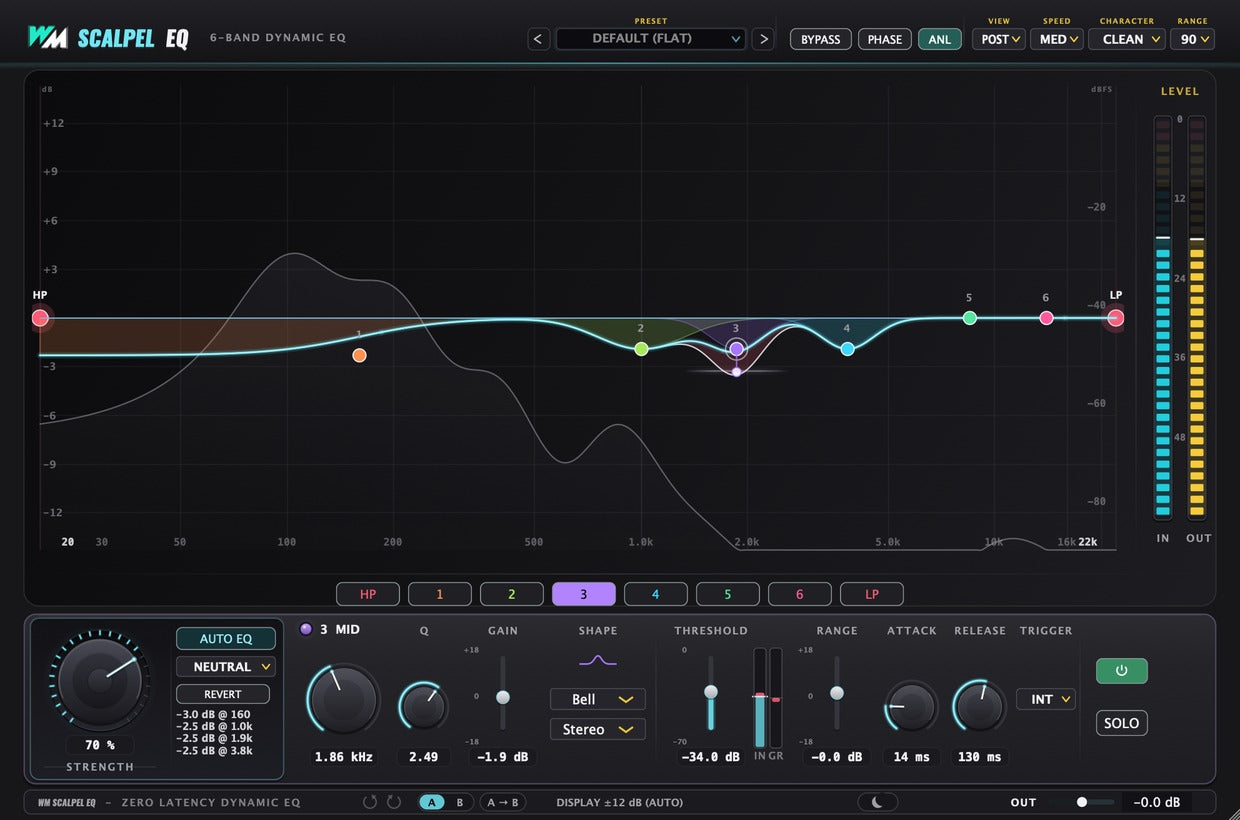
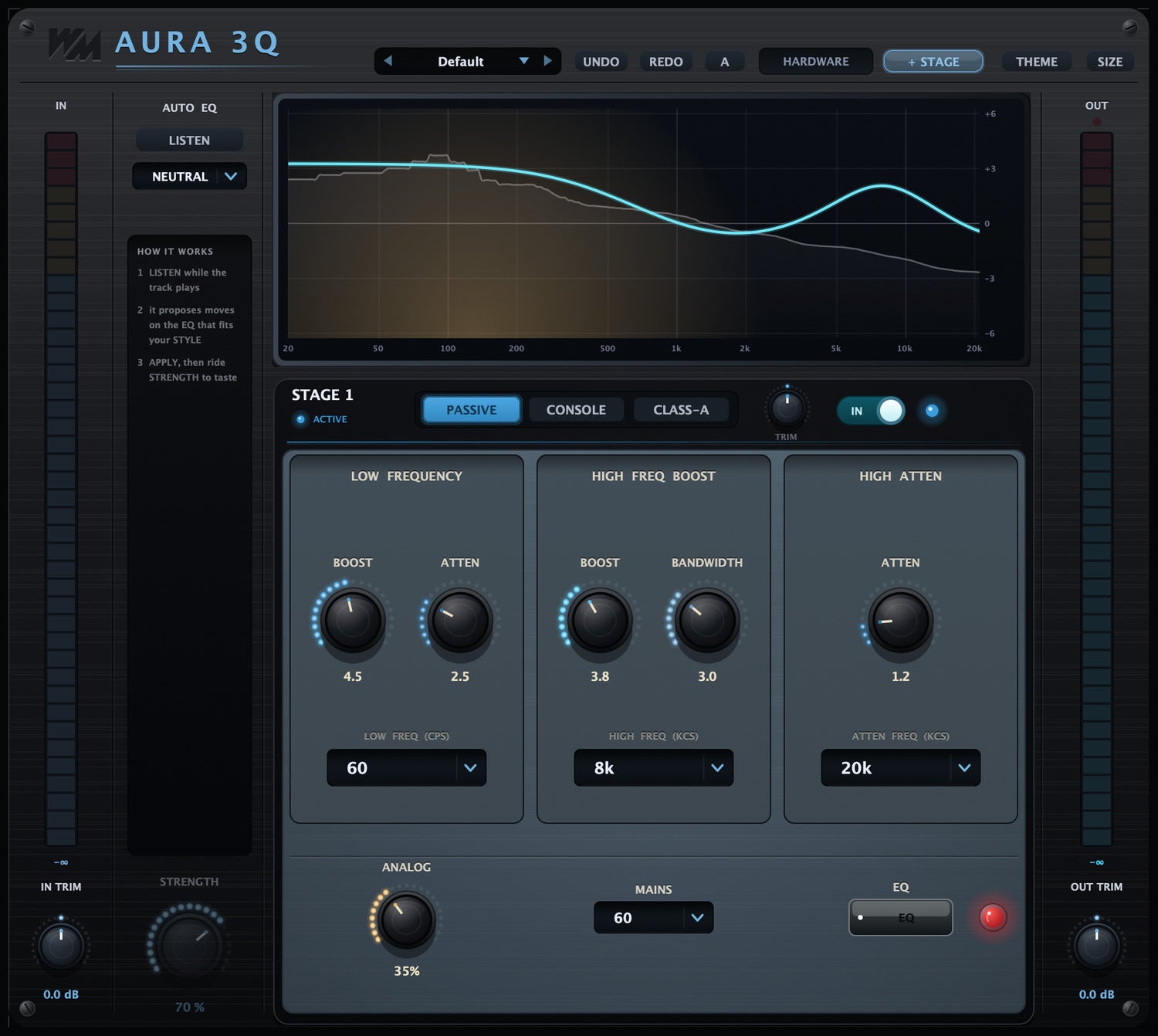
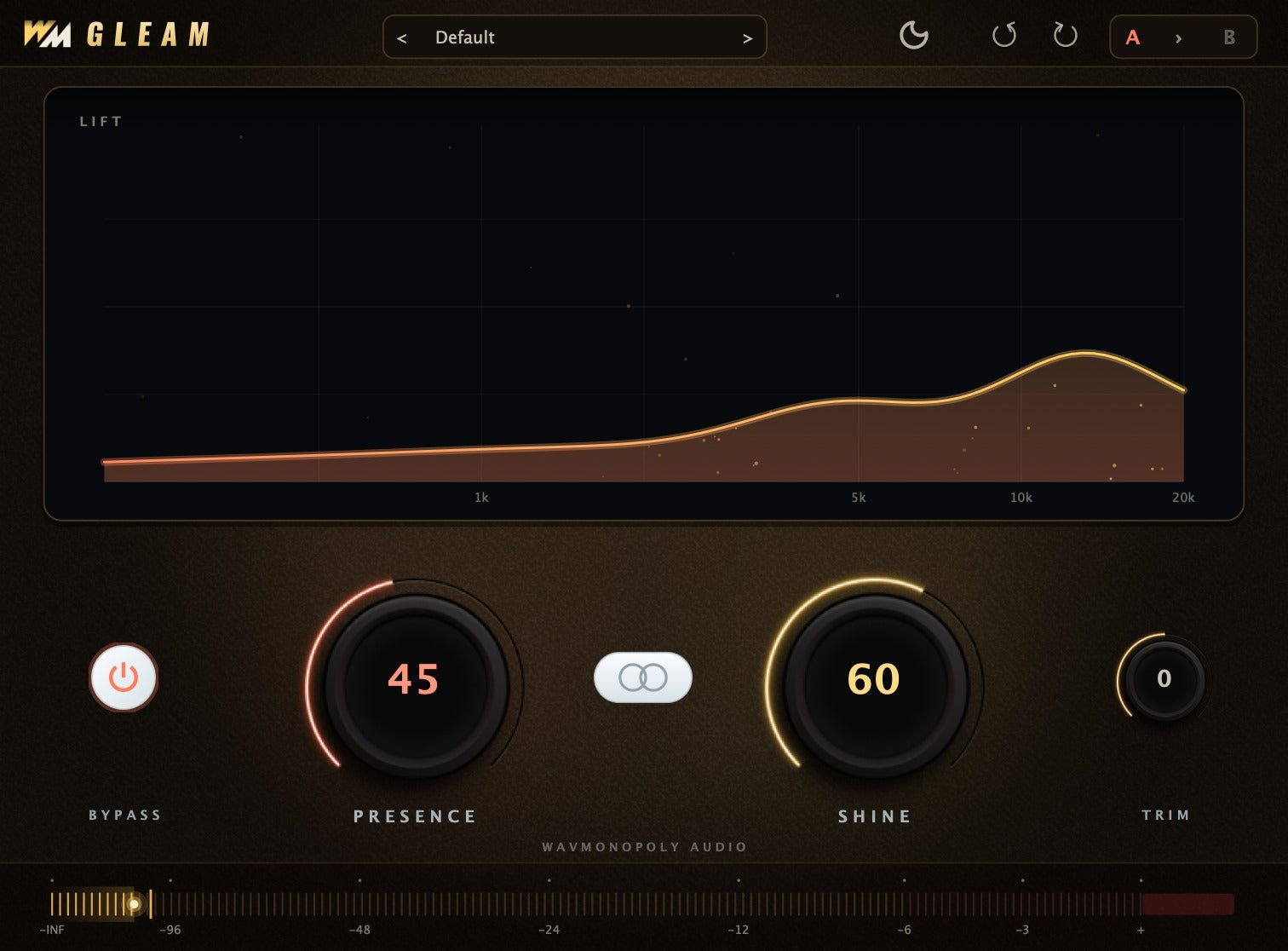
From tuning and cleanup to tone, dynamics and space. Here are a few of the tools in your Wav Monopoly collection.
Included with your suite
The MixPilot app and companion Channel plugin work together to hear your session and help you shape the mix. Keep your creative direction close, with your plugins in reach.
Explore MixPilot App + Channel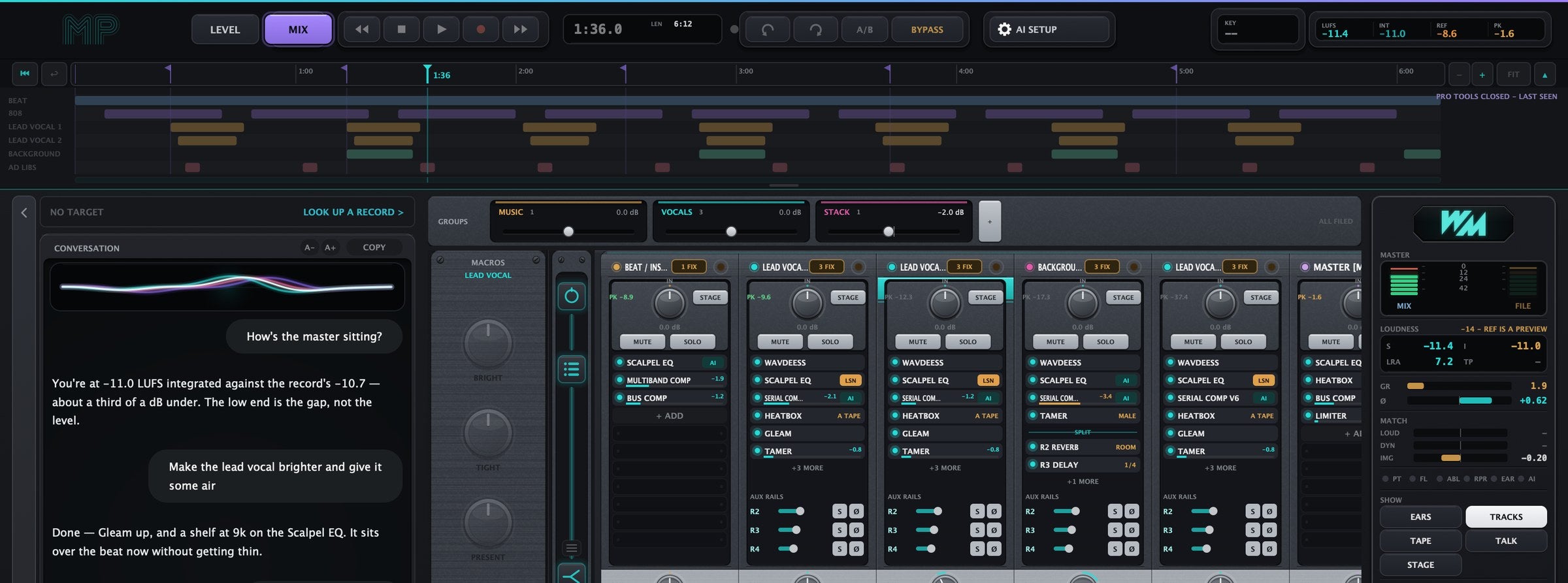

Vocal tuning, with a sound of its own.

Reduce noise and quiet the gaps between phrases.
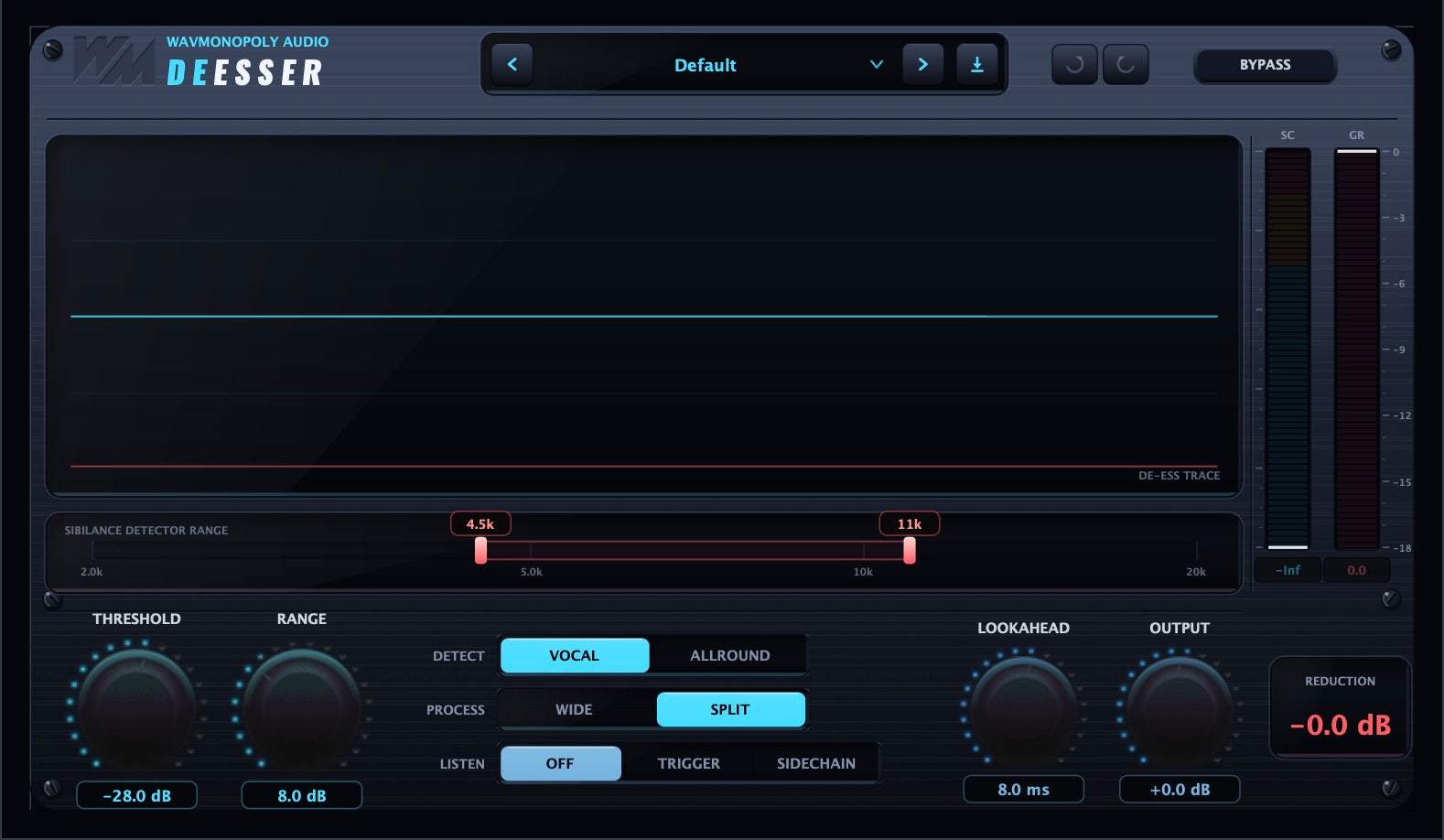
Control sharp sibilance. Keep the clarity.
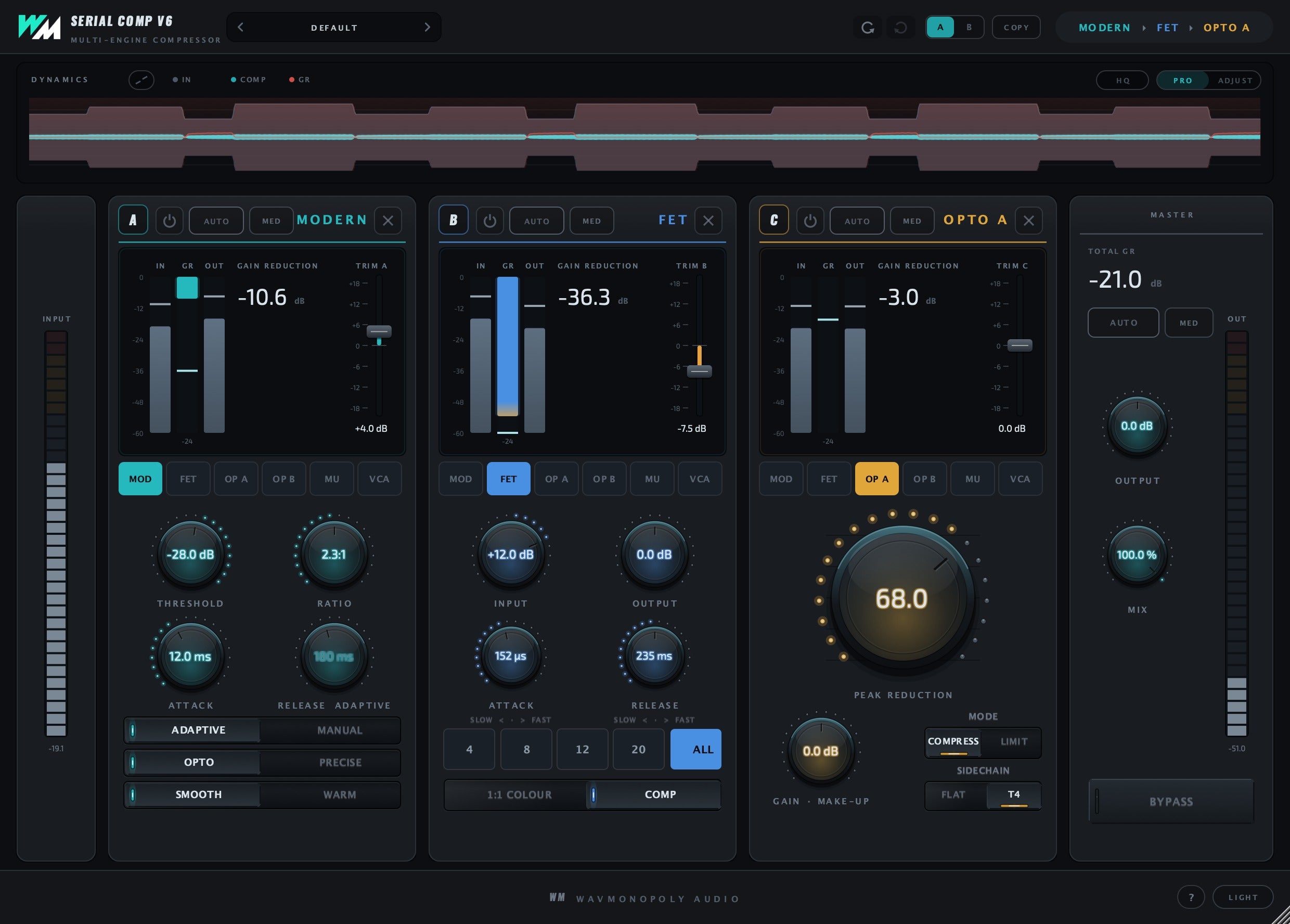
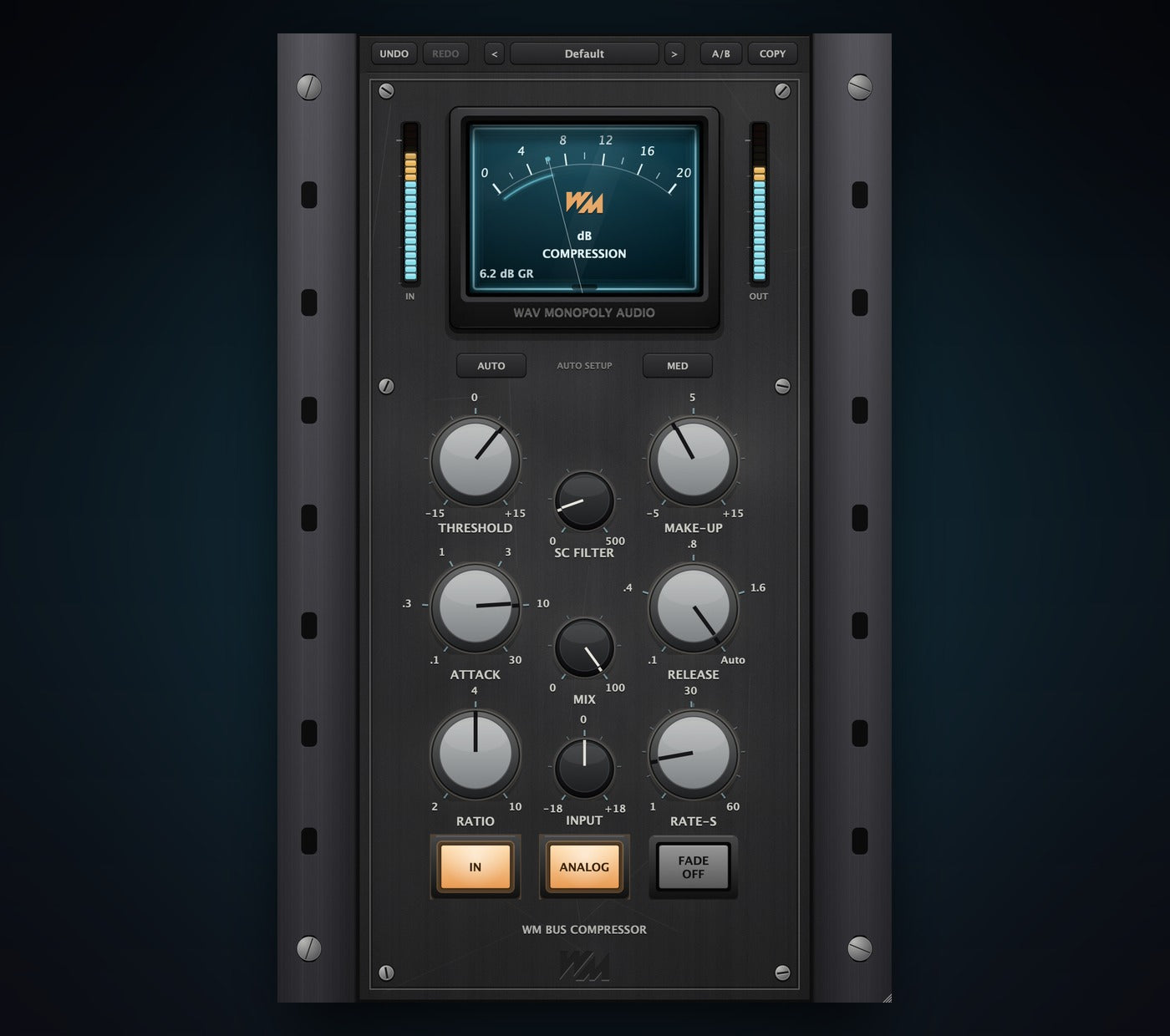
Shape vocal dynamics with six compressor voices.
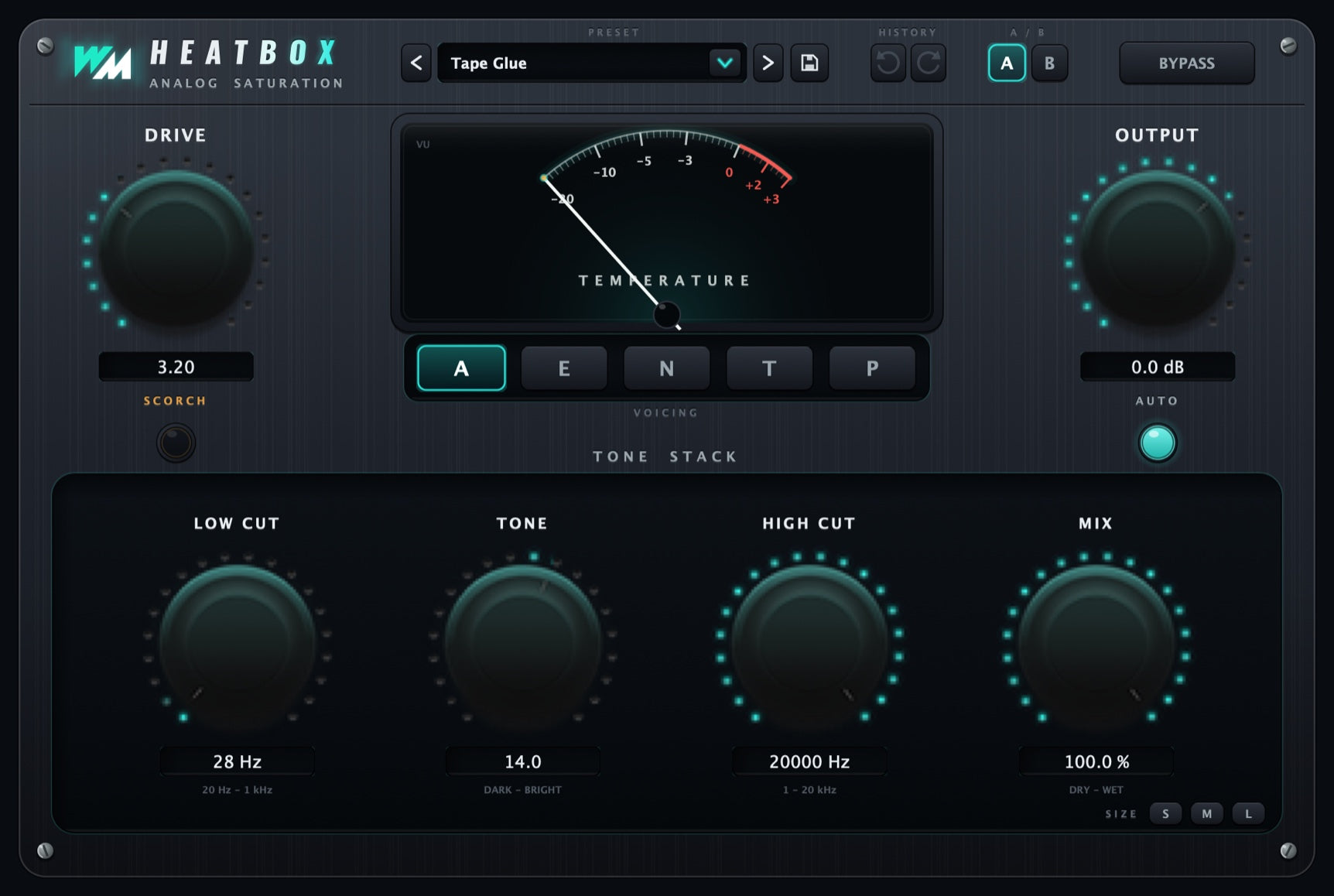
Bring warmth, weight and character.

Smooth resonances without losing the performance.
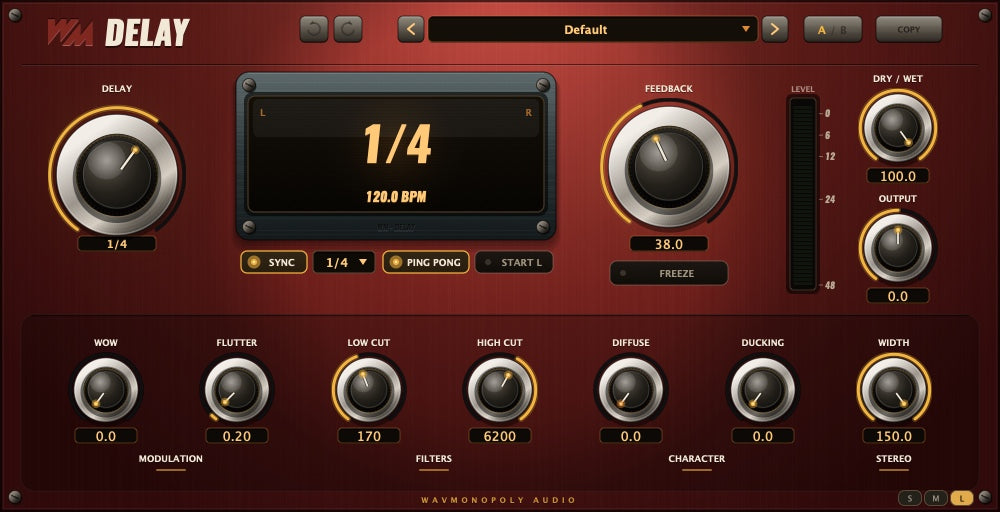
Add movement with tempo-synced repeats.
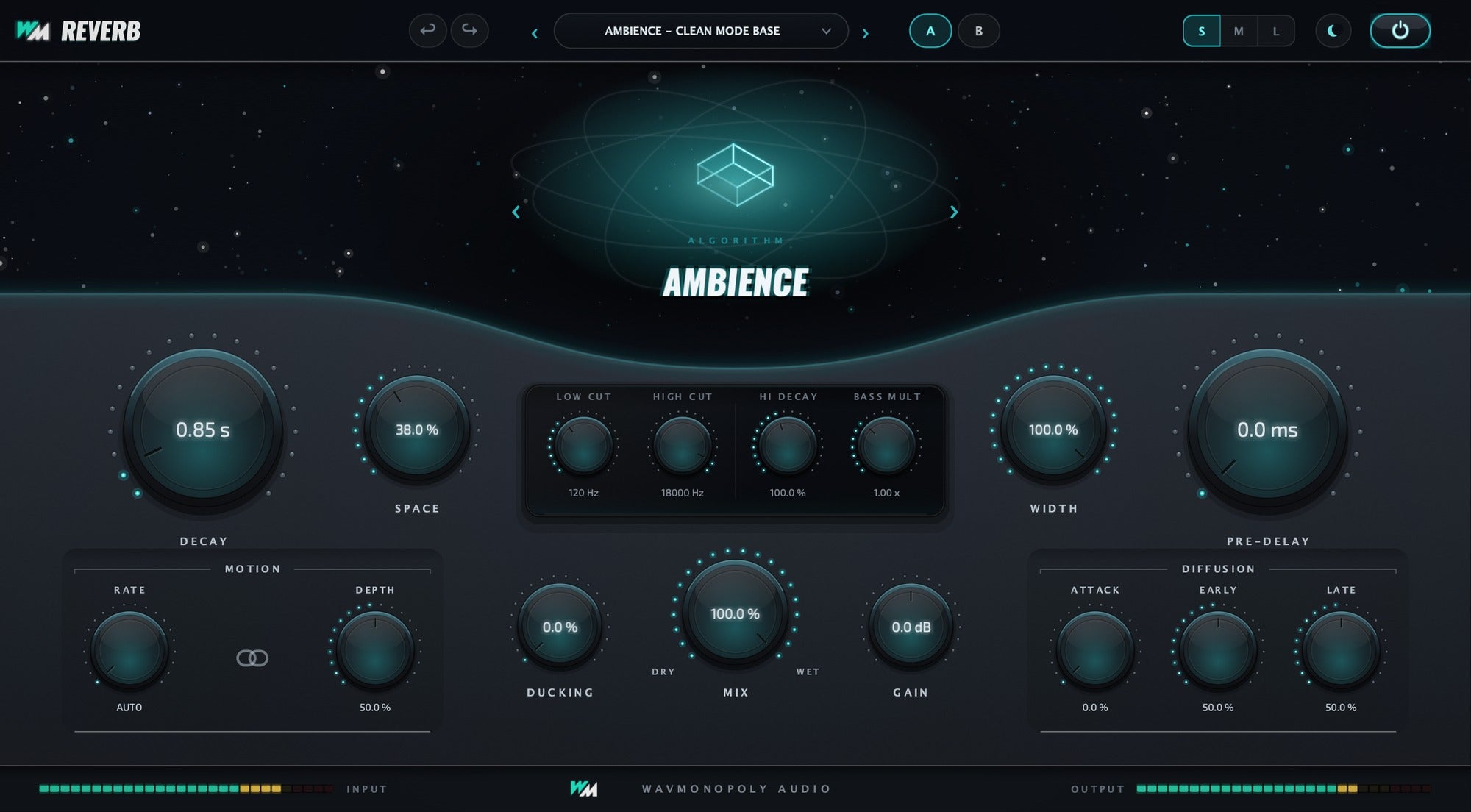
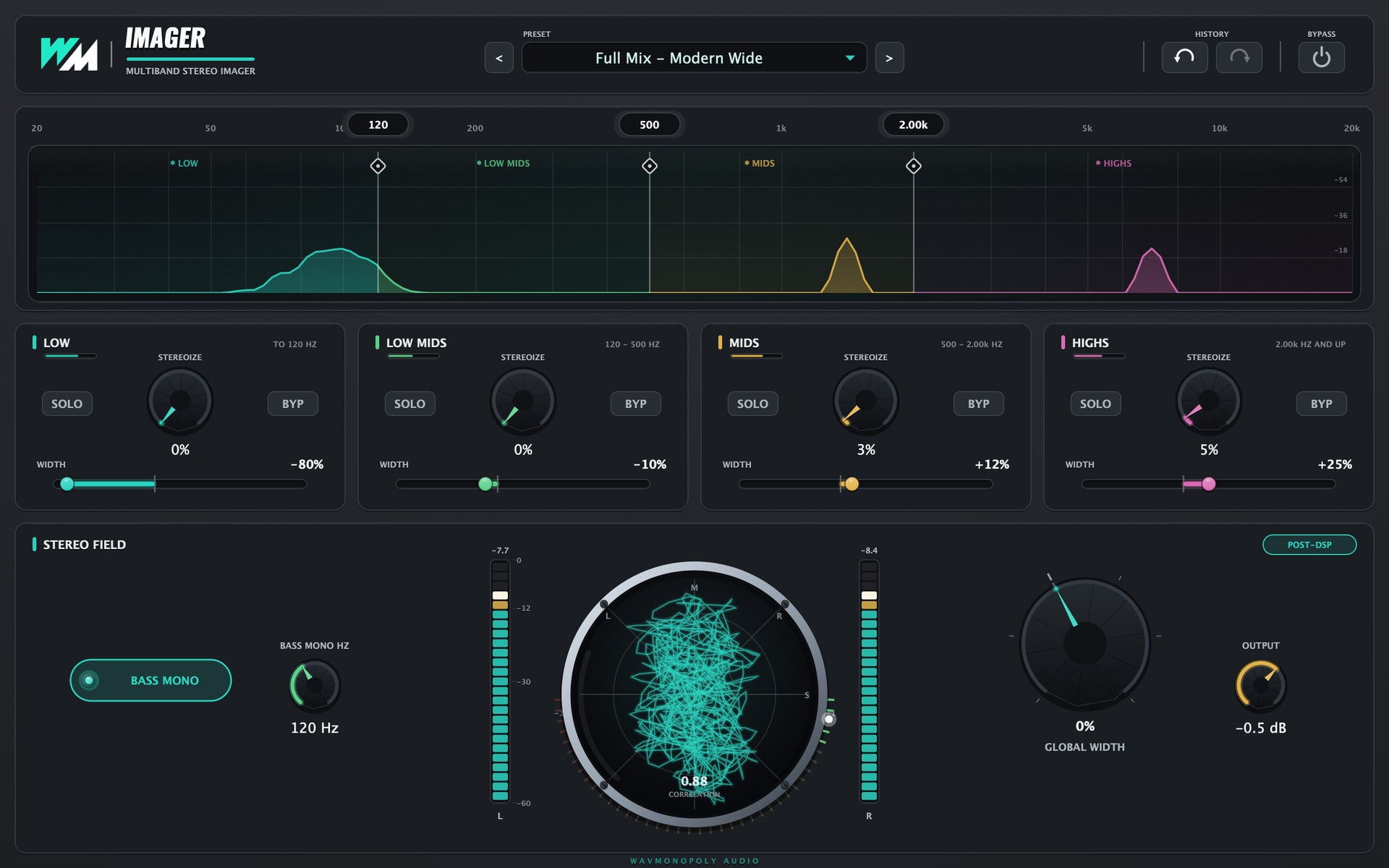
Give your vocal its own space.
Your vocal. Your beat. Your master.
Play G6 and compare the vocal chain, Track Fit on the beat, and the master processing. The beat stays in every comparison.
Wav Monopoly plugins · Full-mix demo
Plugin inserts
15 of 15 active
Each processor on the lead vocal. The beat, backgrounds and the rest of the chain stay in the mix.
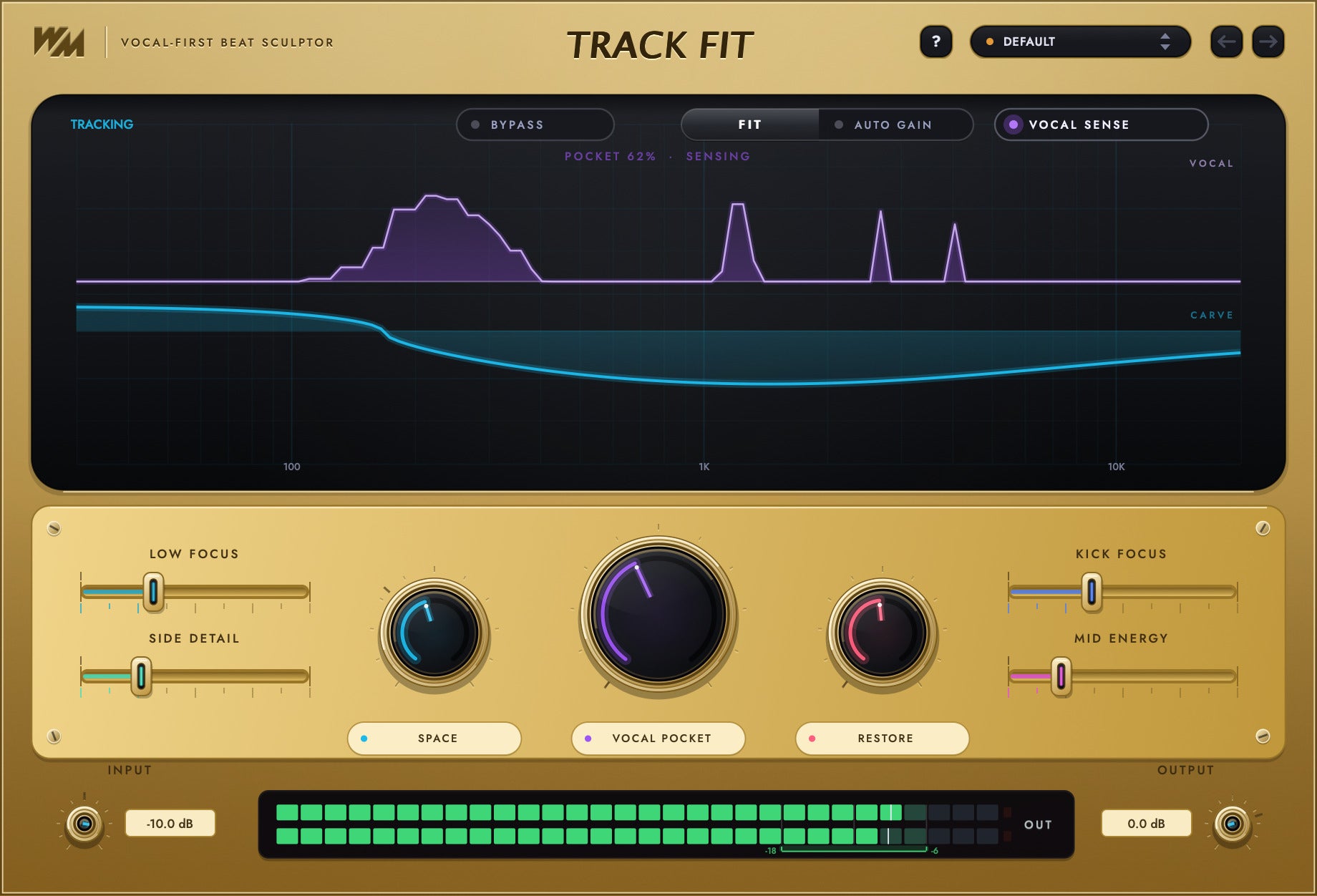
Track Fit shapes the beat around the vocal.
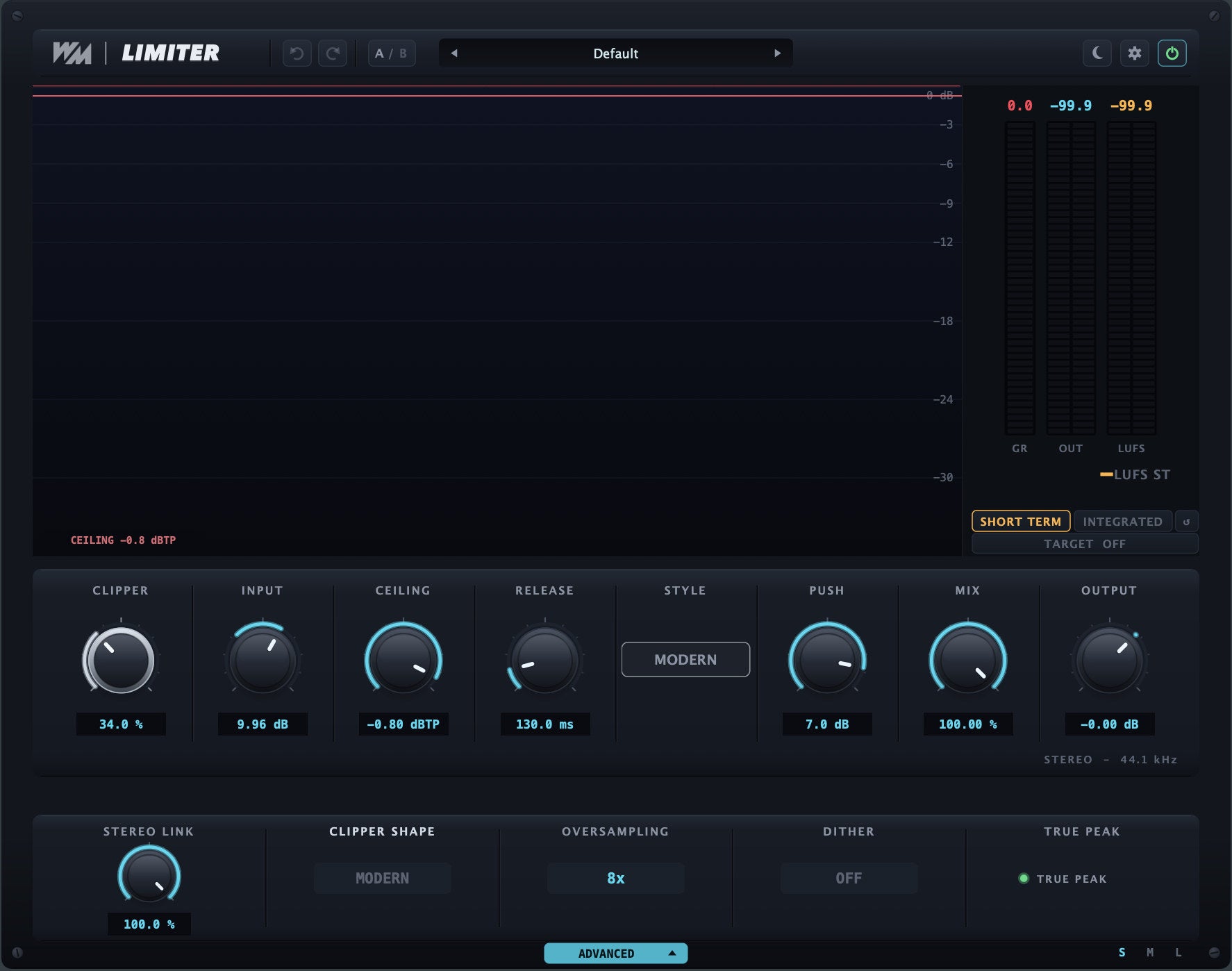
Processing on the whole mix, not just the vocal.
Compare one bypass at a time, or bypass all.
Every comparison is a real export of the same G6 session. The beat stays in the mix throughout.Then try your own voice. Download Wav Monopoly Access
From download to your first session
Access installs and manages your software. MixPilot is the app you open to work on your mix.
Choose Mac or Windows below. Open Wav Monopoly Access and sign in with the email you used at checkout.
Find your software in Access. Install MixPilot, MixPilot Channel and the plugins you want to use. Access handles installation and activation.
Select Open on the installed MixPilot card in Access. For a DAW session, open the companion MixPilot Channel plugin in your DAW too.
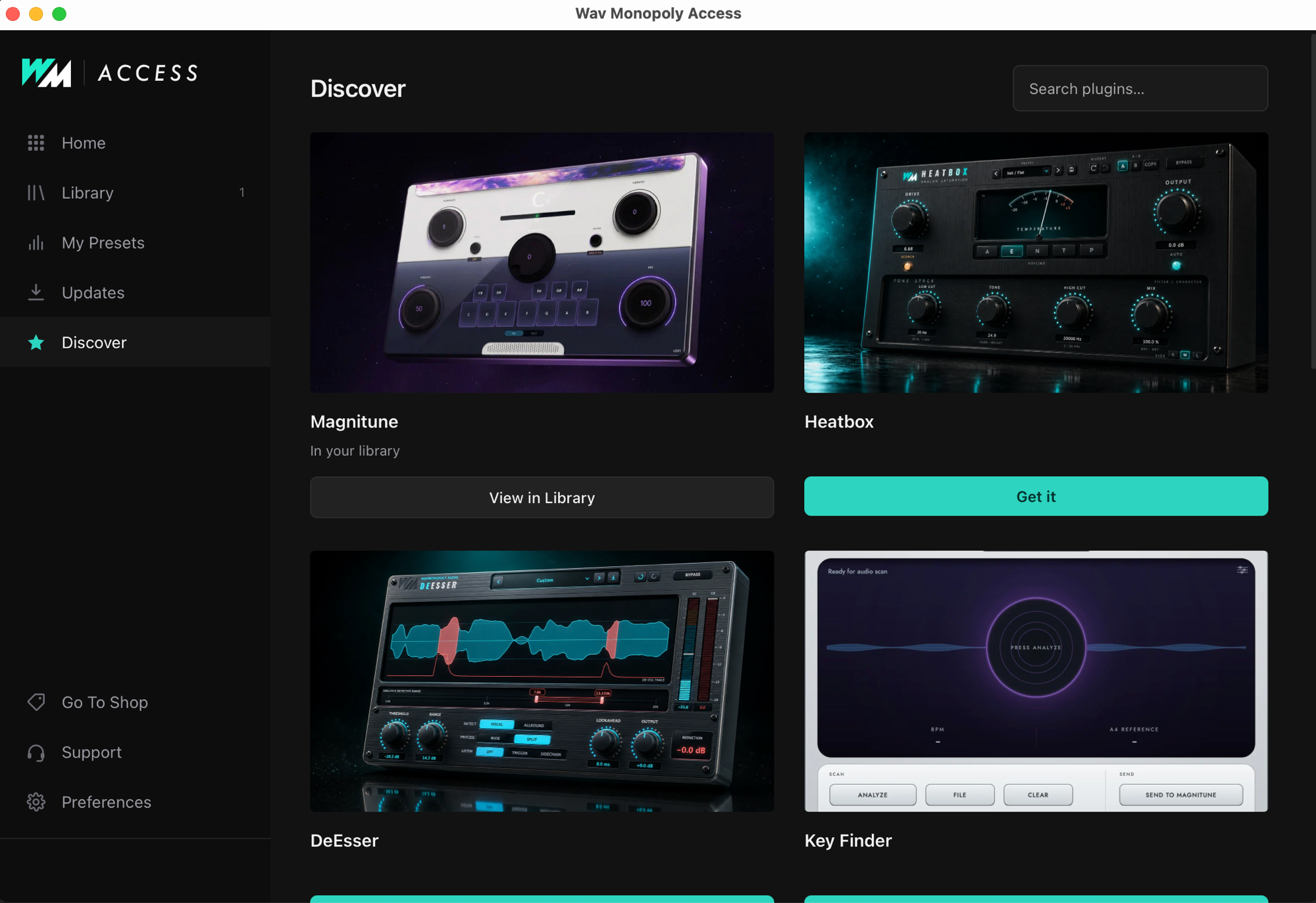
Select Open on the MixPilot card in Access, or open Wav Monopoly MixPilot from Applications. Show in Finder in Access locates your installed copy.
Select Open on the MixPilot card in Access, or find MixPilot in the Windows Start menu. You can also create a desktop shortcut from its menu in Access.
After installing, restart or rescan plugins in your DAW. Find the Wav Monopoly plugins in its plugin browser. MixPilot Channel is the companion plugin for connecting your DAW session to the MixPilot app. Check each product page for supported formats.
Wav Monopoly Access
Install your plugins, open MixPilot and keep your software updated from the same place. Already own the suite? Start here.
Access is free to download. Paid software requires a license.
Installation help & system requirements
Yes. MixPilot App + Channel is included with the Suite subscription or the Complete Bundle. MixPilot is not sold separately.
Access is your download and library manager. It installs, activates and updates your software. MixPilot is the separate app you use to work on your mix, together with its companion Channel plugin.
Wav Monopoly plugins and MixPilot Channel are available for Mac and Windows: AU, VST3 and AAX on macOS; VST3 and AAX on Windows. Use them in compatible DAWs, including Logic Pro, GarageBand, Pro Tools, Ableton Live, FL Studio, Cubase, Studio One, Reaper and Bitwig. Choose the format supported by your DAW.
The Suite provides access while your subscription is active. The Complete Bundle is the purchase option for owning the included products. Both include MixPilot. The product pages show current pricing and exactly what is included.
Your next session starts here
MixPilot App + Channel included with Suite or Complete Bundle. Not sold separately.