
Three EQs, stacked three deep
Shape tone with three classic EQ characters in one flexible chain. Combine up to three stages for weight, presence and air, or let Auto EQ suggest a starting point. Every setting stays yours to refine.
VST3 · AU · AAX · macOS & Windows
- ✓ Instant Download
- ✓ Secure Checkout
- ✓ License Key by Email
- ✓ Free Updates
 Aura 3Q
Every Control, At a Glance
Hover any point on the interface to see exactly what it does.
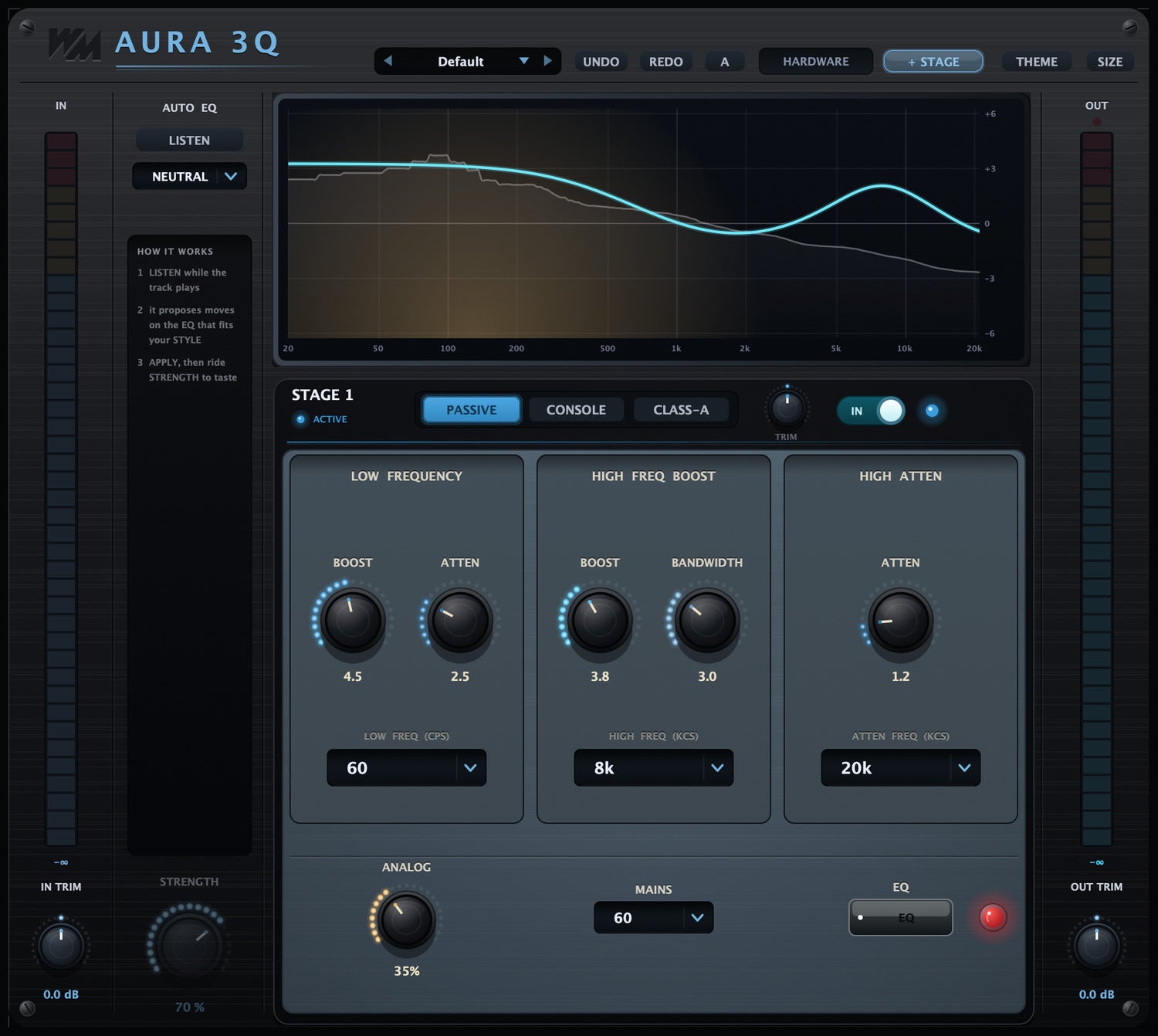
LISTEN
Analyse the audio to create an Auto EQ starting point.
STYLE
Choose the tonal direction for Auto EQ.
STRENGTH
Set how much of the suggested EQ is applied.
HARDWARE
Switch between clean processing and hardware-style colour.
+ STAGE
Add another EQ stage to the chain.
Response Graph
See the combined EQ response.
PASSIVE / CONSOLE / CLASS-A
Choose the EQ character for this stage.
TRIM
Balance the level of this stage.
Stage Bypass
Compare the sound with this stage turned off.
LOW BOOST
Add low-end weight.
LOW ATTEN
Reduce low-end buildup.
Frequency Selectors
Choose which frequencies the controls shape.
HIGH FREQ BOOST
Add upper-frequency presence and brightness.
BANDWIDTH
Adjust how broadly the high boost shapes the sound.
HIGH ATTEN
Soften the high frequencies.
ANALOG
Add analog-style warmth and character.
Discover Aura 3Q
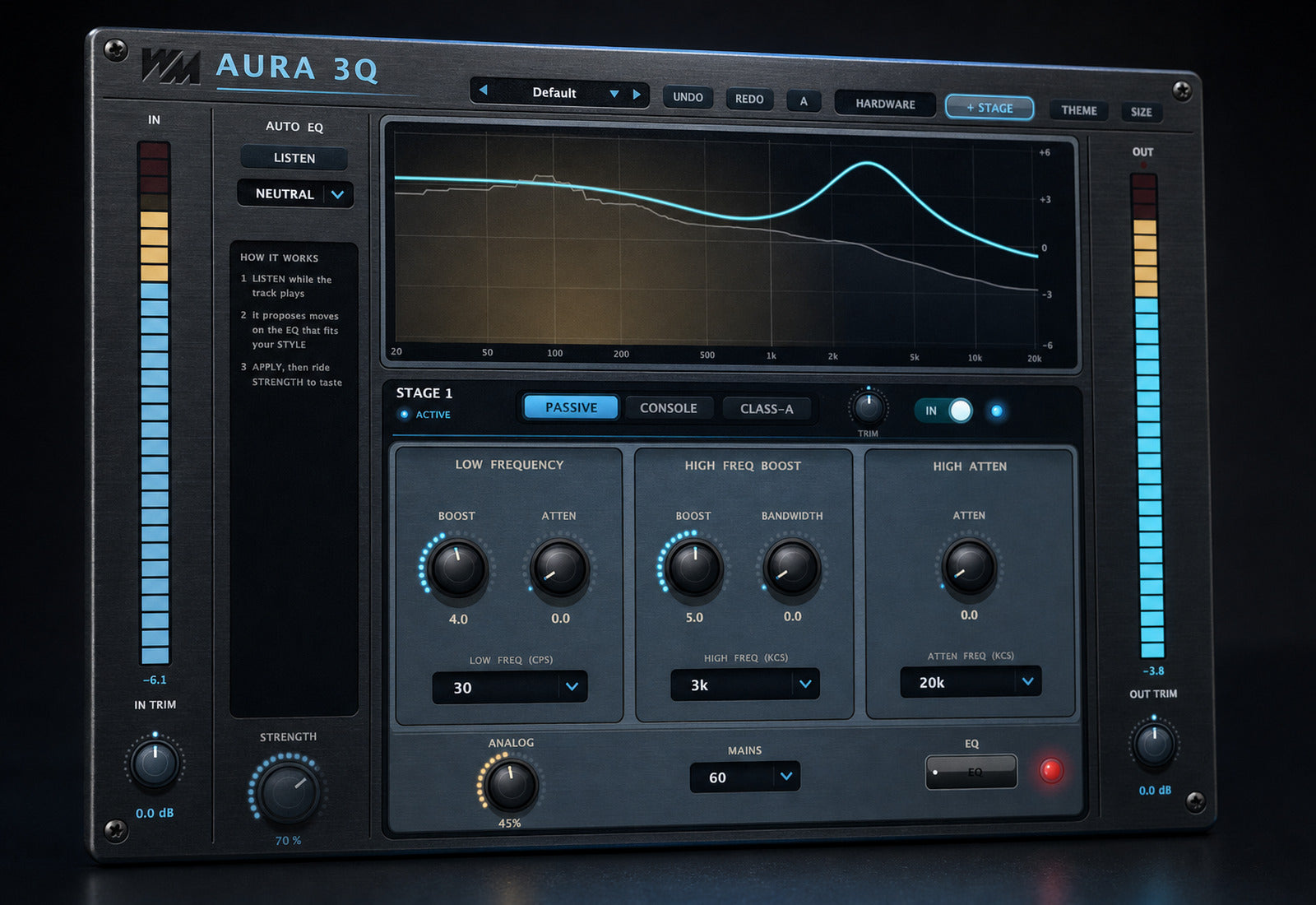
Choose your EQ character
- Explore Passive, Console and Class-A engines.
- Use a different character at each stage.
- Shape weight, presence and air by ear.
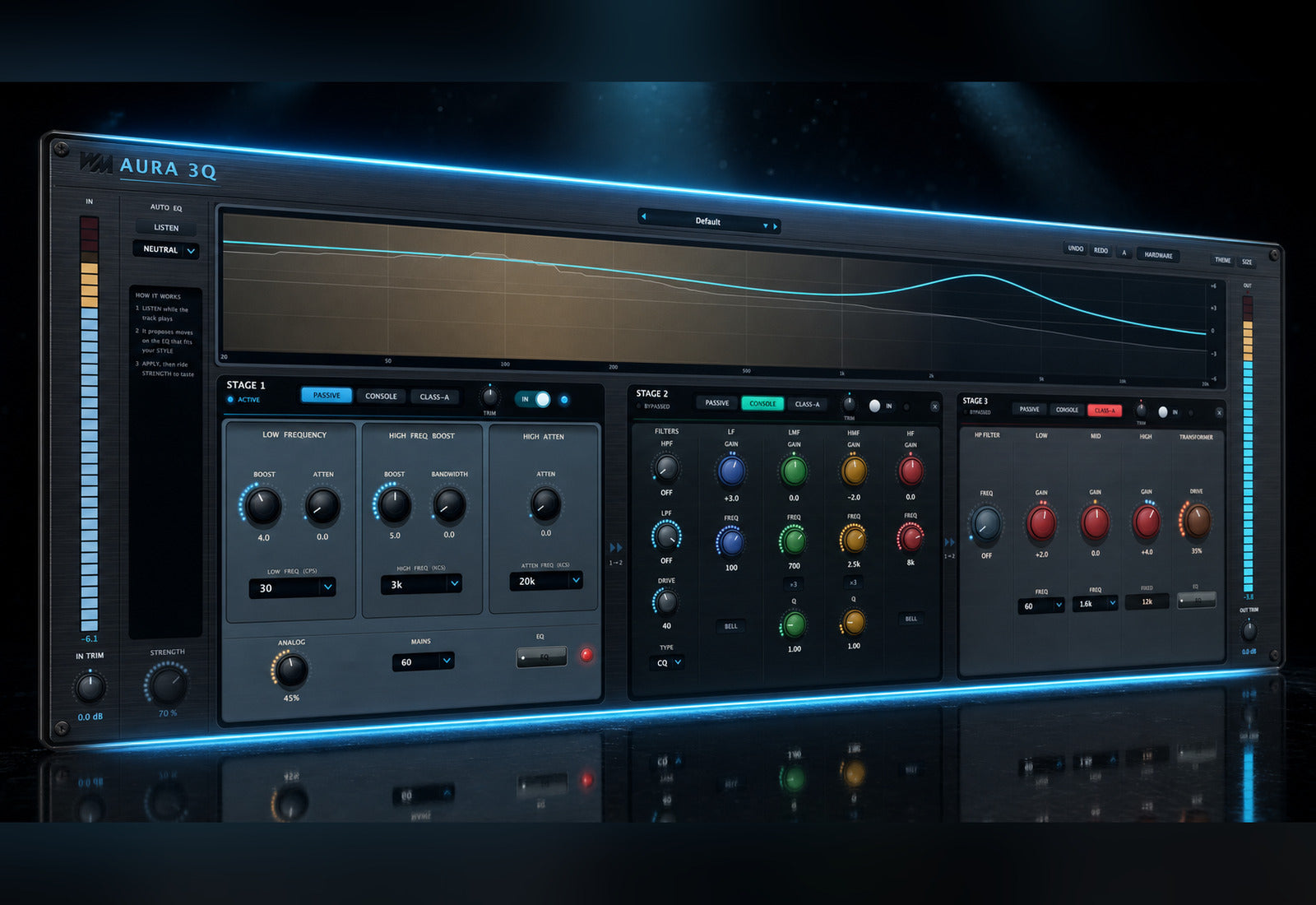
Build the tone in stages
- Combine up to three EQ stages.
- Balance each stage with its own trim.
- Bypass individual stages to check their contribution.
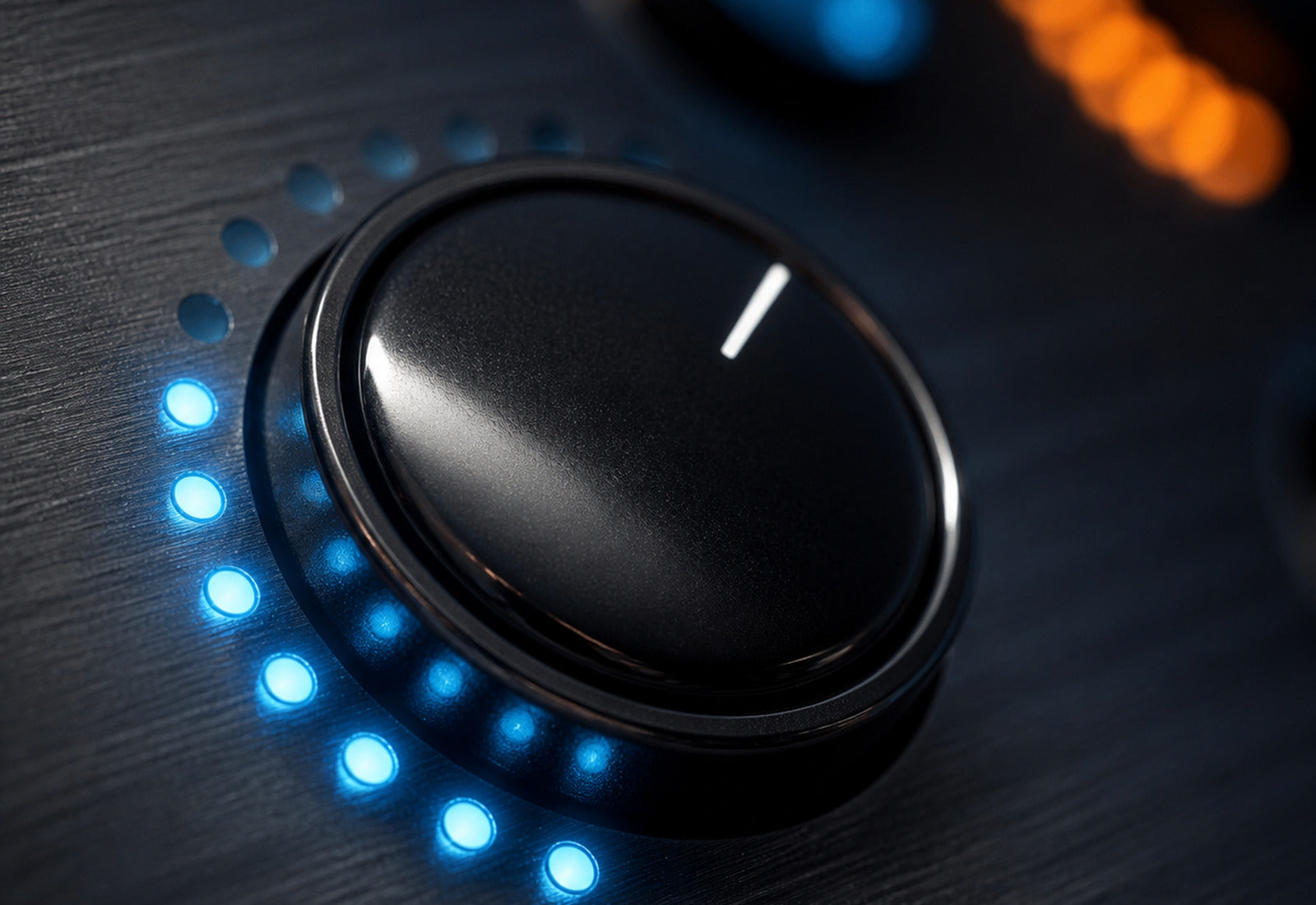
Start quickly, stay in control
- Let Listen suggest an EQ starting point.
- Choose a style and adjust its strength.
- Refine the settings manually or explore the presets.
Built for Every Studio

Get Aura 3Q
One purchase. Lifetime license. Free updates forever.