
Chorus, flanger, and every point between
Add shimmer, sweep and movement with Chorus, Flanger and Morph in one plugin. Shape the depth, stereo spread and feedback, then blend it into your track—from subtle animation to a bold, swirling effect.
VST3 · AU · AAX · macOS & Windows
- ✓ Instant Download
- ✓ Secure Checkout
- ✓ License Key by Email
- ✓ Free Updates
 Riptide
Every Control, At a Glance
Hover any point on the interface to see exactly what it does.
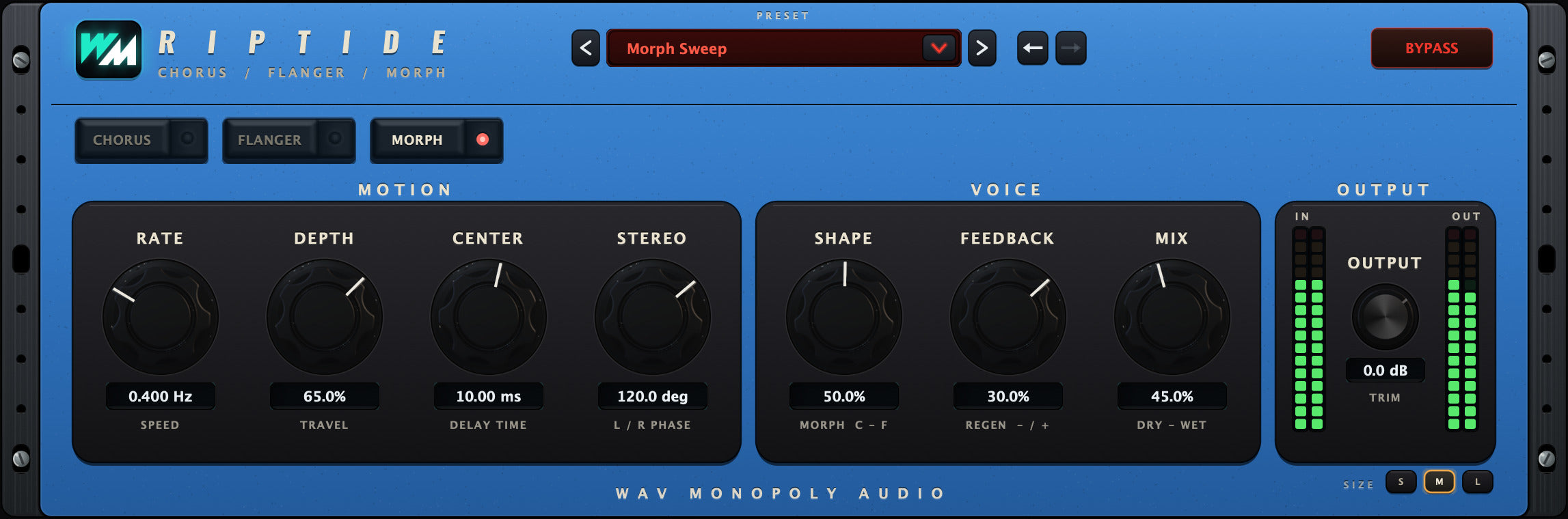
Preset bay
Browse modulation presets.
Engine buttons
Choose Chorus, Flanger or Morph.
RATE
Set the free-running speed of the movement.
DEPTH
Set how deeply the effect sweeps.
CENTER
Shift the centre of the modulation sweep.
STEREO
Adjust the stereo spread of the movement.
SHAPE
Change the motion shape in Morph mode.
FEEDBACK
Add resonance and change the character of the sweep.
MIX
Blend the effect with the original signal.
OUTPUT
Set the final output level.
IN / OUT meters
Check the signal levels before and after processing.
BYPASS
Compare with the original sound.
Discover Riptide
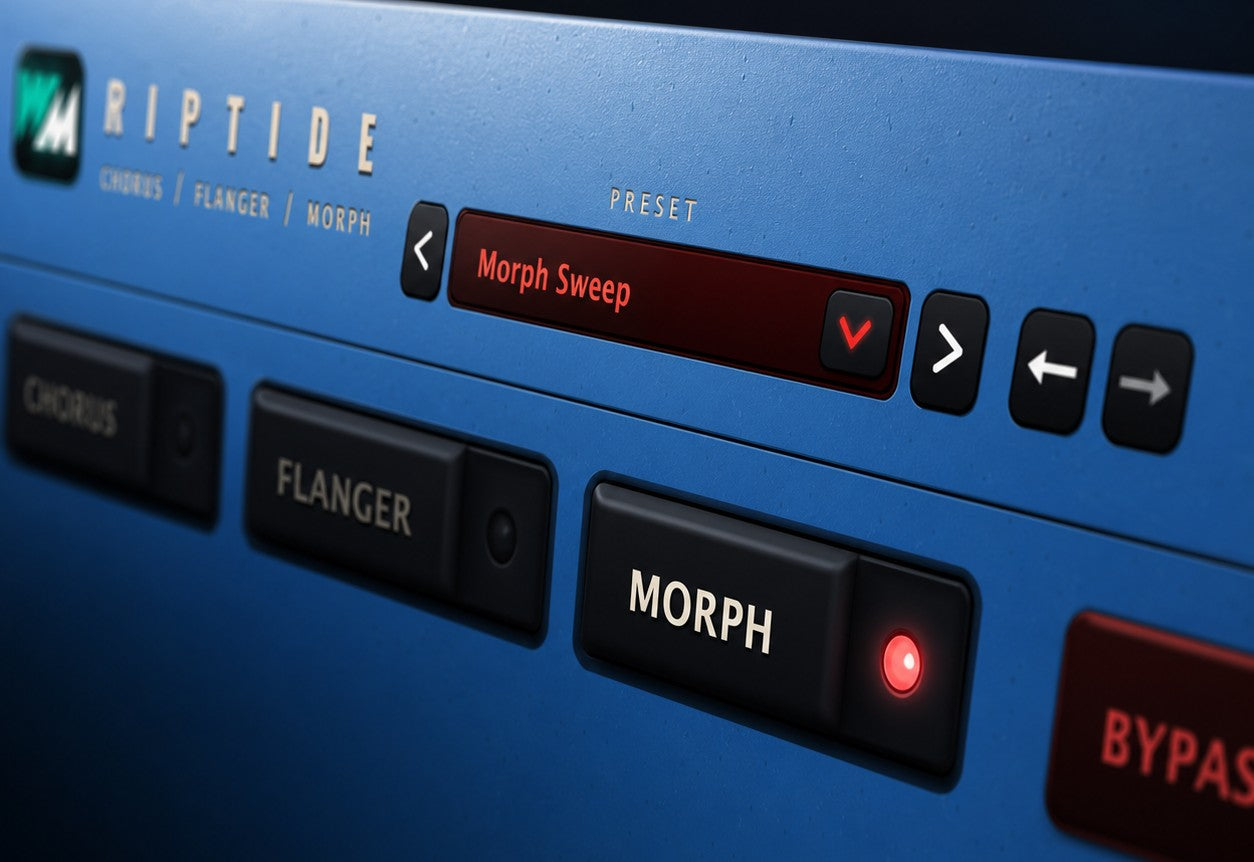
Three ways to add movement
- Choose Chorus for a fuller, animated sound.
- Explore sweeping Flanger effects.
- Use Morph for a different modulation character.
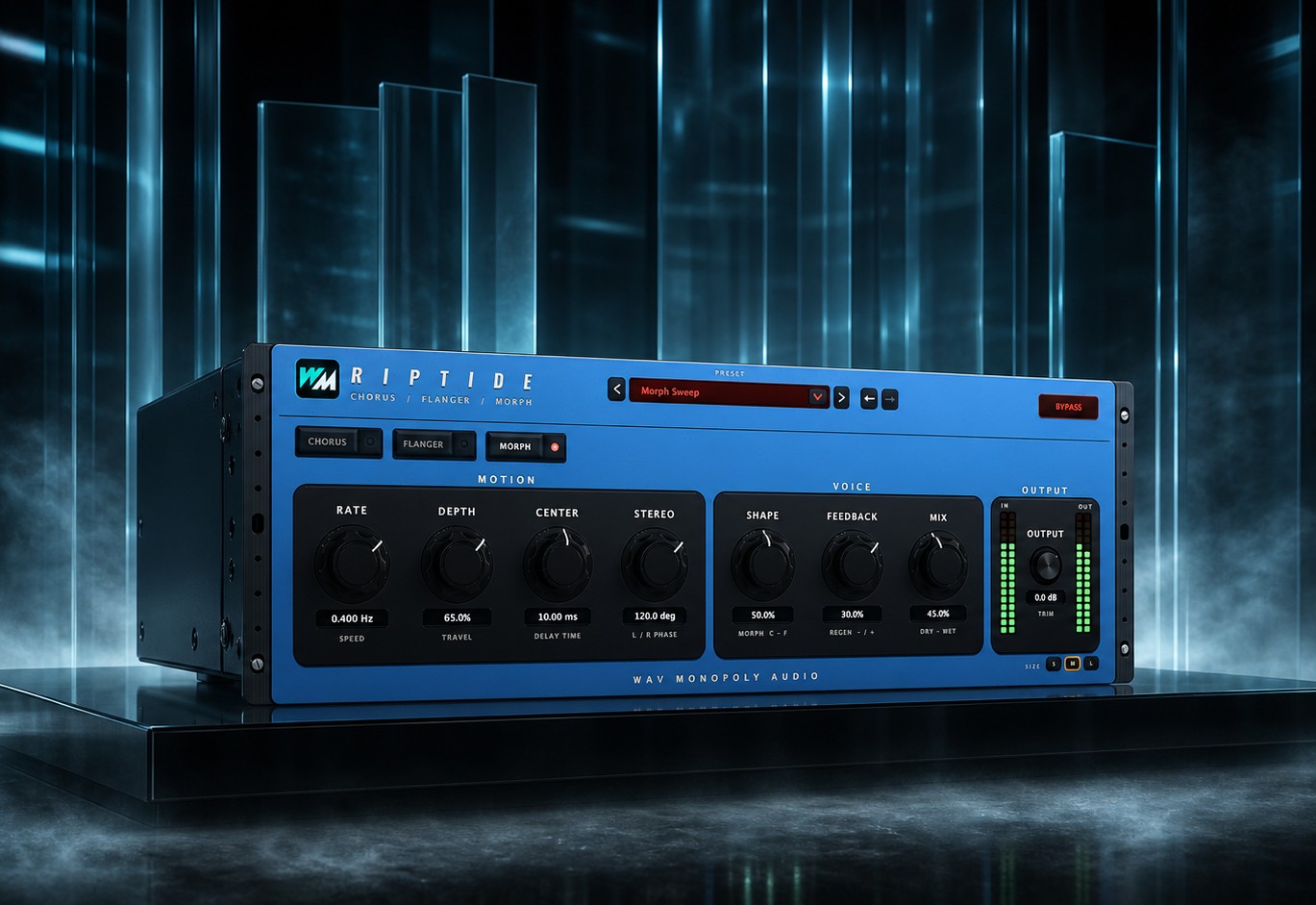
Shape the sweep
- Set the speed, depth and centre.
- Adjust feedback for more pronounced resonance.
- Change the motion shape in Morph mode.
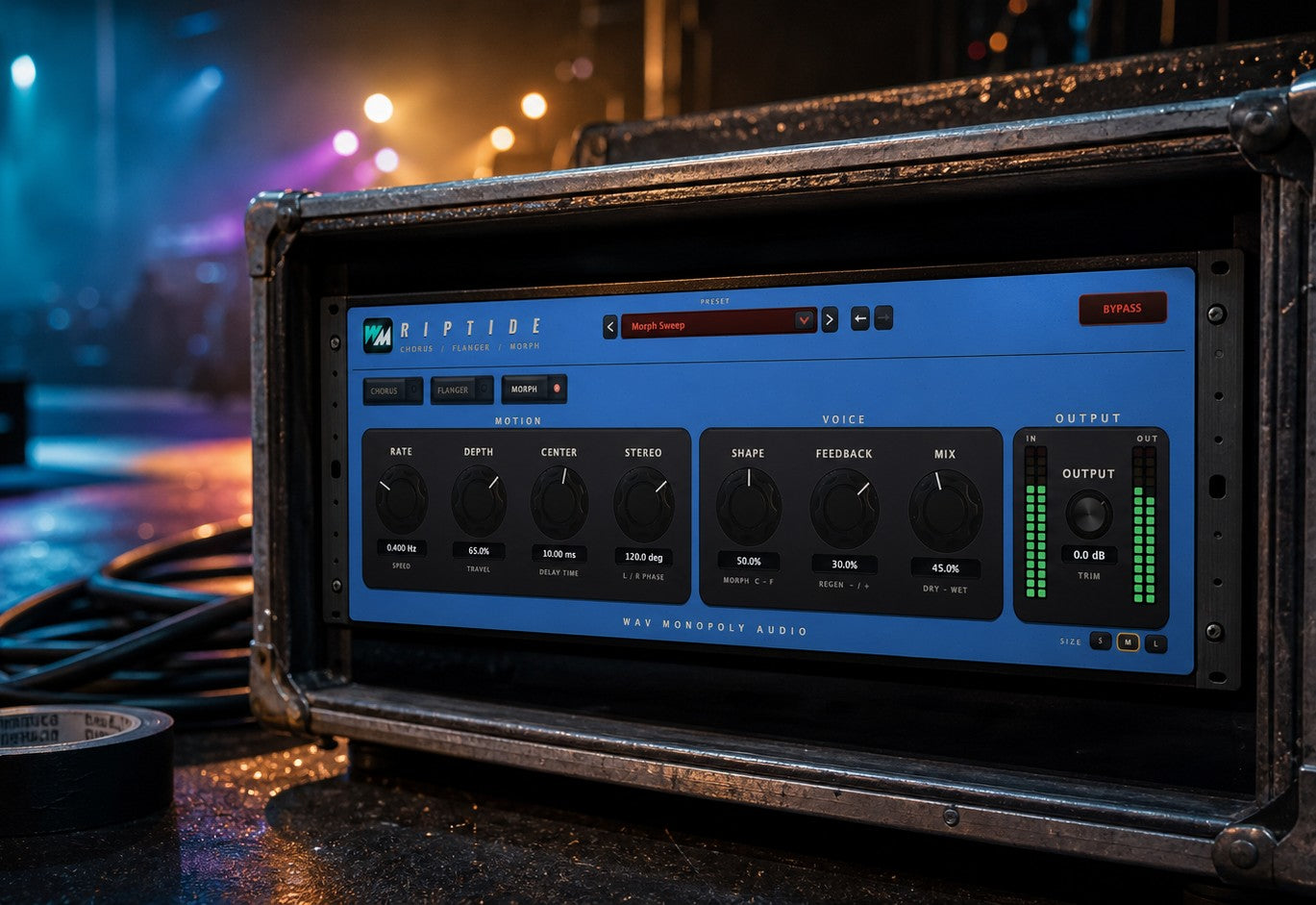
Fit it into the track
- Control the stereo spread.
- Blend with the original using Mix.
- Compare presets and match the output level.
Built for Every Studio

Get Riptide
One purchase. Lifetime license. Free updates forever.