
Less noise. Cleaner space between phrases.
Clean up background noise and quiet the gaps between phrases. ISO1 combines Noise reduction with a separate Gate control, with no noise print to capture. Listen to what is being removed and adjust the cleanup to suit your recording.
VST3 · AU · AAX · macOS & Windows
- ✓ Instant Download
- ✓ Secure Checkout
- ✓ License Key by Email
- ✓ Free Updates
 ISO1
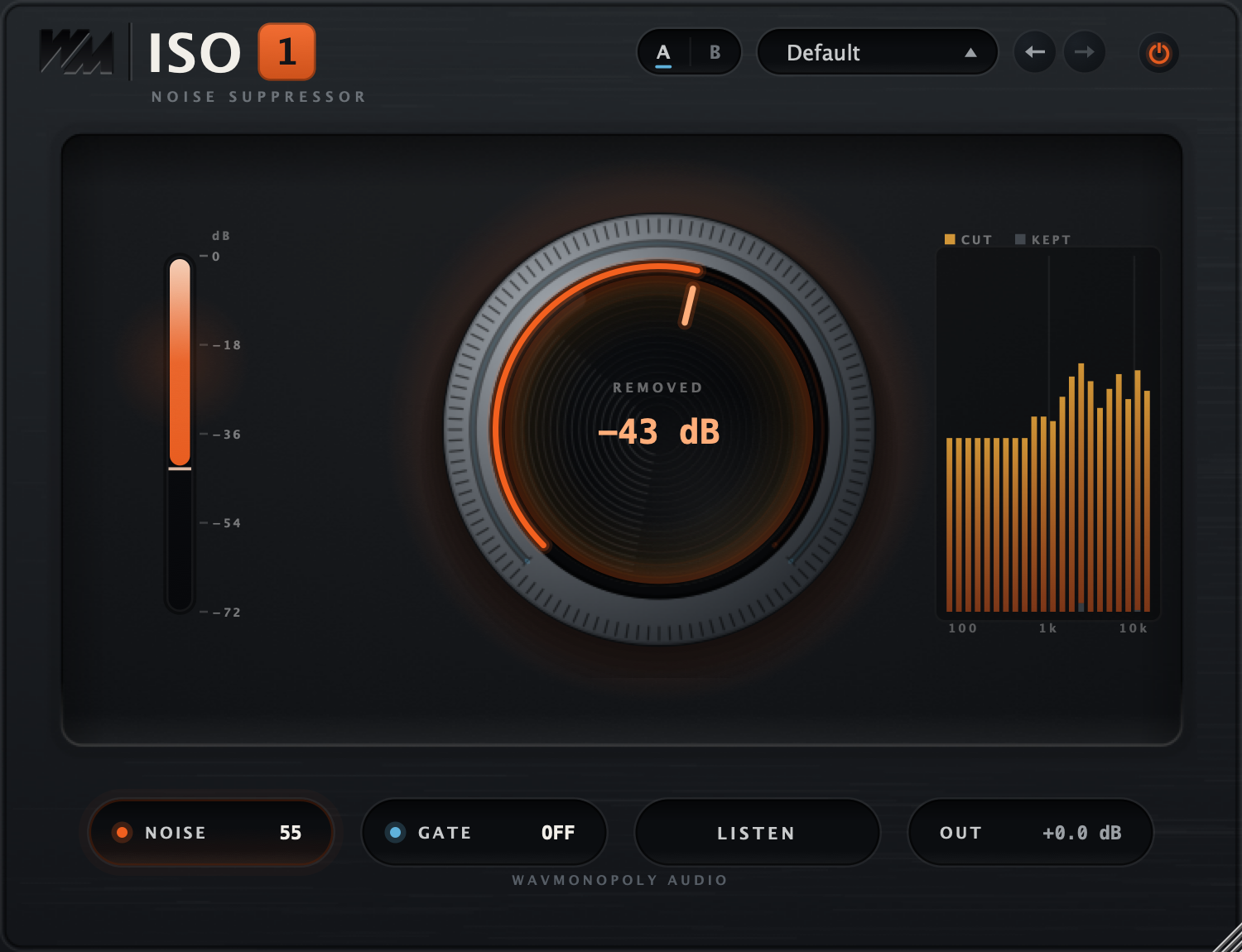
ISO1Every Control, At a Glance
Hover any point on the interface to see exactly what it does.
NOISE — the knob face
Drag the knob face to set how much background noise is reduced.
GATE — the knurled collar
Drag the outer collar to set the gate threshold and quiet the gaps between phrases.
Attenuation meter
See how much sound is being reduced.
The spectrum — CUT and KEPT
Compare the frequencies being removed with those being kept.
A / B
Compare two different settings.
Presets
Browse cleanup starting points.
Undo / Redo
Undo a change or restore it.
Bypass
Compare with the original recording.
NOISE readout
Read the current noise-reduction setting.
GATE readout
View or adjust the gate setting; zero turns the gate off.
LISTEN
Hear what the processing is removing.
OUT
Set the final output level.
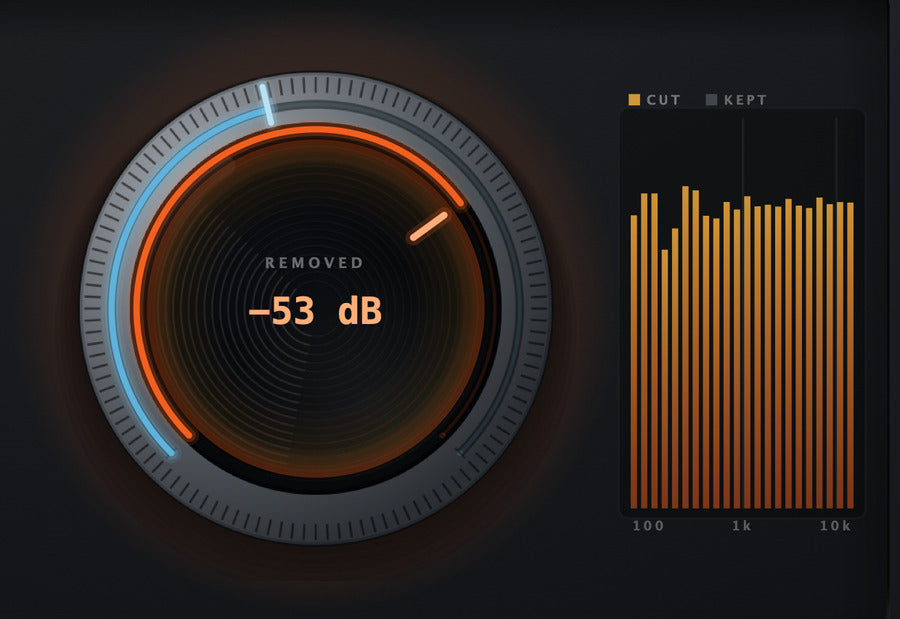
Four Things The Face Tells You
See your settings, the amount of reduction, and the frequencies being removed.



Discover ISO1
Reduce background noise
- Adjust Noise to clean up the recording.
- Start processing without capturing a noise print.
- Set the amount to suit the source.
Keep the voice in focus
- Listen to the result as you increase reduction.
- Use Listen to check what is being removed.
- Back off the processing to keep the voice natural.
Quiet the gaps
- Set the Gate separately from Noise reduction.
- Raise the threshold to reduce sound between phrases.
- Turn Gate down to zero to switch it off.
Work quickly
- Start from a preset and refine the two controls.
- Compare settings with A/B.
- Watch the display and balance the output level.
Built for Every Studio

Get ISO1
One purchase. Lifetime license. Free updates forever.