
Space that sits behind the vocal
Place vocals and instruments in anything from an intimate room to a vast, lingering space. Choose a reverb character, shape the tail, and keep the source clear with pre-delay and ducking. Add movement or freeze the sound for creative effects.
VST3 · AU · AAX · macOS & Windows
- ✓ Instant Download
- ✓ Secure Checkout
- ✓ License Key by Email
- ✓ Free Updates
 Reverb
Every Control, At a Glance
Hover any point on the interface to see exactly what it does.
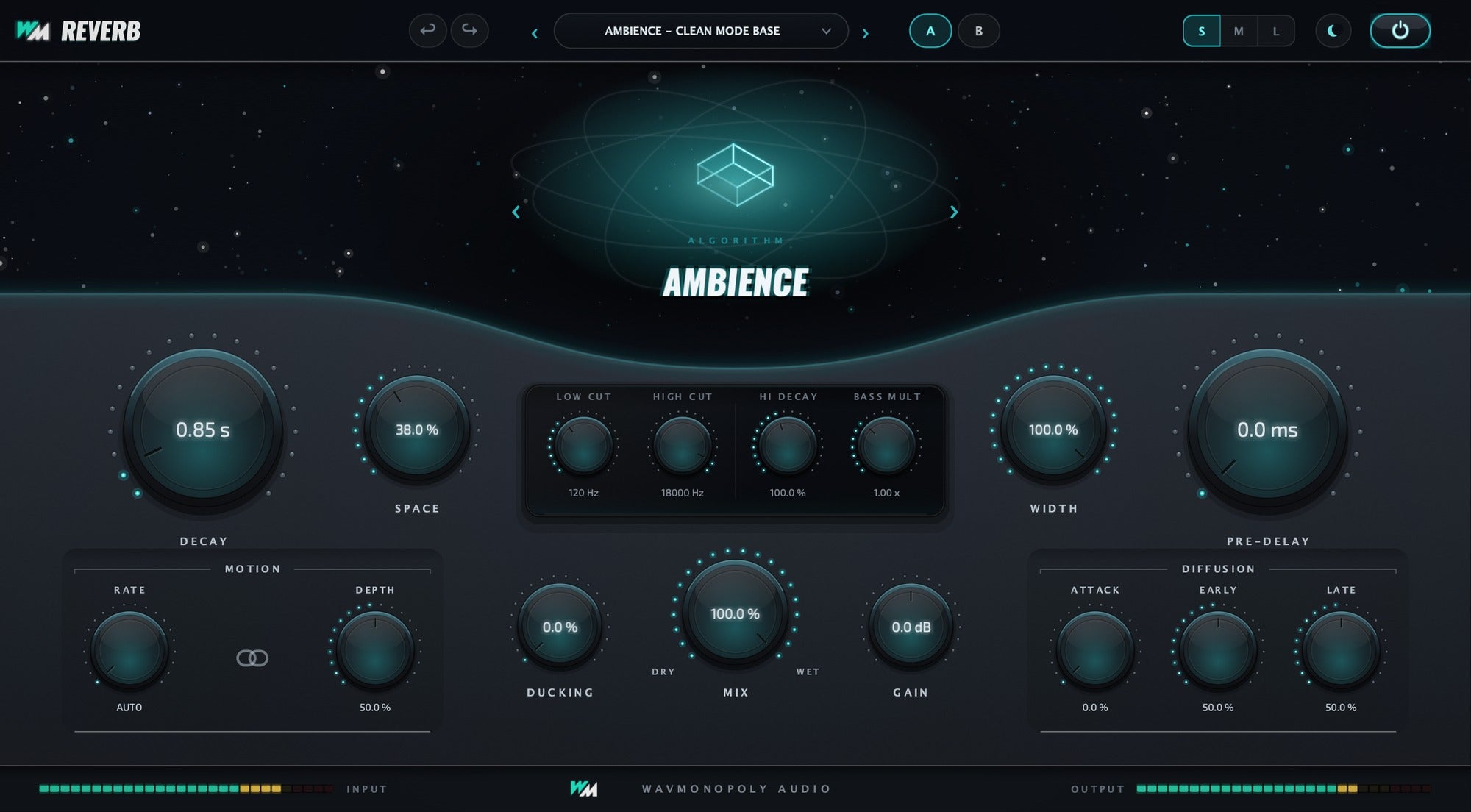
ALGORITHM
Choose the type of reverb space.
DECAY
Set how long the reverb tail lasts.
SPACE
Adjust the size and feel of the space.
LOW CUT
Remove low frequencies from the reverb.
HIGH CUT
Soften high frequencies in the reverb.
HI DECAY
Control how long the high frequencies ring out.
BASS MULT
Adjust the length of the low-frequency tail.
WIDTH
Set the stereo width of the reverb.
PRE-DELAY
Leave space between the original sound and the reverb.
MOTION
Add movement to the reverb tail.
DUCKING
Pull the reverb back while the source plays.
MIX
Blend the dry source and reverb; presets start fully wet.
GAIN
Set the reverb’s output level.
DIFFUSION
Move between a more distinct and a smoother, denser tail.
Ten Spaces, One Plugin
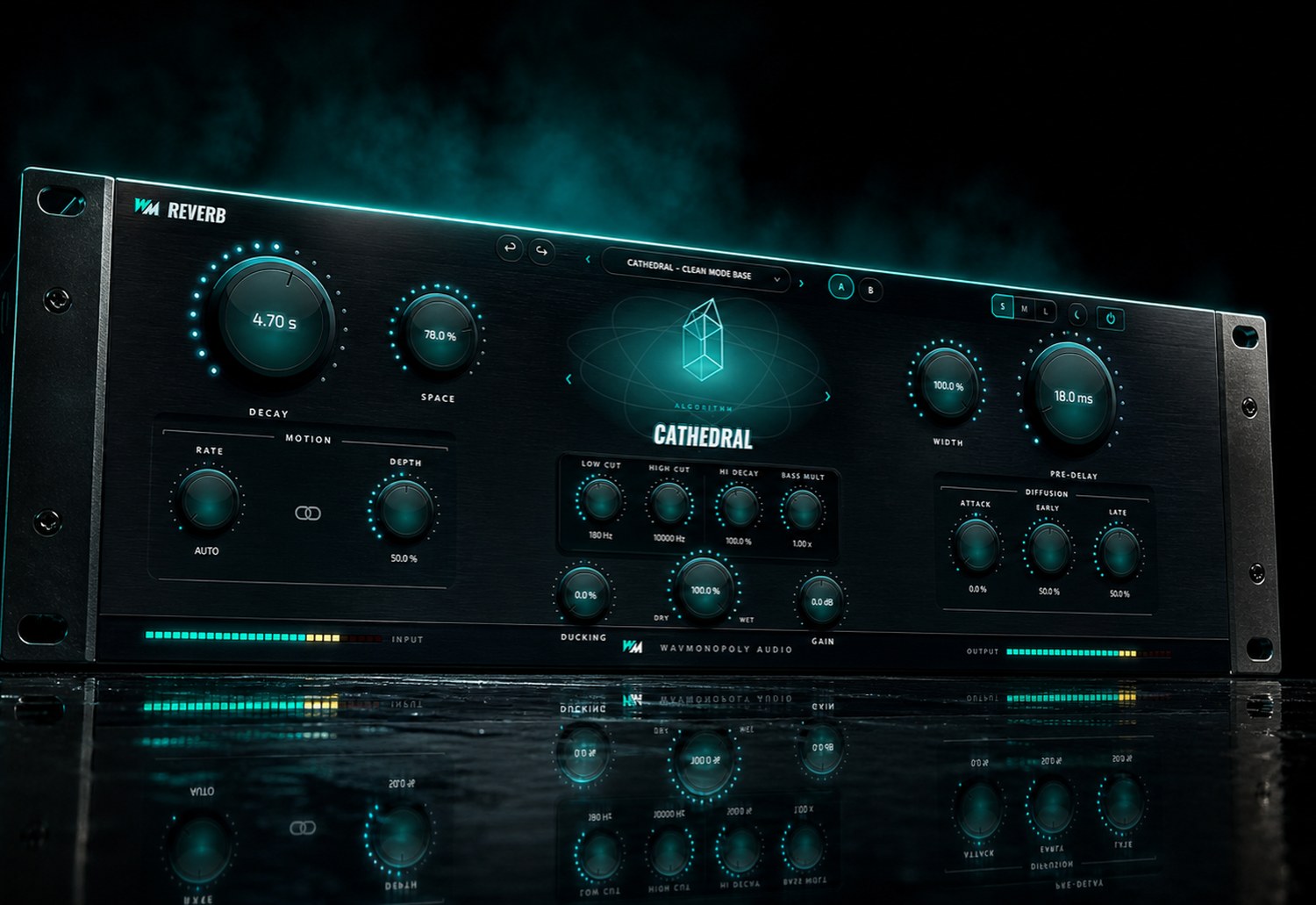
Every algorithm is its own topology — its own line lengths, diffusion and damping — and each one loads already tuned. Four of the ten, shown at their factory settings.


Discover Reverb
Choose your space
- Explore ten reverb characters.
- Set the size and length of the tail.
- Freeze the reverb for sustained textures.
Keep the source clear
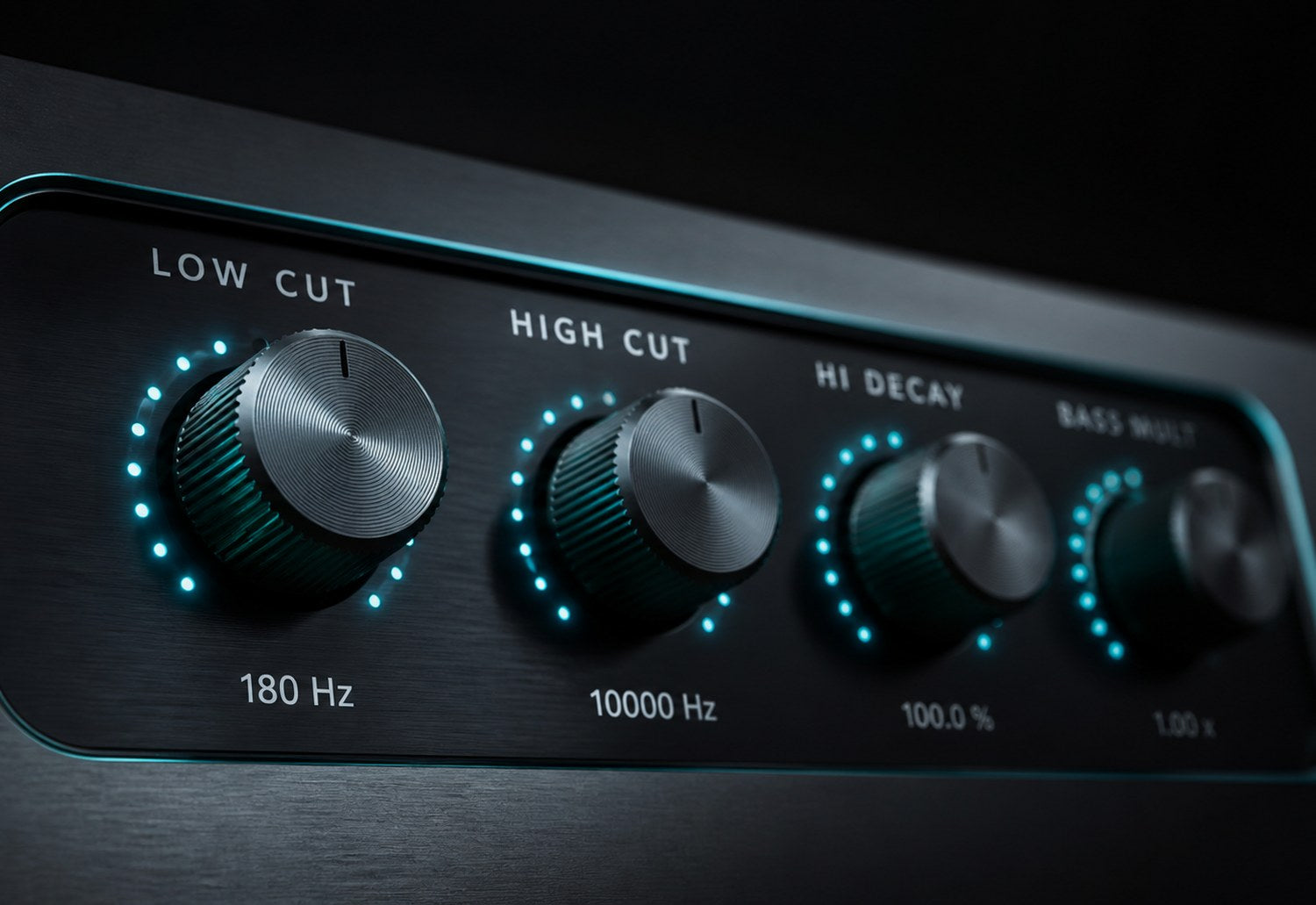
- Use pre-delay to separate the source from the tail.
- Duck the reverb while the source plays.
- Shape the lows and highs of the return.

Make it fit the session
- Add movement and adjust the stereo width.
- Use fully wet presets on a send or aux.
- Adjust Mix when using the reverb as an insert.
Built for Every Studio


Get Reverb
One purchase. Lifetime license. Free updates forever.