
Sibilance control that stays invisible.
Smooth sharp S sounds and harsh highs without losing the voice’s character. Focus on the problem area, choose gentle or targeted processing, and hear what you are removing before settling on the right amount.
VST3 · AU · AAX · macOS & Windows
- ✓ Instant Download
- ✓ Secure Checkout
- ✓ License Key by Email
- ✓ Free Updates
 DeEsser
Every Control, At a Glance
Hover any point on the interface to see exactly what it does.
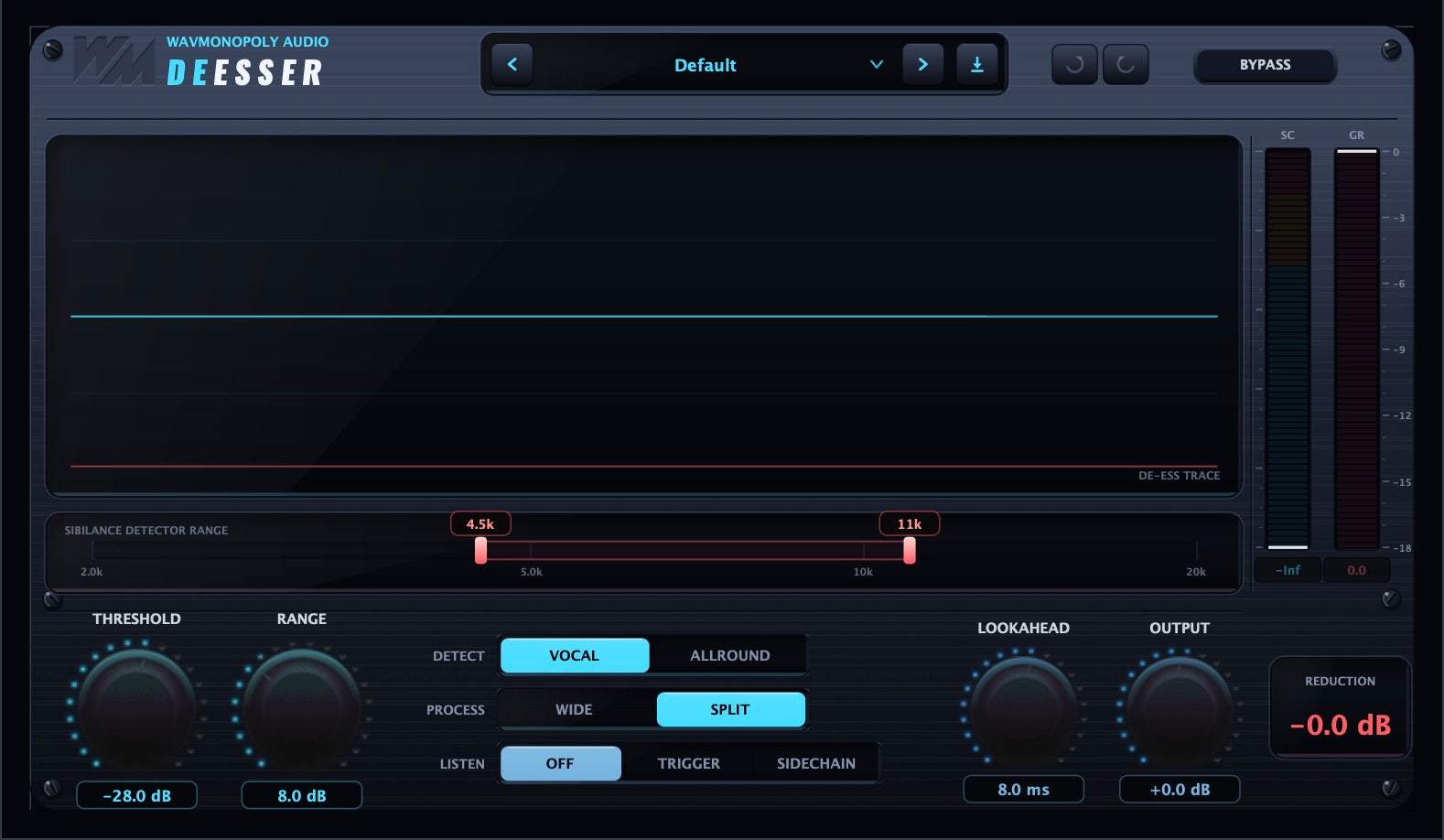
De-Ess Trace
See when sibilance is being reduced.
SC / GR Meters
Monitor the detector signal and gain reduction.
Detector Range
Focus detection on the frequencies that sound harsh.
Threshold
Set when de-essing begins.
Range
Limit how much sibilance can be reduced.
Detect: Vocal / Allround
Choose detection suited to vocals or a wider range of sources.
Process: Wide / Split
Reduce the whole signal or just the selected sibilant band.
Listen
Audition the detector signal or the sound being removed.
Lookahead
Catch fast sibilance earlier, with added processing latency.
Output
Set the final output level.
Discover DeEsser

Find the harshness
- Focus detection on the problem frequencies.
- Choose Vocal or Allround detection for your source.
- Watch the live trace as sibilance is reduced.
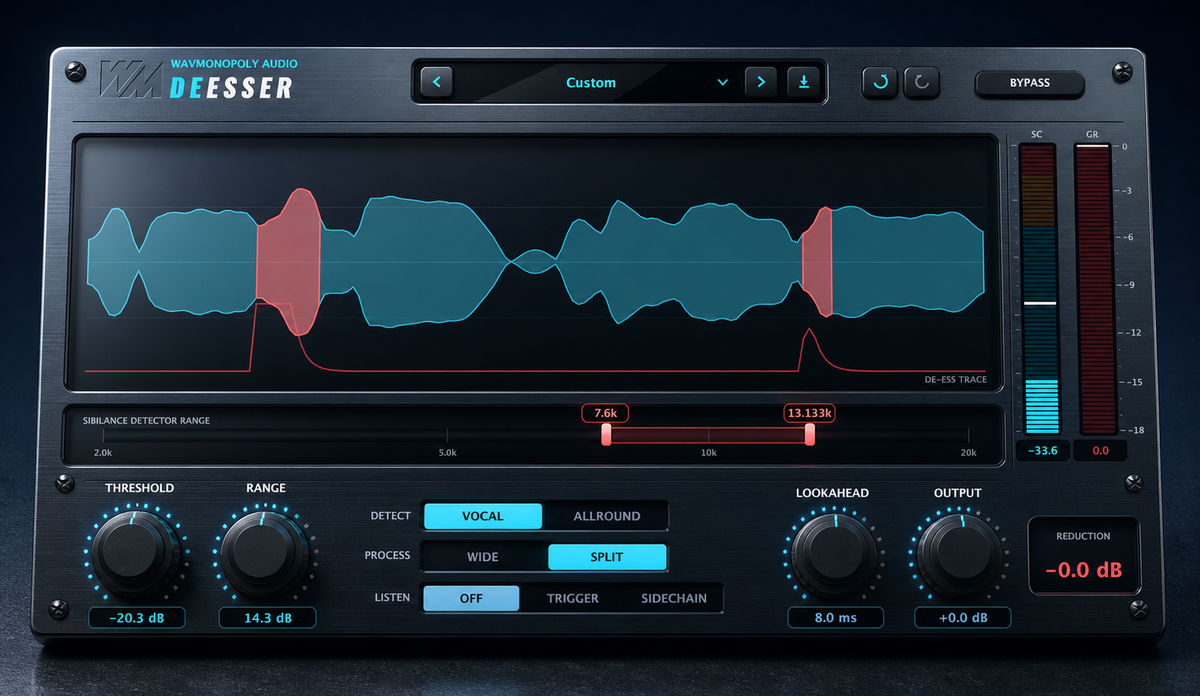
Choose your approach
- Use Split for focused de-essing.
- Use Wide for full-signal reduction.
- Set a maximum reduction to keep the effect controlled.

Listen as you work
- Audition what the detector hears.
- Check the sound being removed.
- Adjust lookahead for fast, sharp consonants.
Built for Every Studio

Get DeEsser
One purchase. Lifetime license. Free updates forever.